

Find your Access Token and Secret Key
Every shop (domain) in Releva has two keys. The Access Token goes into the tracking snippet on your storefront. The Secret Key authenticates your server’s calls to the Releva API. Both are on the General tab of Settings › Shop & Integration.
For what each key is used for, read How Releva connects to your shop.
Before you start
Section titled “Before you start”- You can open the shop in the Releva admin. Any user with access to the shop can see both keys.
- If your account has several shops, pick the right one in the shop switcher at the top of the page first. Each shop has its own pair of keys.
-
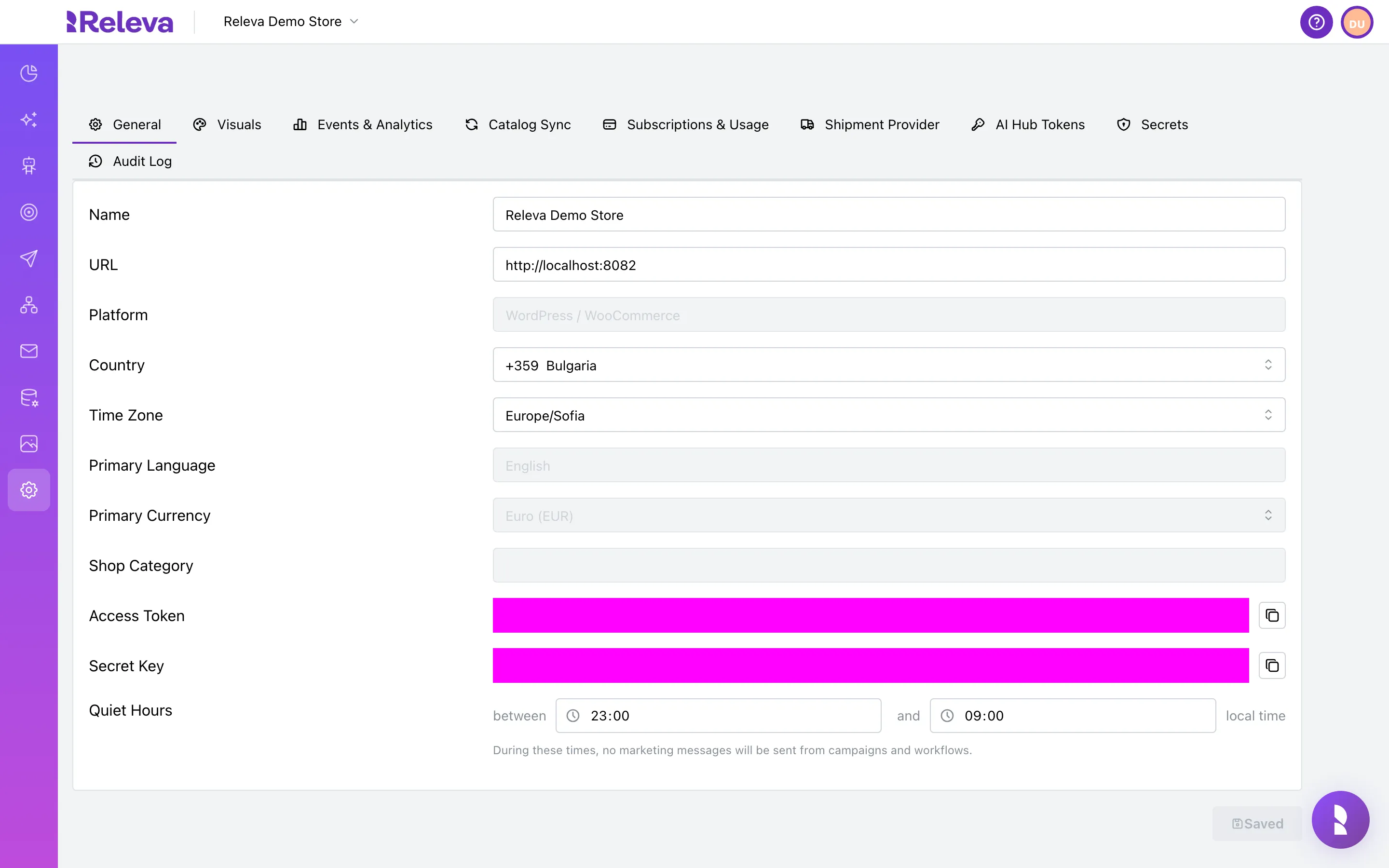
Open Settings › Shop & Integration. The General tab opens first
-
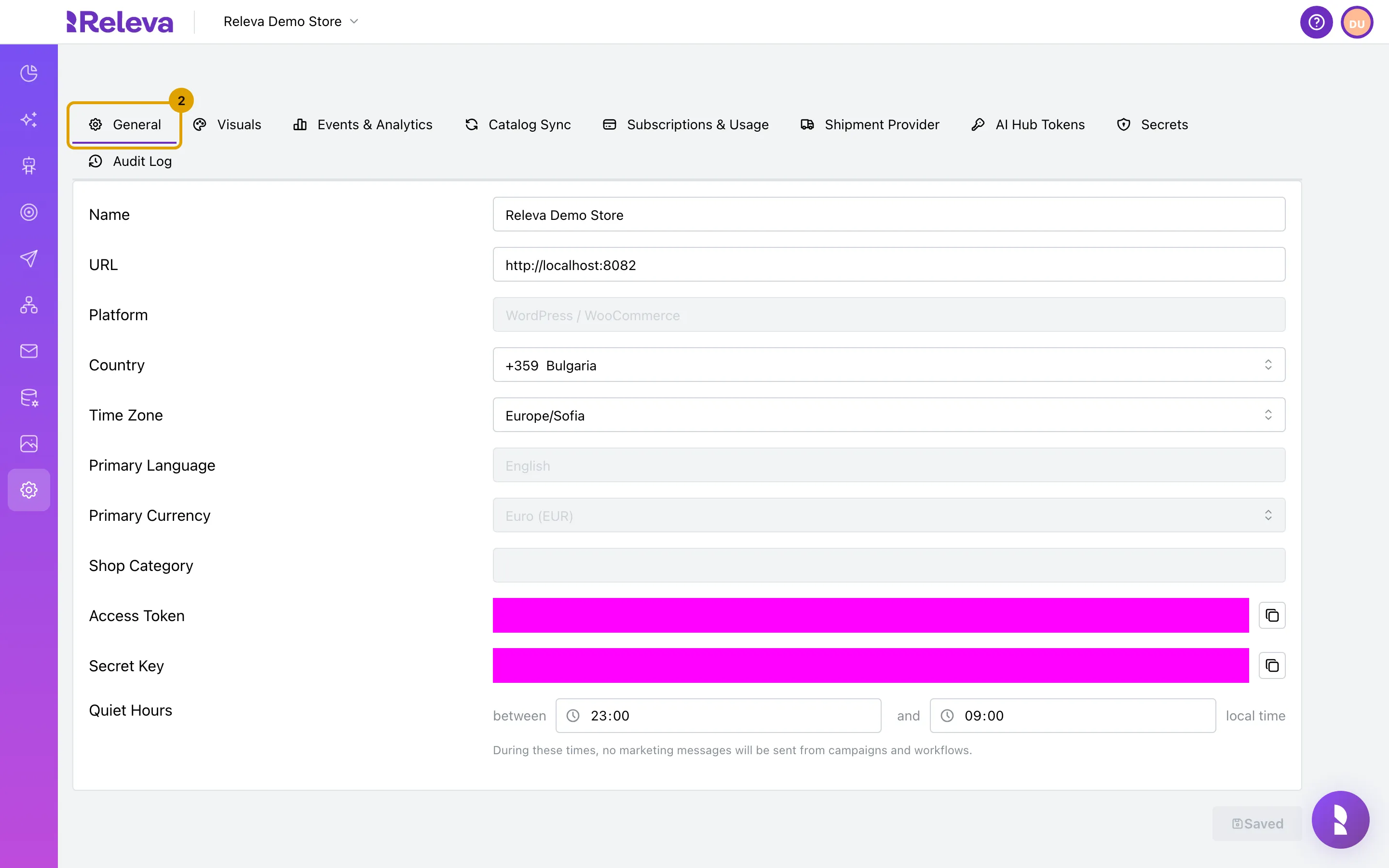
Stay on the General tab, which holds your shop’s name, URL, platform and keys
-
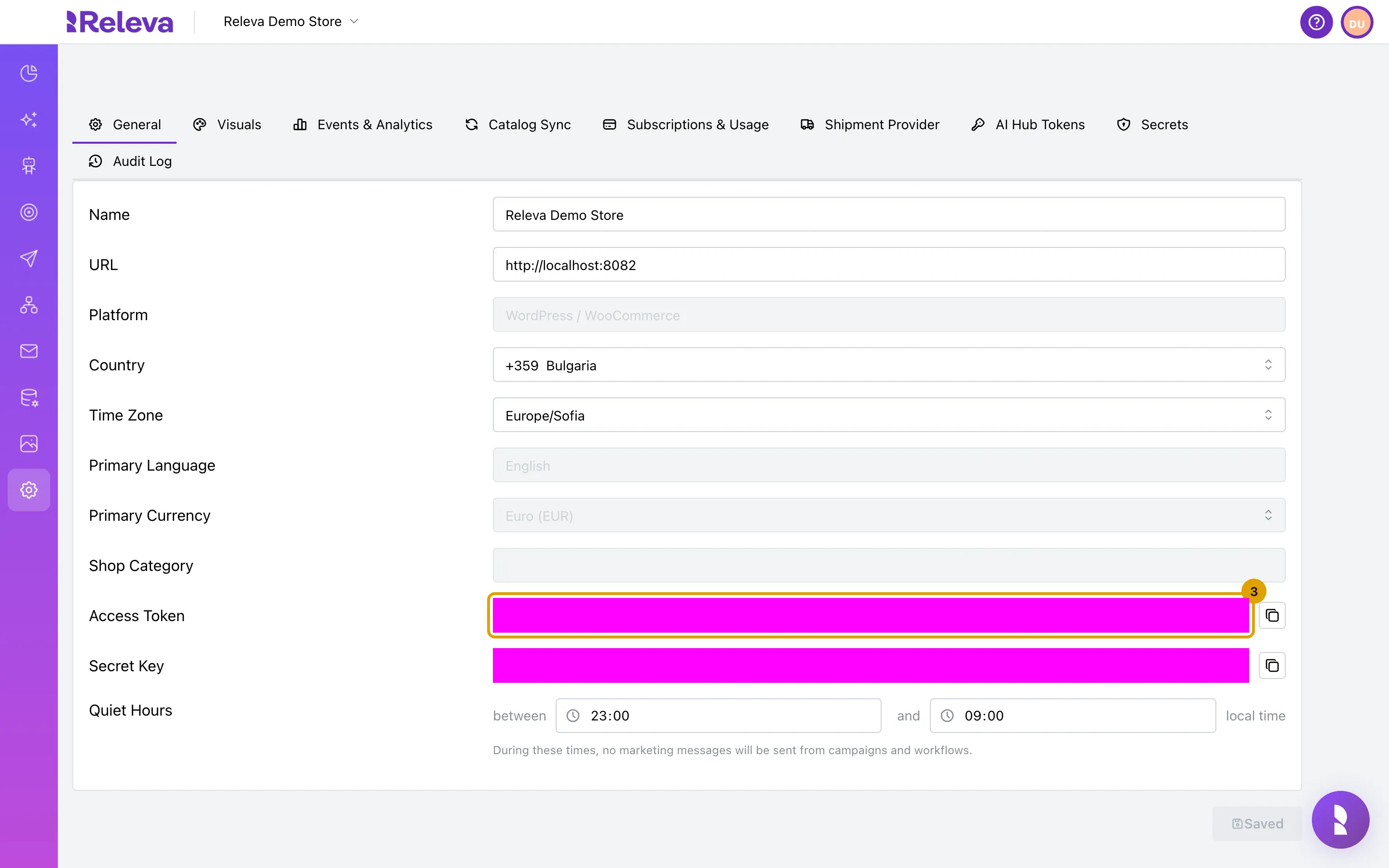
Access Token identifies your shop in the browser. Use it in the tracking snippet and the JavaScript SDK
It sits below the shop details, under Shop Category. The key is a read-only UUID.
-
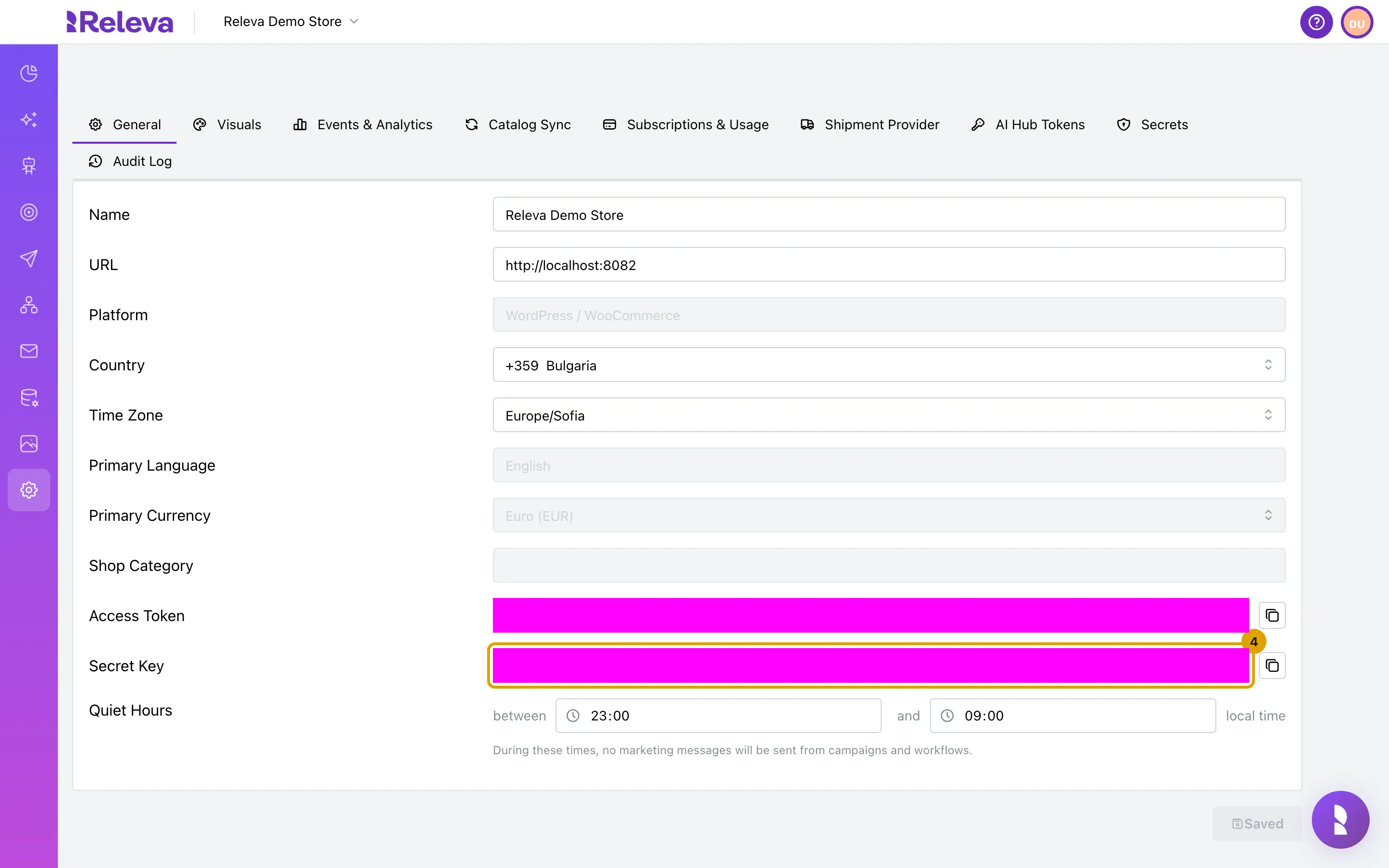
Secret Key authenticates your server’s calls to the Releva API. Keep it on your server and never put it in front-end code
-
Select the copy icon next to a key to copy it to your clipboard
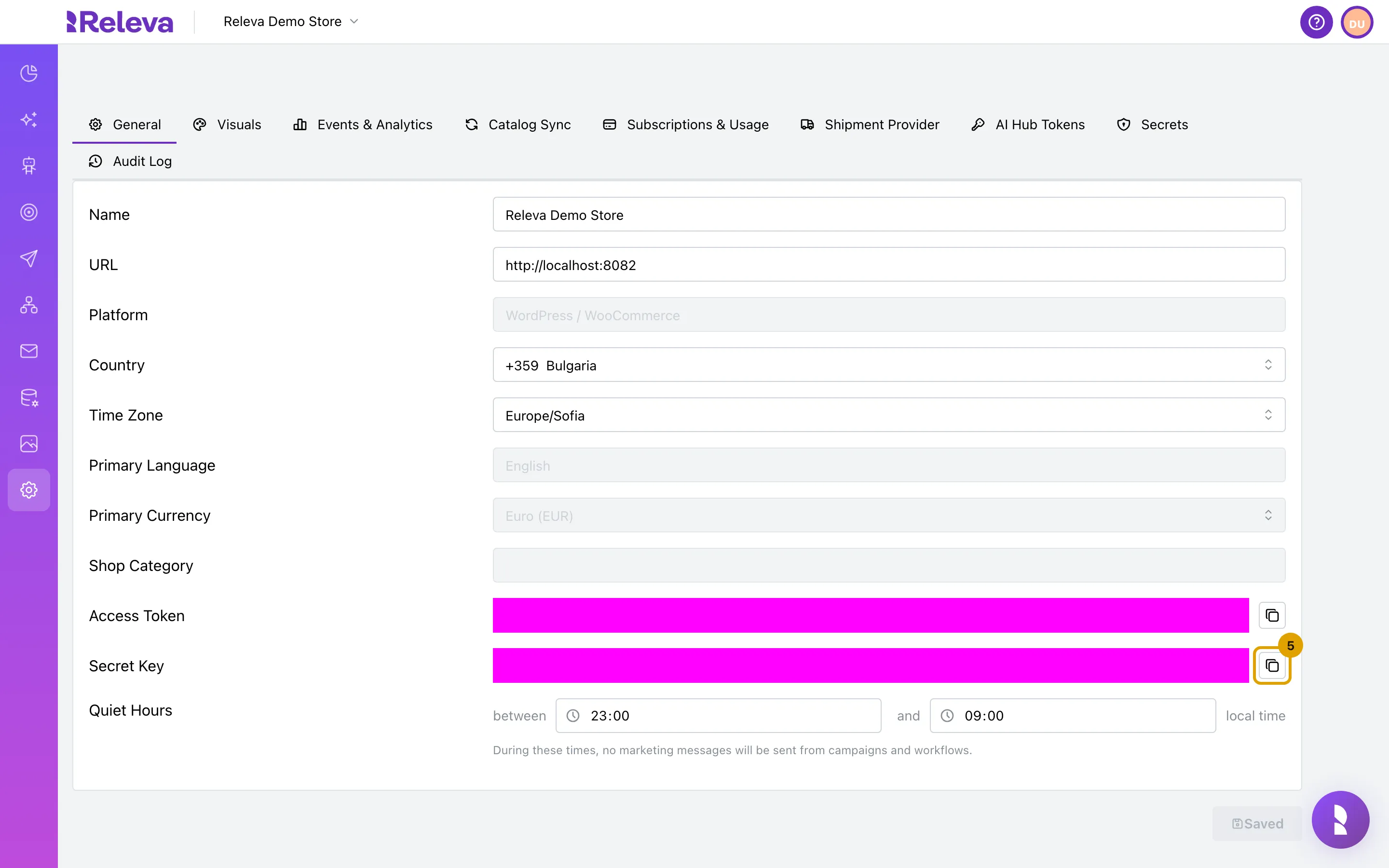
The key fields are masked in the screenshots; on your shop they show the real values.
Check it worked
Section titled “Check it worked”- Both fields show a value in the form
xxxxxxxx-xxxx-xxxx-xxxx-xxxxxxxxxxxx(a UUID). - The copied value pastes as a single line with no spaces.
- To check the access token from a terminal, send the request in Check the tracking snippet with curl. A
200response confirms the token.
Troubleshooting
Section titled “Troubleshooting”The API answers 400 with Domain with the provided secret key cannot be found. You sent the Access Token where the Secret Key belongs, or copied a key from a different shop. Both keys are UUIDs, so the format alone does not tell them apart. Copy the Secret Key again from the shop you are integrating.
The API answers 400 with Authorization header is malformed. The header must read exactly Bearer <key>. The scheme is case-sensitive: bearer is rejected.
You cannot find the keys on the page. They are below the shop details on the General tab, between Shop Category and Quiet Hours. The tab must be General; the other tabs do not show them.
You want to rotate a key. There is no self-service way to regenerate either key. Contact support.