

Turn the Sales Agent on or off
The Chat Bot switch decides whether shoppers see the Sales Agent chat on your site. Turn it off and the chat disappears from every page; your texts, knowledge and conversations stay as they are. For where the chat shows and why, read How the Sales Agent works.
Before you start
Section titled “Before you start”- Releva has switched the Sales Agent on for your shop the first time. Only a Releva super admin can make the first switch-on: until then, the Chat Bot switch cannot be turned on and the page has no tabs. Contact Releva to have it switched on.
- Your welcome message and knowledge are ready. See Set up the Sales Agent welcome message and Add knowledge for the Sales Agent.
-
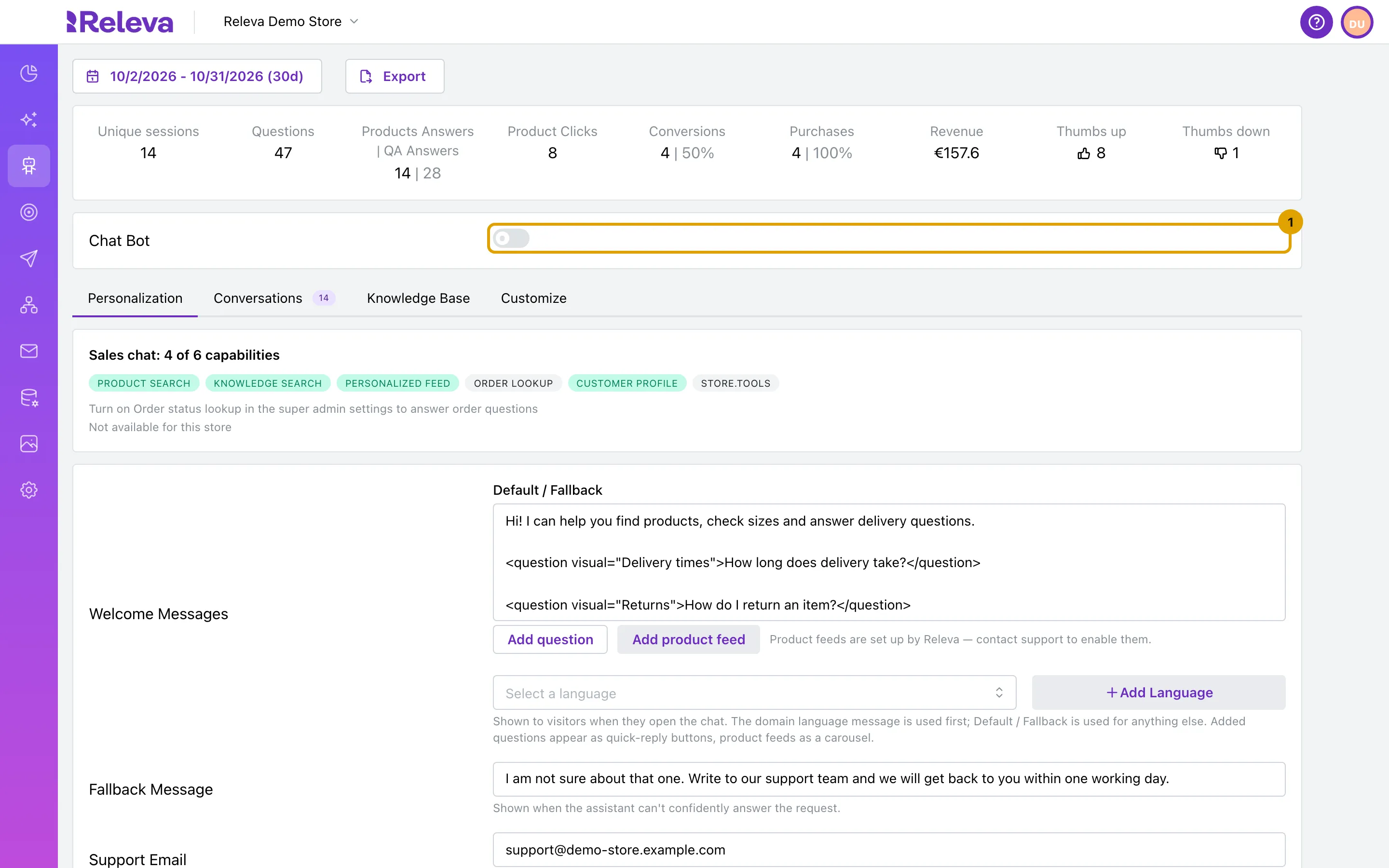
Go to Agentic › Sales Agent and turn on the Chat Bot switch.
To hide the chat, turn the switch off instead.
-
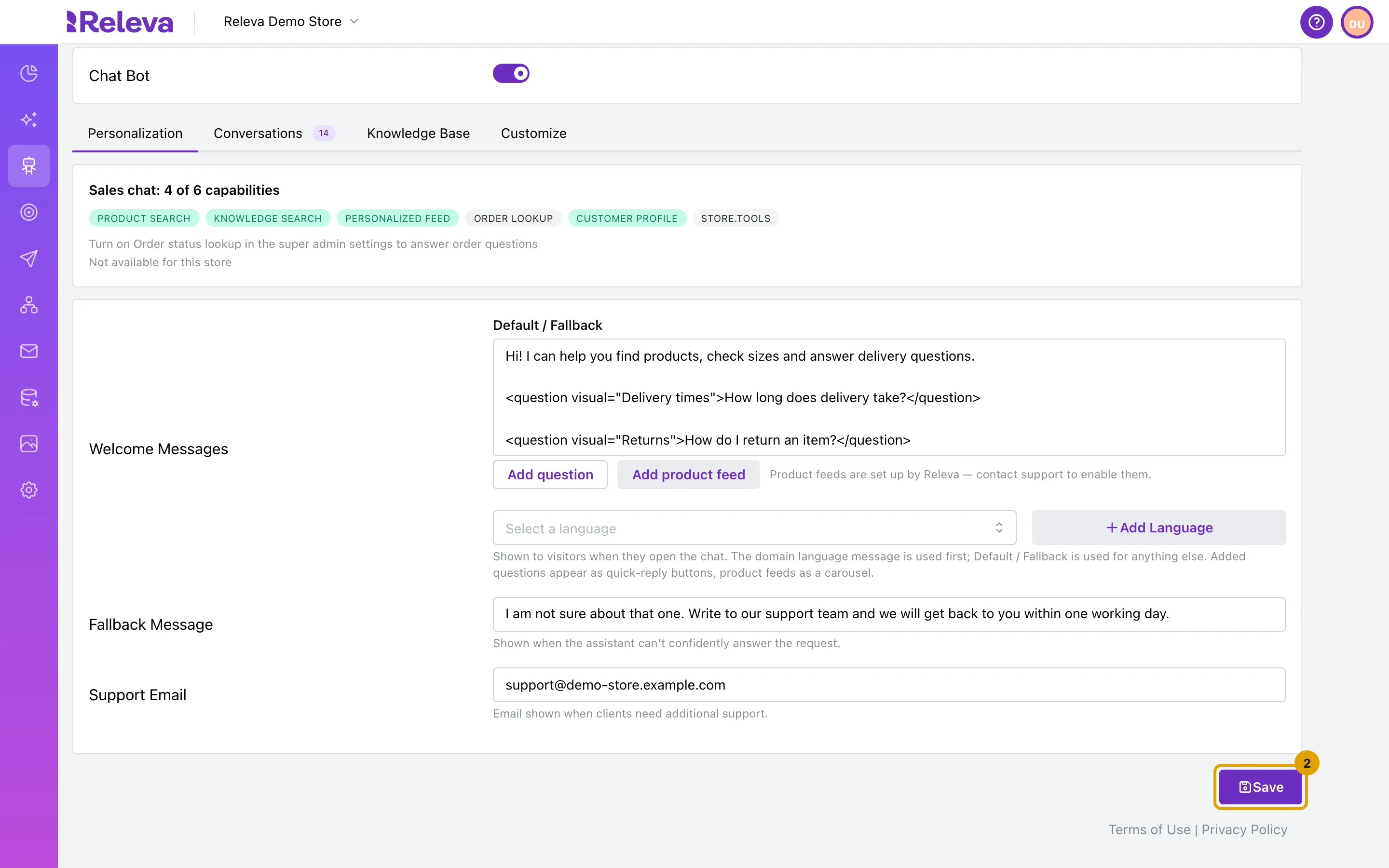
Select Save.
The switch takes effect only after you save.
Check it worked
Section titled “Check it worked”-
The button at the bottom of the page reads Saved.
-
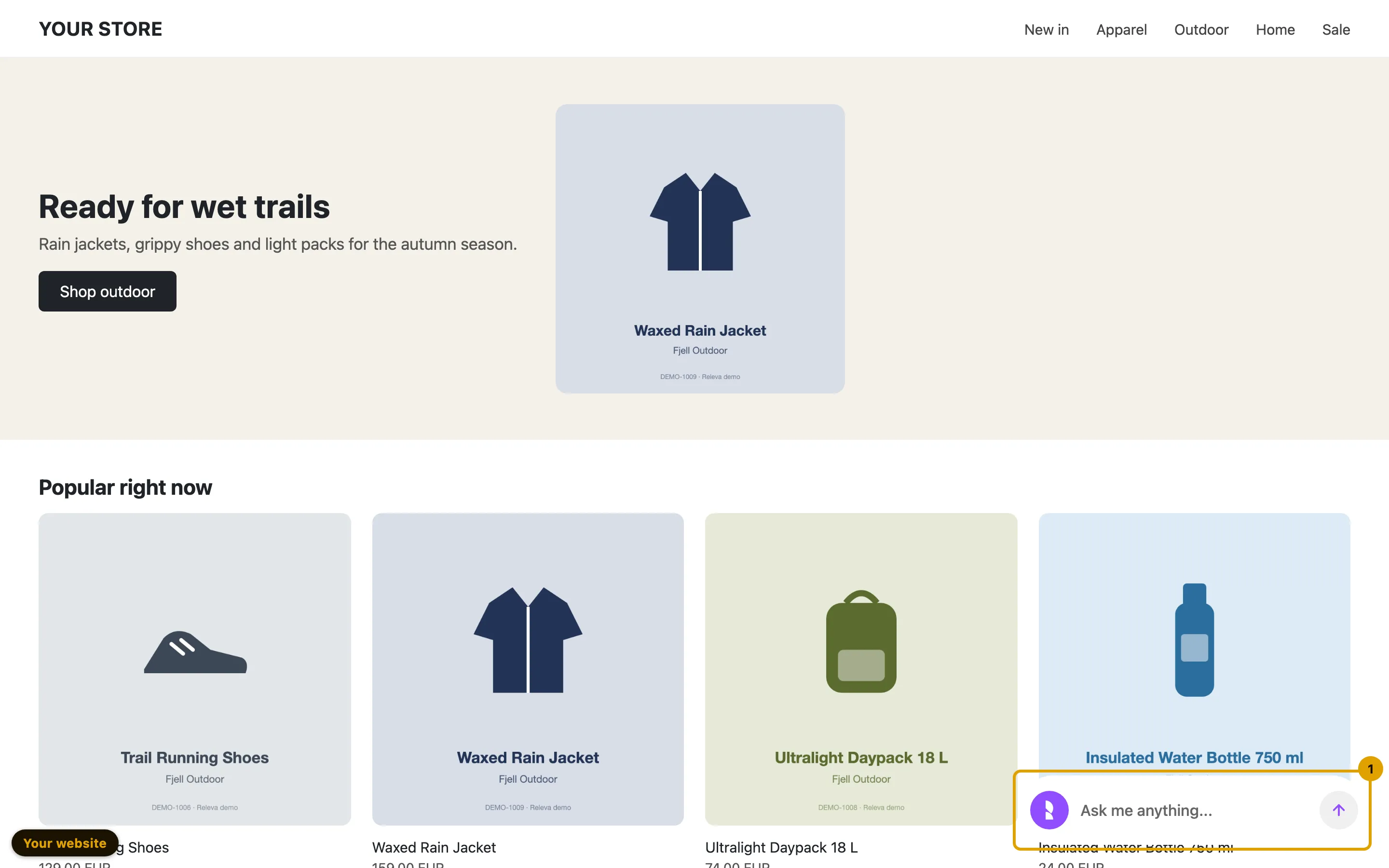
Open a page of your site with debug mode (
?rlv_mode=debug). The launcher shows at the bottom of the page. Debug mode also shows the chat while the switch is off, so you can test it before shoppers see it. See Check Releva on your site with debug mode.You do not need to send a message to check it: the launcher with your invite message is enough.
Troubleshooting
Section titled “Troubleshooting”The switch cannot be turned on and the page has no tabs. The Sales Agent is not switched on for your shop yet. Releva turns the Sales Agent on for your shop the first time: only a Releva super admin can make the first switch-on, so contact Releva.
The switch is on, but some shoppers never see the chat. Shoppers in the control group of an A/B test never see the Sales Agent. Debug mode ignores this, so the chat still shows for you.
The chat does not show on some pages. Check the URL filter on the Customize tab. Pages whose address does not match URL contains, or matches URL doesn’t contain, never show the chat, even in debug mode.
The chat does not show anywhere. Check that the Releva JavaScript SDK runs on your site: debug mode shows the request Releva sends from every page. See Check Releva on your site with debug mode.