

Connect TikTok to Releva
Releva can send your store’s events (product views, carts, orders and more) to a TikTok pixel from its servers, in addition to what the TikTok pixel on your website sends. The first step is to connect the TikTok For Business account that manages your ad account. For what Releva does with the connection, read How TikTok tracking works in Releva.
Before you start
Section titled “Before you start”- You sign in with a TikTok For Business account that can see your TikTok ad account and its pixels.
- A TikTok pixel is installed on your website. Releva sends events to a pixel you already have; it does not create one.
- You have a login for the Releva admin with access to the shop. Any role on the account can open Settings › TikTok.
-
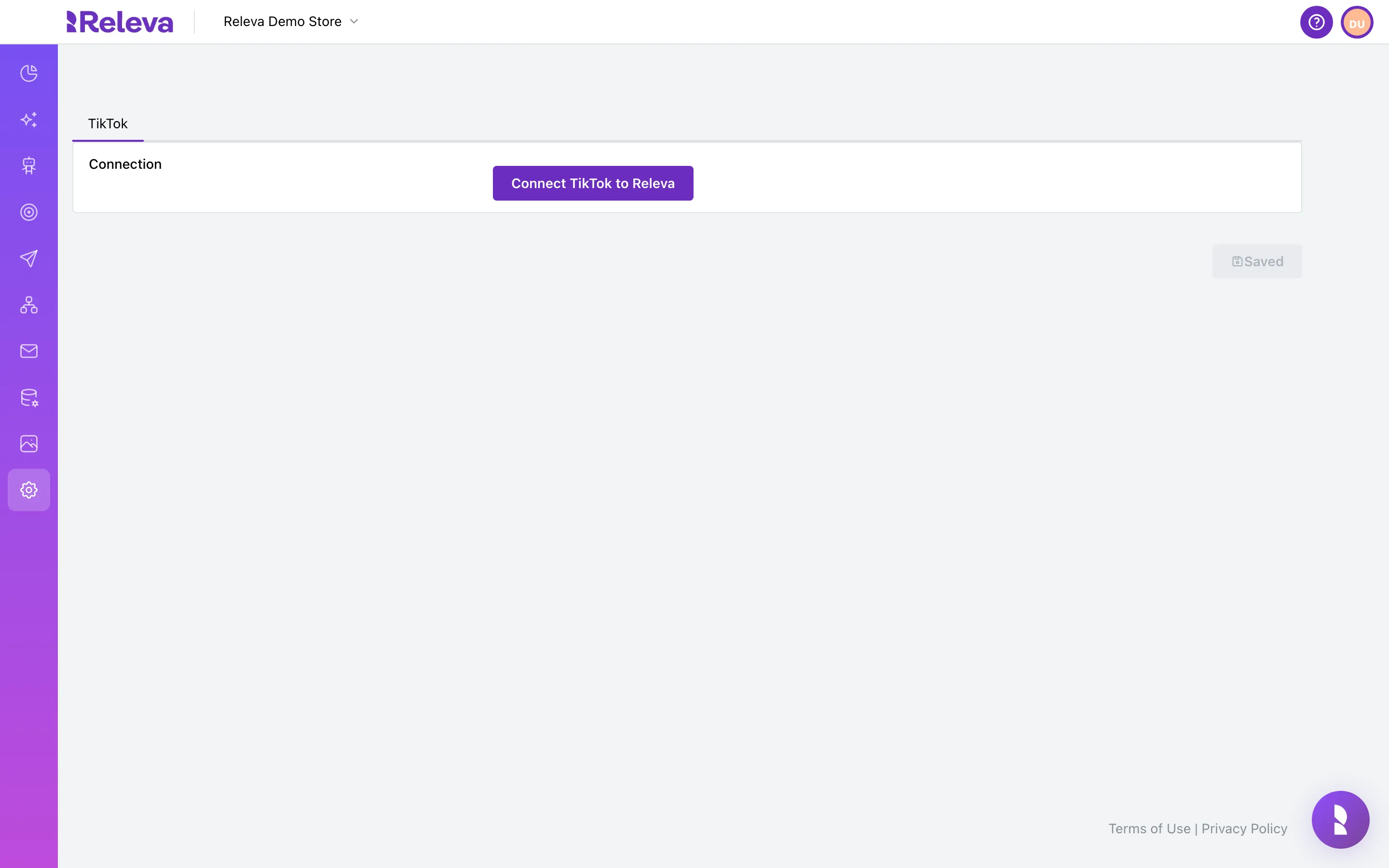
Go to Settings › TikTok.
Until a TikTok account is connected, the page shows one row, Connection, and a disabled Saved button.
-
Select Connect TikTok to Releva. TikTok opens in the same tab. Sign in with the TikTok For Business account that manages your ad account and approve the permissions Releva asks for.
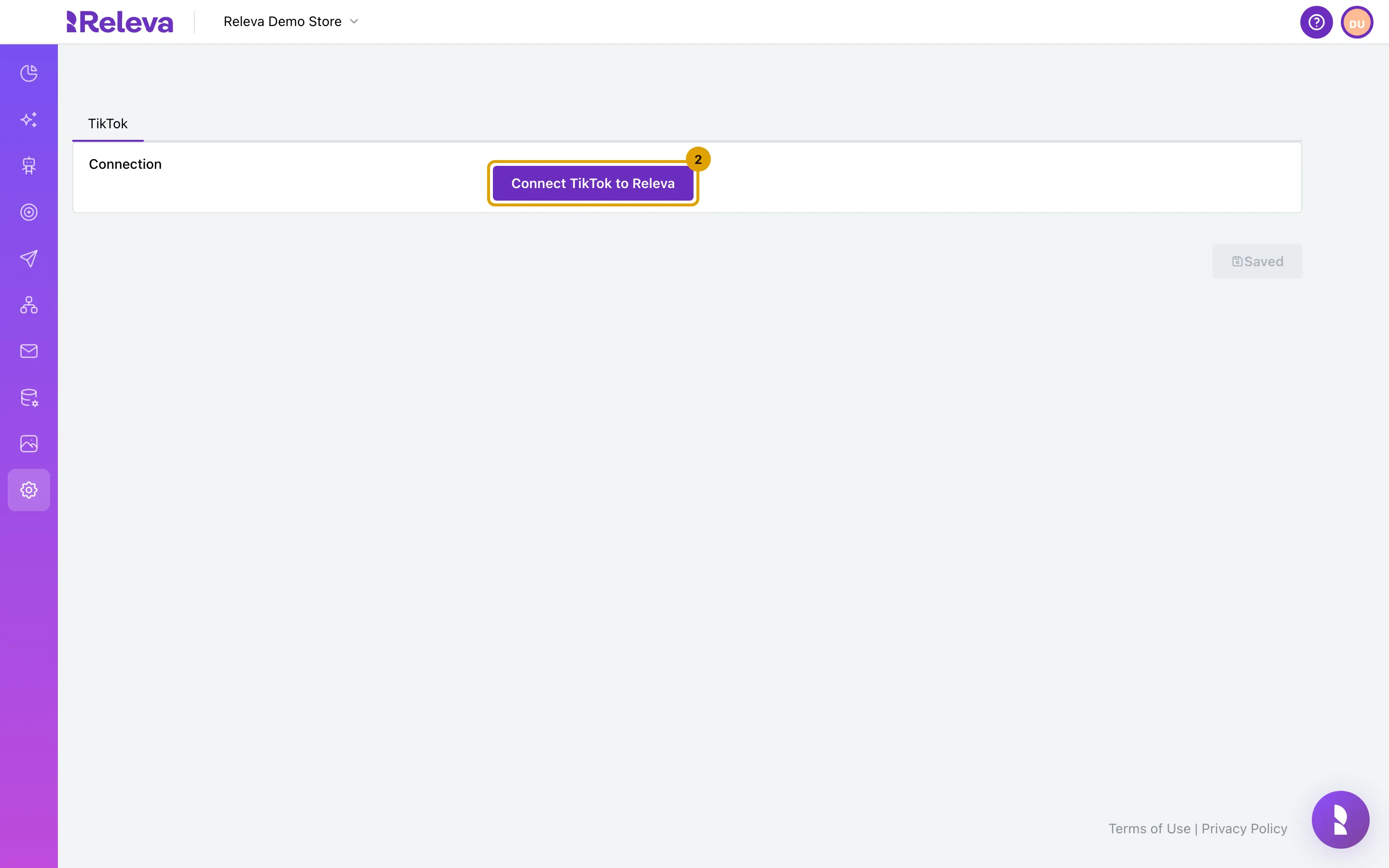
What happens next runs on TikTok. When you approve, TikTok sends your browser back to Releva. Releva exchanges the authorization code for an access token, reads the display name and e-mail of the TikTok user, stores the connection on your shop and opens Settings › TikTok again.
Check it worked
Section titled “Check it worked”- Settings › TikTok shows Name and Email (the connected TikTok user) and an Ad account* list, and the Connection row reads Disconnect TikTok from Releva.
- Continue with Send your store’s events to TikTok to choose the ad account and pixel and turn on server-side tracking. Until you do, nothing is sent.
Troubleshooting
Section titled “Troubleshooting”After TikTok, I land on a page that does not exist. The connection failed. The address of that page ends in ?error= followed by the reason, for example No authorization auth_code received from TikTok: TikTok did not return an authorization code, because you cancelled or the approval did not complete. Go back to Settings › TikTok and select Connect TikTok to Releva again.
Settings › TikTok still shows Connect TikTok to Releva after approving. The connection was not stored. Connect again; if it keeps failing, contact support with the time of the attempt.
I connected the wrong TikTok user. Select Disconnect TikTok from Releva and connect again with the right account. Disconnecting removes the connection and its settings from Releva. It does not remove Releva from your TikTok account; do that in TikTok For Business if you want.
TitTok logout failed, please try again later or contact support! The disconnect request failed. Reload the page and try again.