

Turn on the Releva app embed in Shopify
On Shopify, Releva runs as a single theme app embed called Releva.ai. It collects behaviour on your storefront and renders the product blocks, banners and stories you configure in Releva. Until the embed is on and the theme is saved, Releva shows nothing on your shop.
Before you start
Section titled “Before you start”- You installed the Releva app from the Shopify App Store.
- You can edit the published theme in your Shopify admin.
- You are logged in to the Releva admin with the Shopify shop selected.
-
Open the Get started with Releva page. On a Shopify shop, the dashboard banner’s Show me how to turn it on button also opens it.
The page has no menu entry. Its address is
/shopifyIntegrationafter your shop’s path in the admin URL. On the dashboard, the banner titled Releva on-site elements aren’t showing yet or We can’t confirm Releva elements are showing has the button.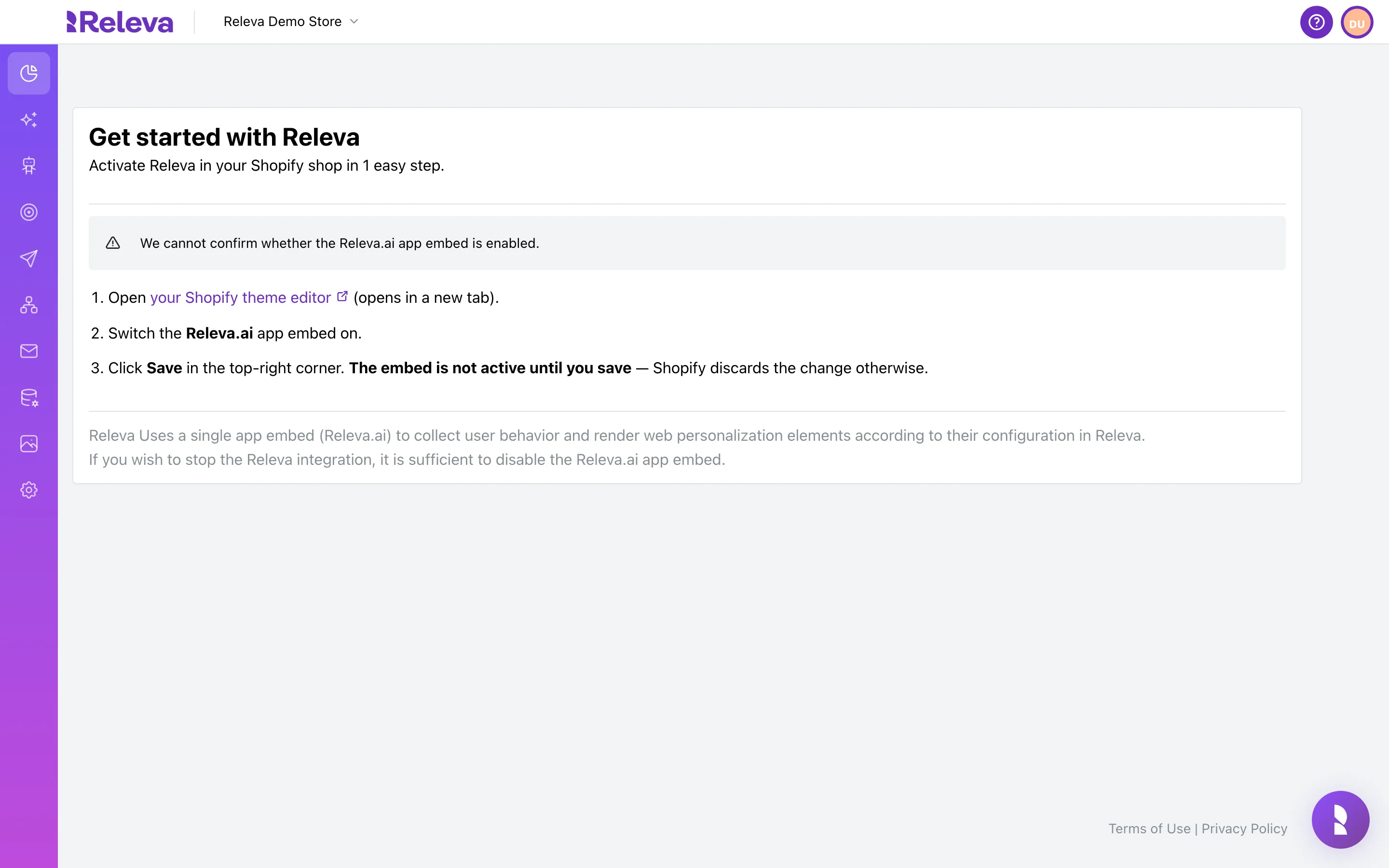
-
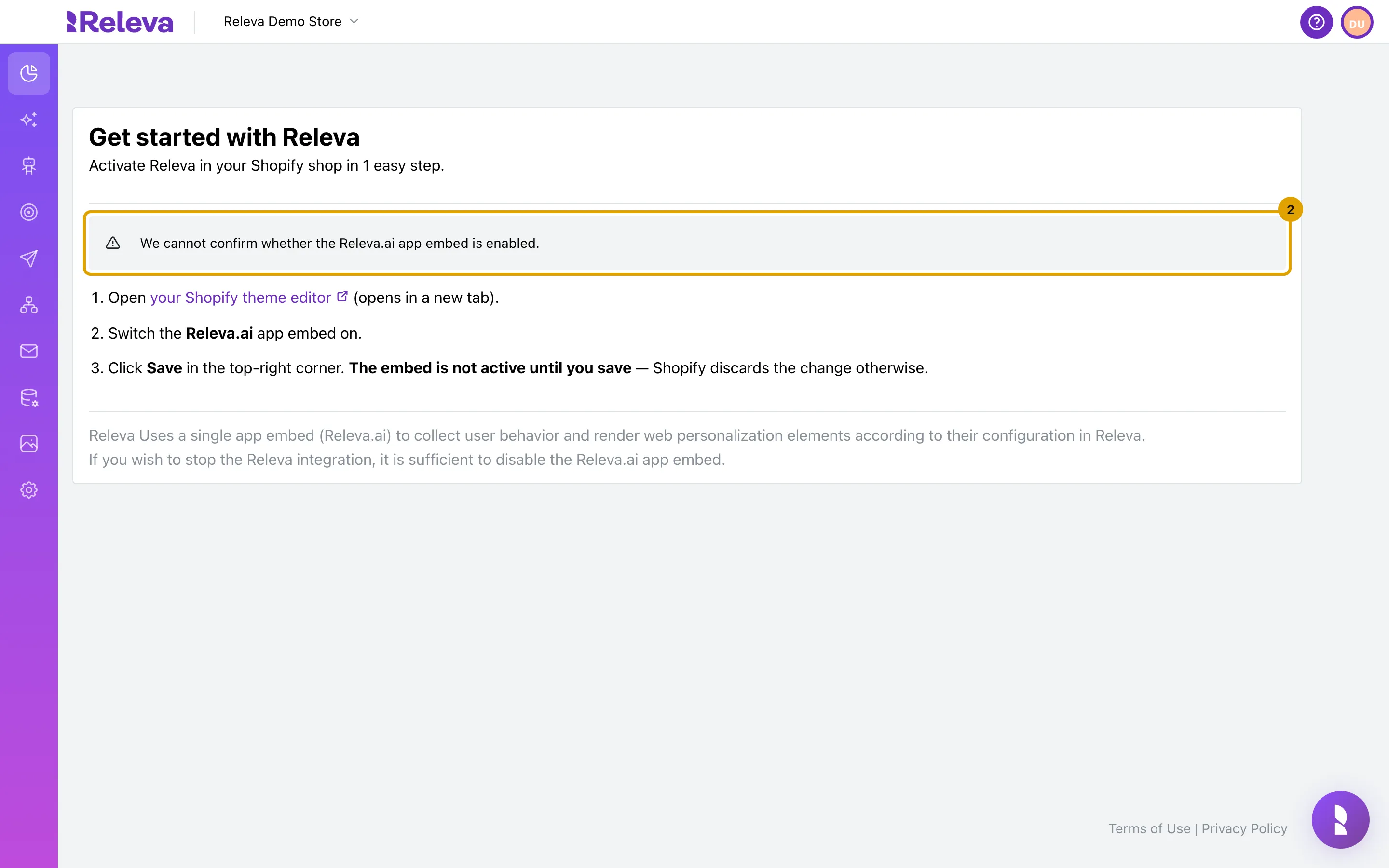
The banner at the top shows whether Releva can see the Releva.ai app embed in your theme.
Three states exist. Green: “The Releva.ai app embed is enabled. Your shop is being tracked.” Red: “The Releva.ai app embed is not enabled, so nothing is being tracked and no personalization is being shown.” Grey: “We cannot confirm whether the Releva.ai app embed is enabled.” The screenshot shows the grey state, which a shop that is not on Shopify always sees.
-
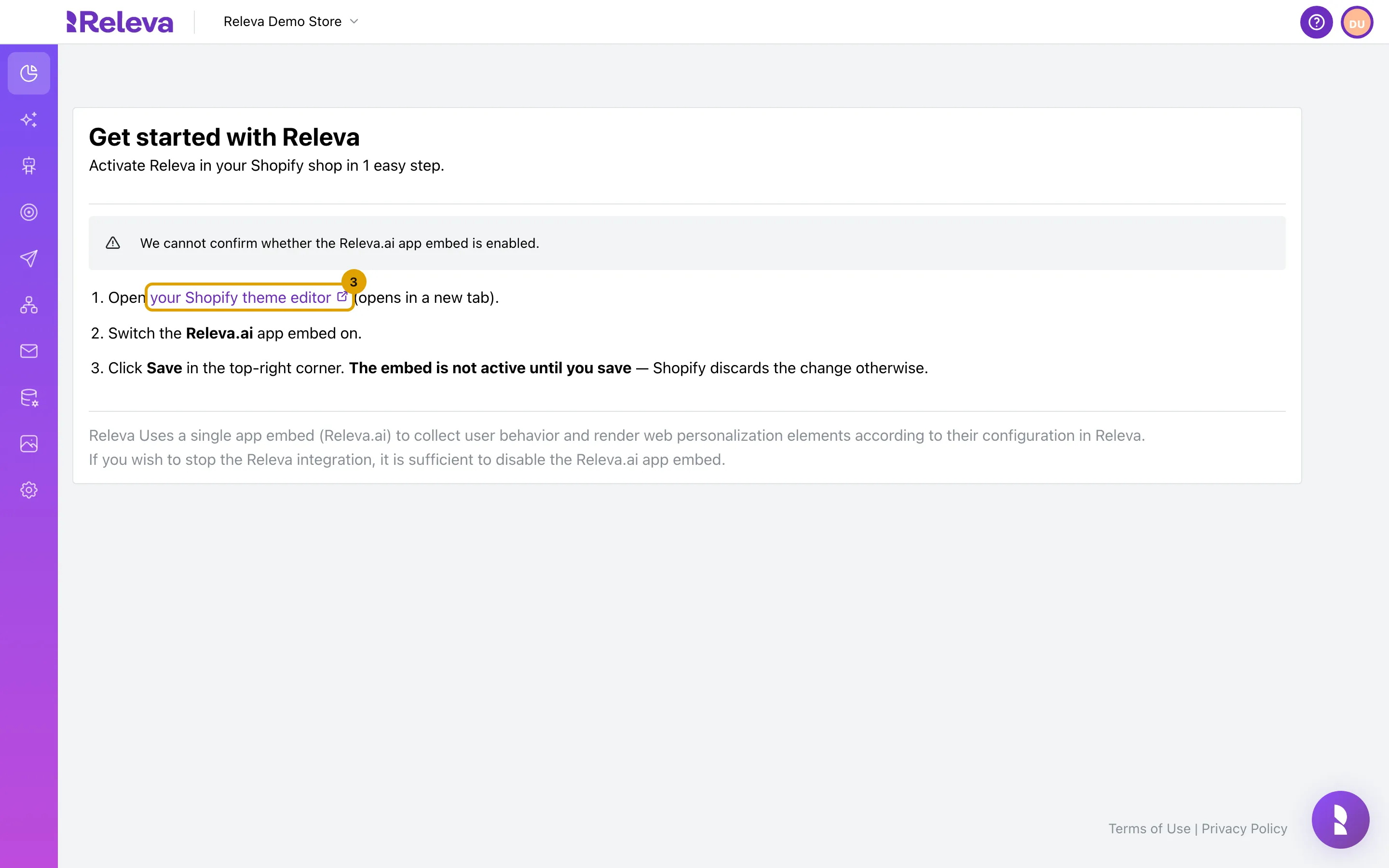
Select your Shopify theme editor. It opens in a new tab with the Releva.ai app embed selected.
-
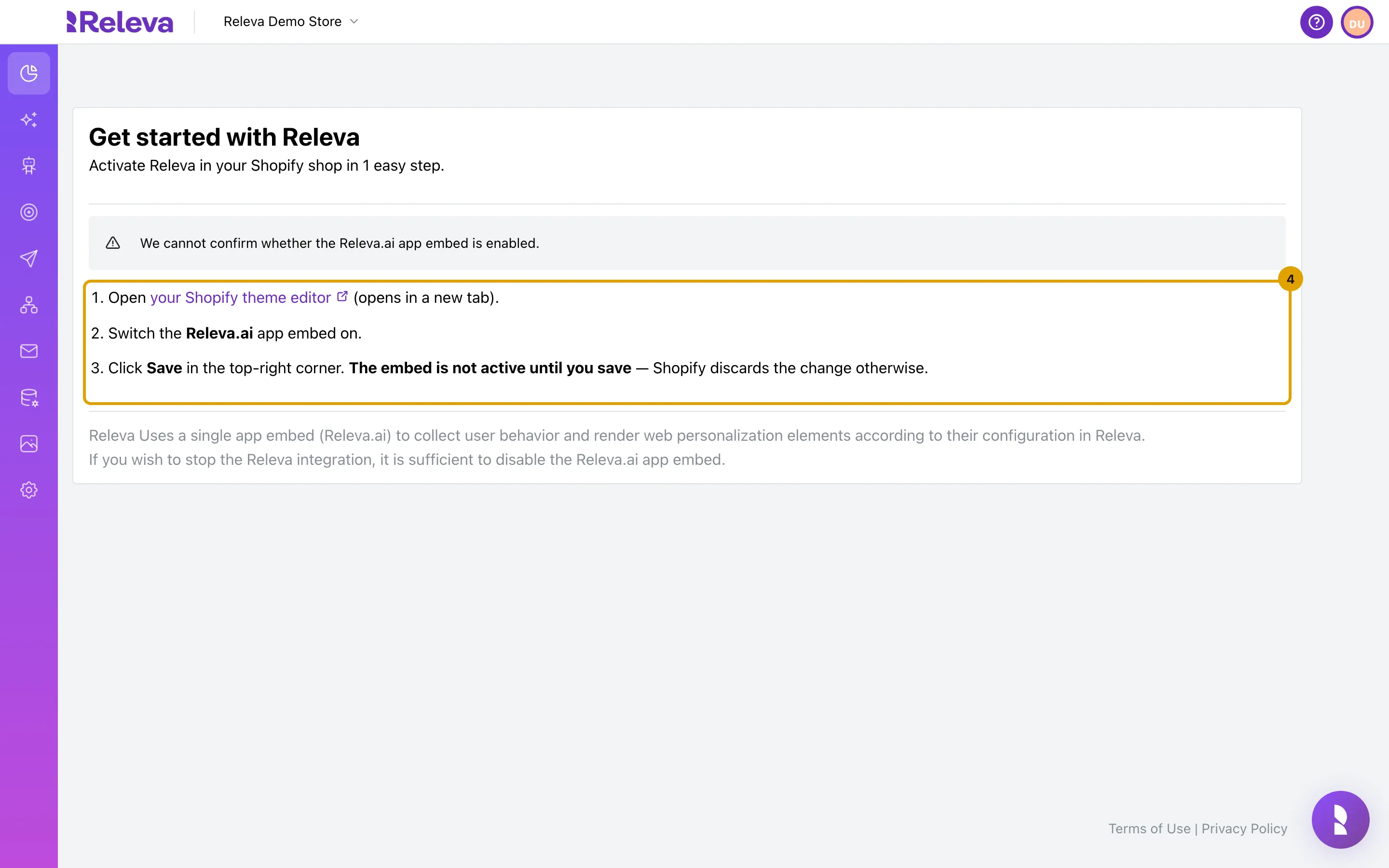
In Shopify, switch the Releva.ai app embed on, then select Save in the top-right corner. The embed is not active until you save.
Check it worked
Section titled “Check it worked”- Reload the Get started with Releva page. The banner is green: “The Releva.ai app embed is enabled. Your shop is being tracked.”
- The dashboard no longer shows the Show me how to turn it on banner.
- Product blocks and banners you turned on in Personalization appear on your storefront.
Troubleshooting
Section titled “Troubleshooting”The banner is still red or grey after switching the embed on. You did not save the theme. Shopify discards the change unless you select Save in the theme editor. Open the theme editor again, check the toggle and save.
The banner is grey on a shop that is not on Shopify. The page only works for Shopify shops. On other platforms Releva cannot check an app embed, so the banner always reads “We cannot confirm…”. Use the tracking snippet or your platform’s plugin instead: see How Releva connects to your shop.
The theme editor opens on a different theme. The link opens the theme that is currently published. If you are preparing an unpublished theme, open it from Online Store › Themes in Shopify, then Customize › App embeds, and switch Releva.ai on there too.
To stop Releva. Switch the Releva.ai app embed off and save. That is enough to stop the storefront integration.