

Change a catalog trigger
You can change the name and the rules of a catalog trigger at any time. This guide narrows a price-drop trigger so it only fires for discounts of 10 % or more. For what the rules mean, read How catalog triggers work.
Before you start
Section titled “Before you start”- A catalog trigger exists. If not, create one.
- Your plan includes changing catalog triggers. If Save shows a lock on the details page, ask your account owner to unlock it.
- Workflows that use the trigger keep running while you edit. The next check uses the saved rules.
-
Go to Data Platform › Catalog Triggers.
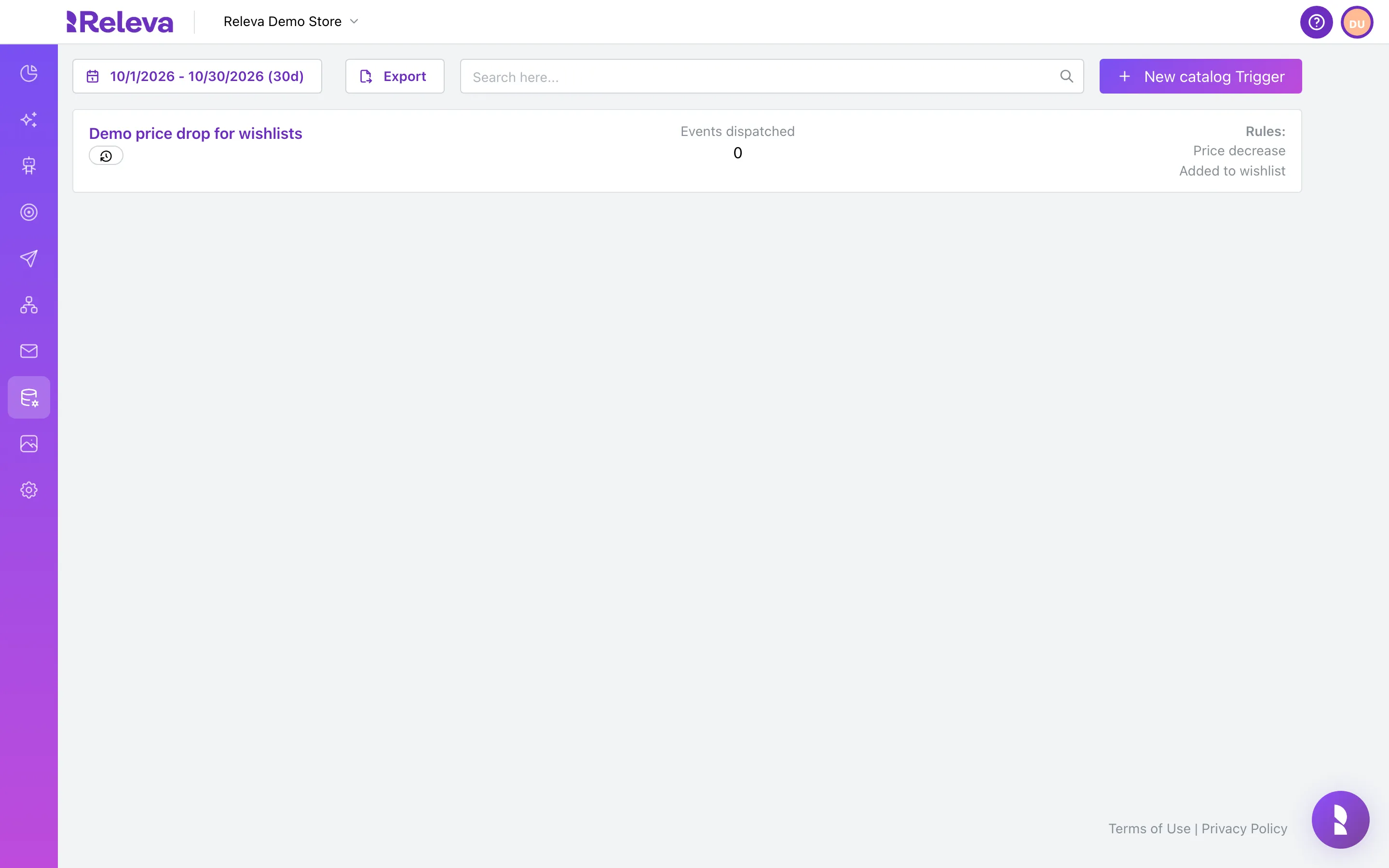
-
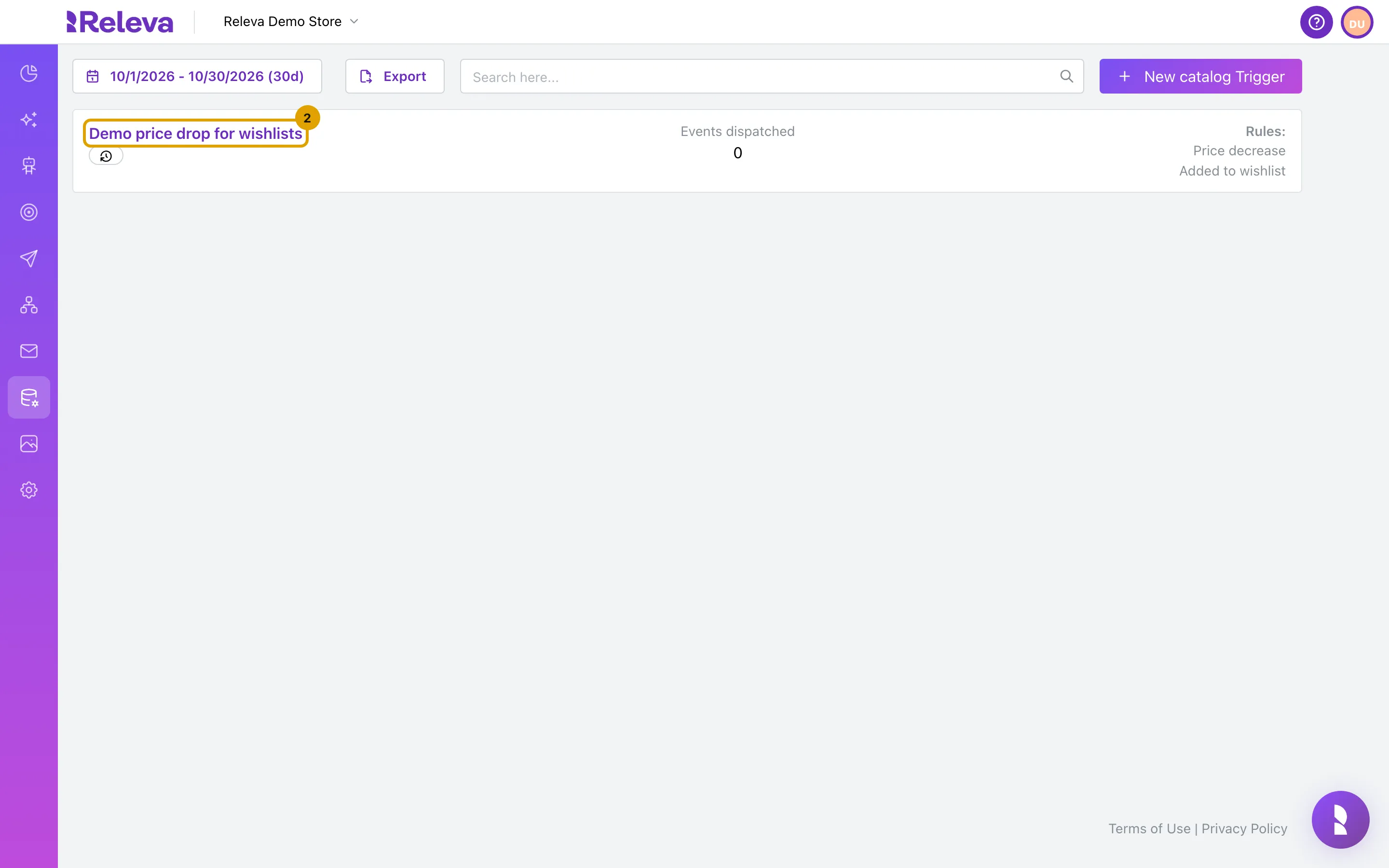
Select the name of the trigger you want to change.
If the list is long, type the name in Search here… to find it.
-
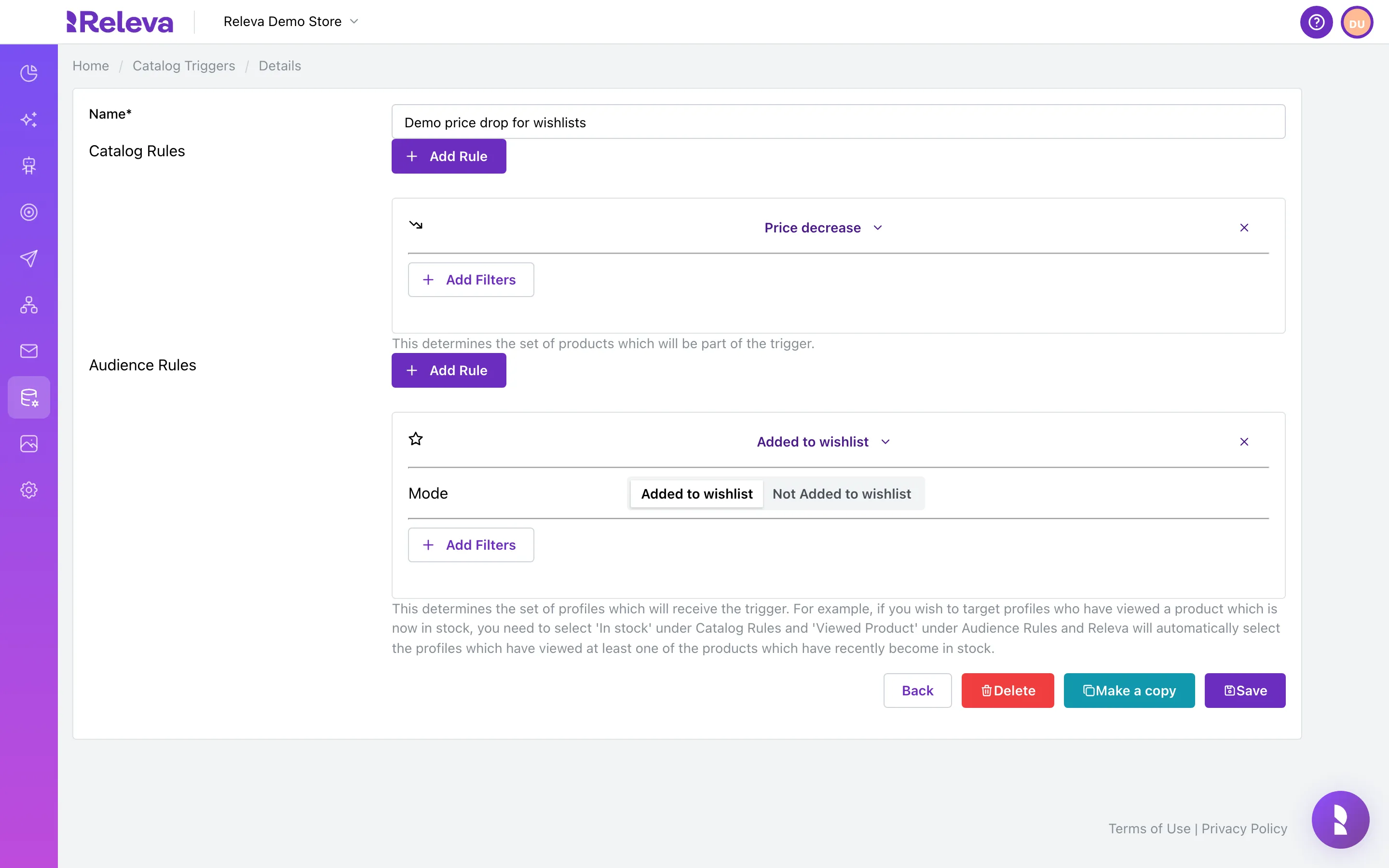
The trigger opens with its catalog and audience rules. Here you can also Delete the trigger or Make a copy of it.
The breadcrumb reads Home / Catalog Triggers / Details. In each list the newest rule opens expanded and older rules are collapsed to their name; select a name to expand or collapse it.
-
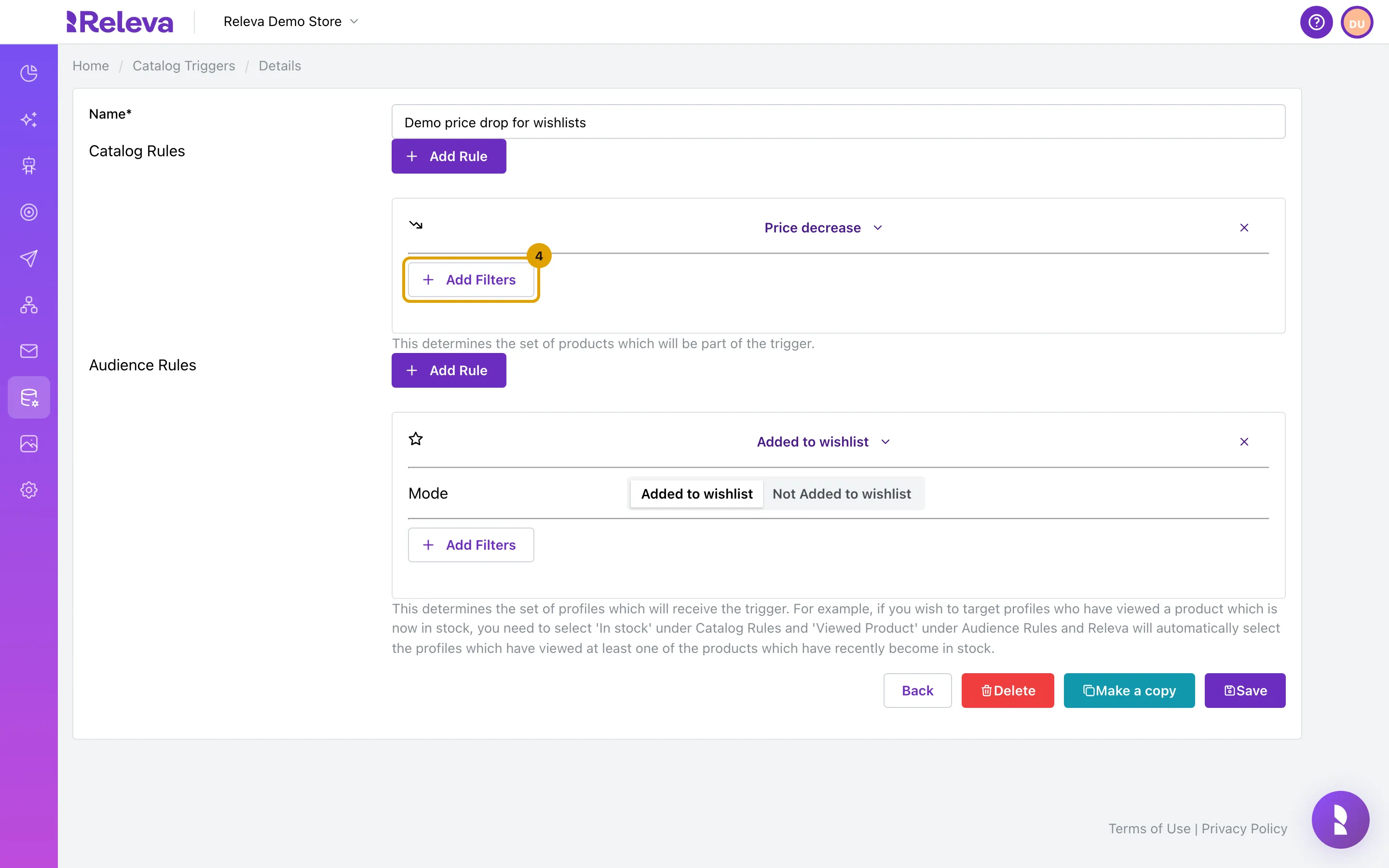
In the Price decrease rule, select Add Filters.
Price increase and Price decrease offer Price, Discount amount and Discount %, plus product and event custom fields. The stock rules offer the custom fields only. Product attributes offers Categories, Price, Discount amount and Discount %.
-
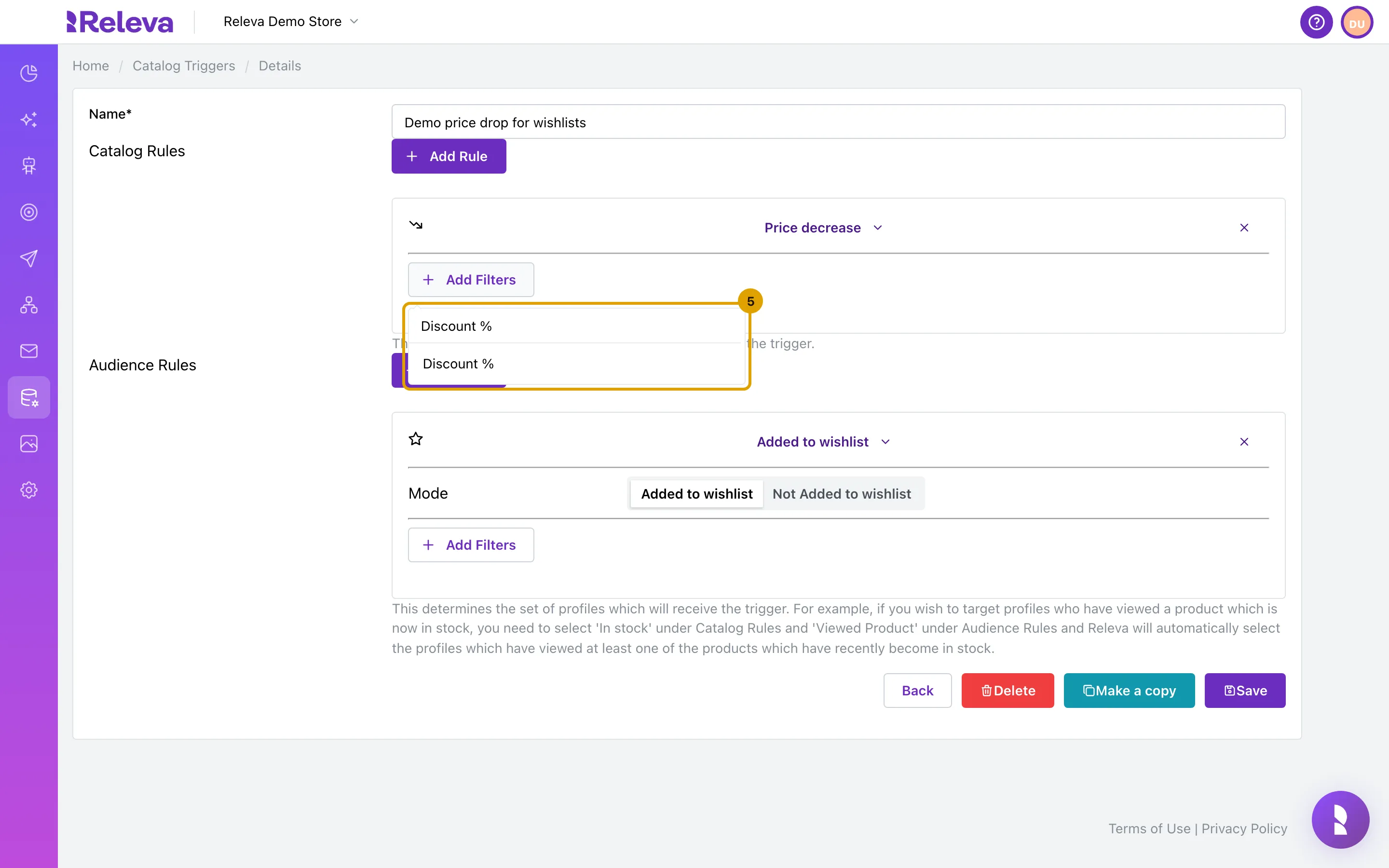
Search for Discount % and select it.
The top line of the list is the Search filters… box with what you typed; the option is below it.
-
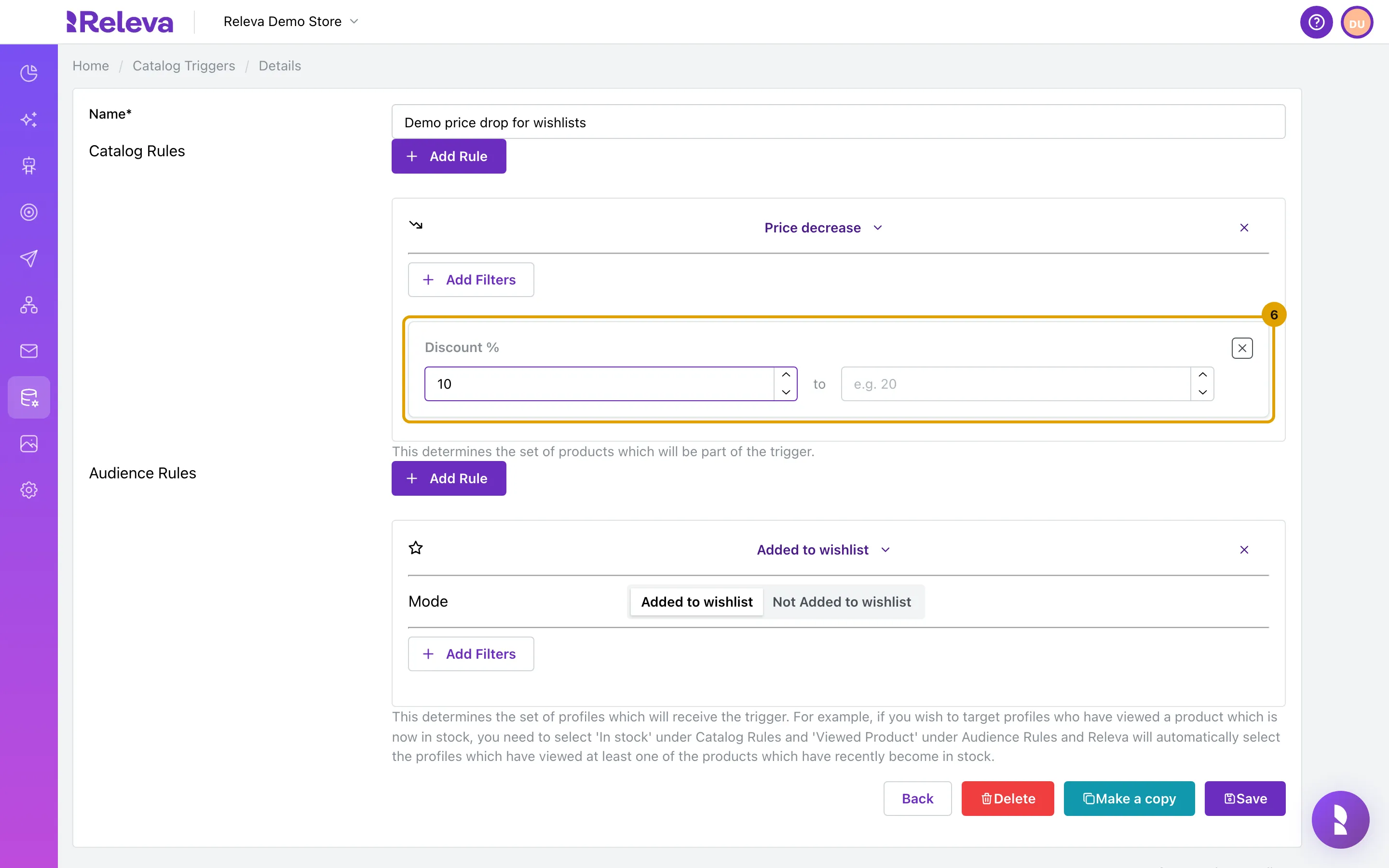
In the first Discount % box, enter 10 to keep only price drops of 10 % or more. Leave the second box empty for no upper limit.
The percentage is worked out from the price before the change. Releva records it only for price decreases, so this filter is useful on Price decrease, not on Price increase.
-
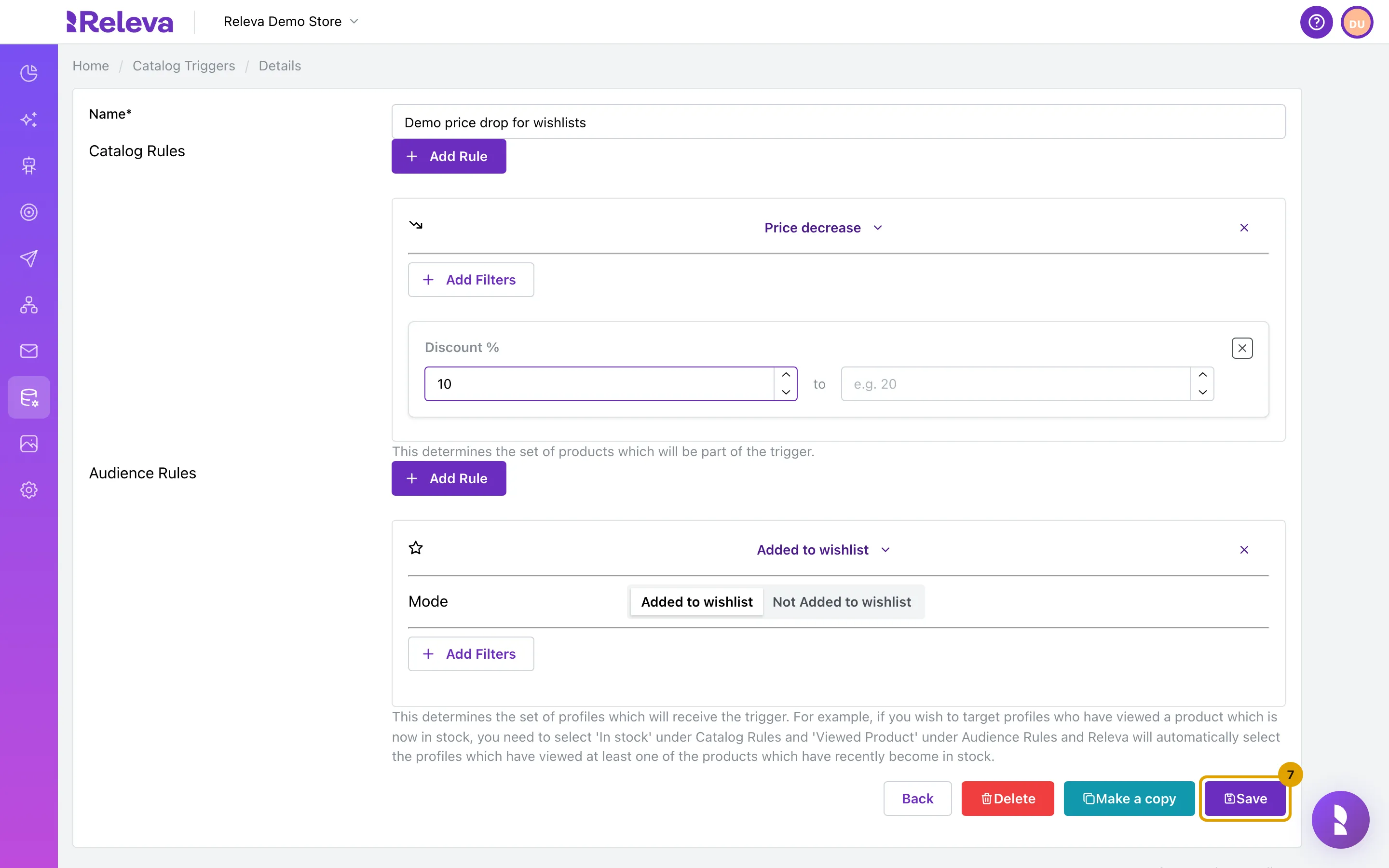
Select Save.
-
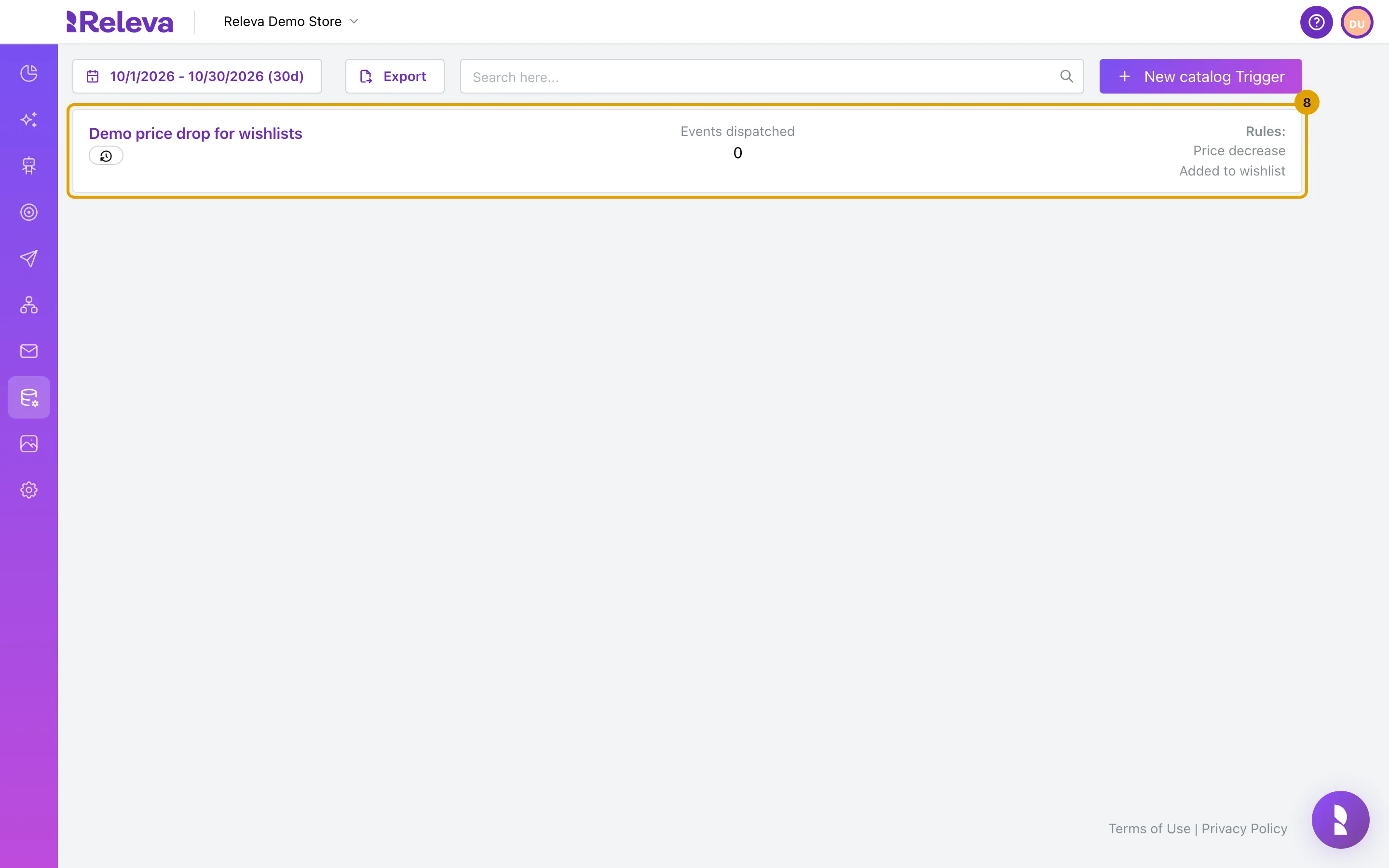
You are back on Catalog Triggers. Workflows that use the trigger pick up the change at the next check.
Check it worked
Section titled “Check it worked”- Open the trigger again: the Price decrease rule shows a Discount % filter with 10 in the first box.
- The card’s history badge tooltip shows a new Updated time.
Troubleshooting
Section titled “Troubleshooting”I renamed the trigger. Do I have to update my workflows? No. Renaming updates the event name in every triggered workflow that uses it.
Save fails with “Name must be unique!”. Another catalog trigger in this shop already has the new name.
Save fails with “An internal error occurred.” The trigger no longer has an audience rule that is an action in its normal (not Not) mode. Add one back and save again.
What does Delete do? Delete opens an Are you sure? dialog: “Deleting a catalog trigger will stop the propagation of events for this trigger. Any campaigns or workflows using this trigger will no longer be triggered. Are you sure?” Confirm removes the trigger and returns to the list. The workflows themselves are not changed; they just stop receiving the event.
What does Make a copy do? It opens a new trigger named Copy of <name> with the same rules. Nothing is saved until you select Save; rename it first, because names must be unique.
The second Discount % box looks empty. An empty upper box means no upper limit. That is the intended setting here.