

Delete a coupon list
Deleting a list removes it together with all its codes, sent or not. This cannot be undone.
The merge tag of a deleted list stops working. Messages that still use {{dynamicCoupons.<name>}} are skipped for every recipient: no code can be claimed, so nothing is sent. Remove or replace the merge tag in those emails, push notifications, text messages, Viber and WhatsApp messages and webhooks before you delete the list.
Before you start
Section titled “Before you start”- No active campaign or workflow still uses the list’s merge tag.
- You have chosen the right list. Open it and check the Sample codes if you are not sure.
- Your plan includes deleting coupons. If Delete shows a lock icon, ask your account owner to unlock it.
-
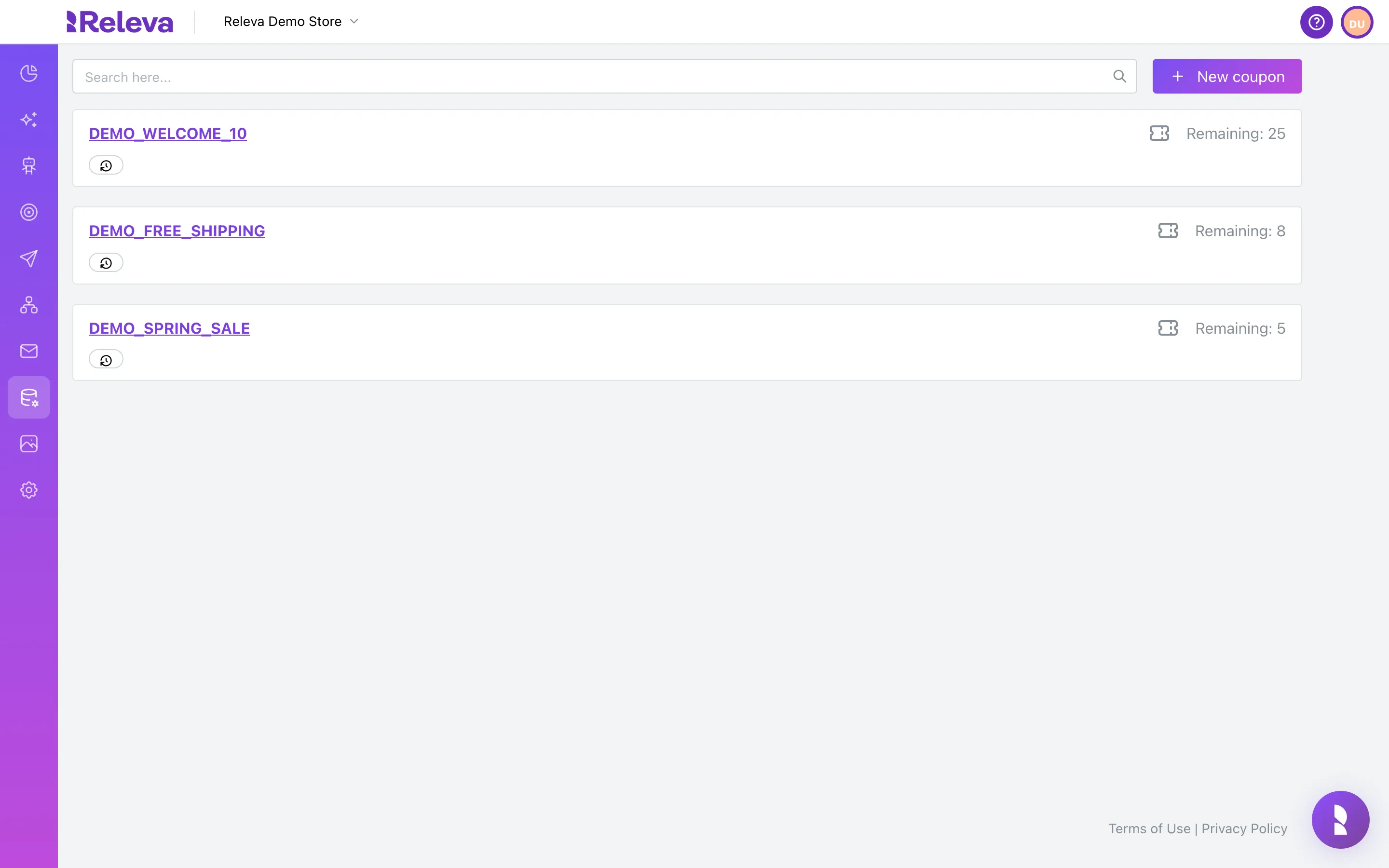
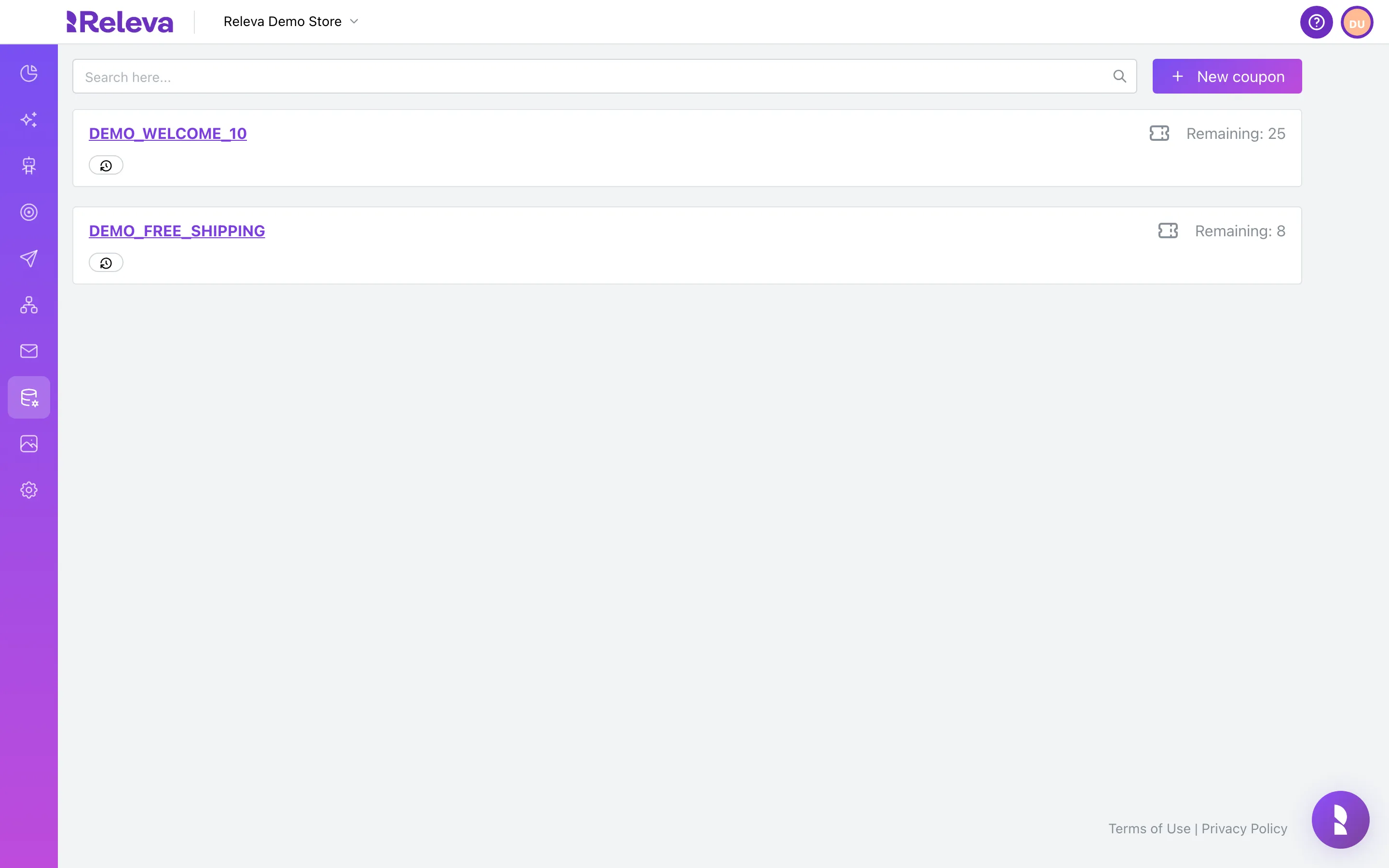
Go to Data Platform › Dynamic Coupons.
-
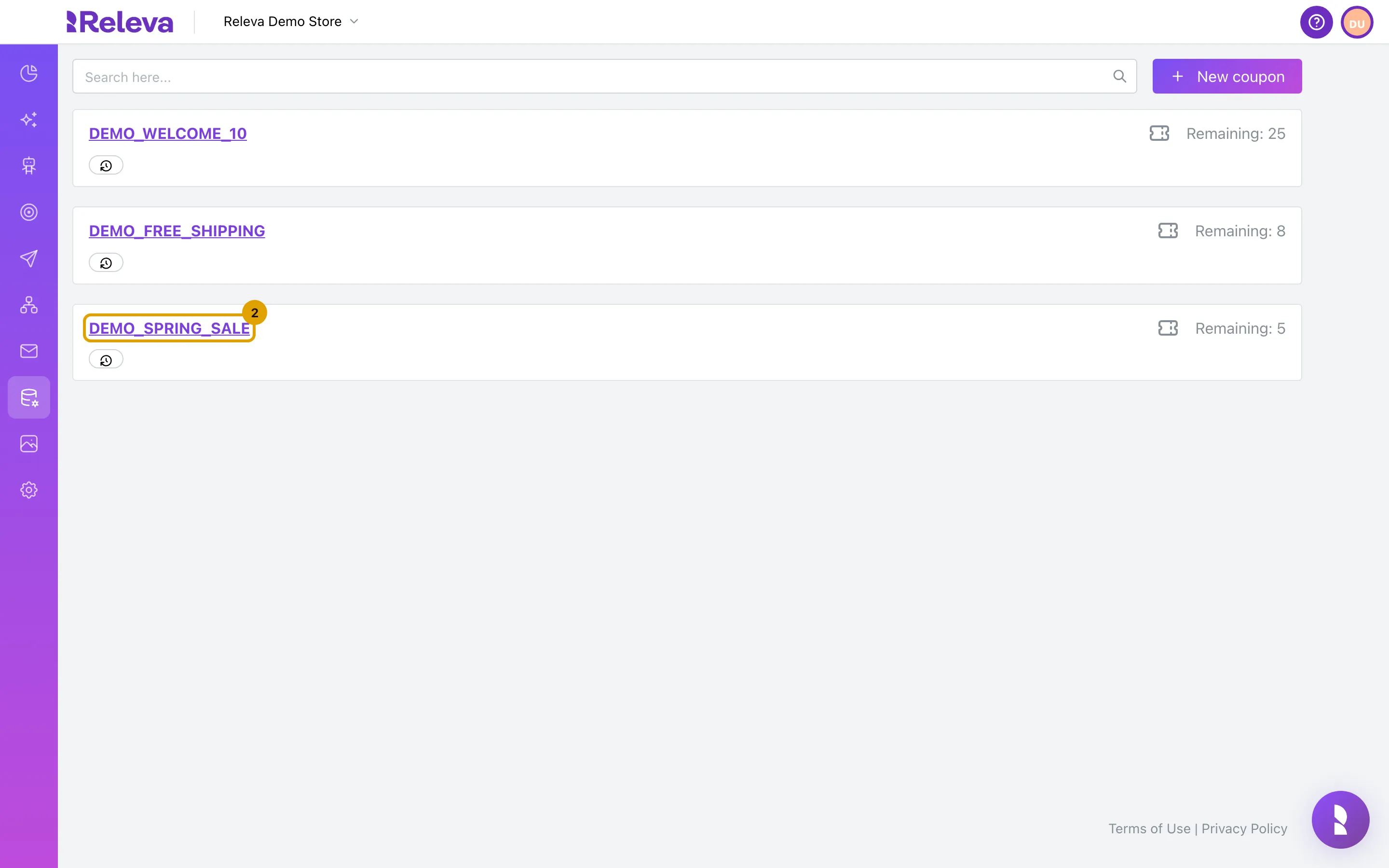
Select the name of the list you want to delete.
The list opens on its edit page. Check the Name and the Sample - First N existing coupon code(s) card to make sure it is the right list.
-
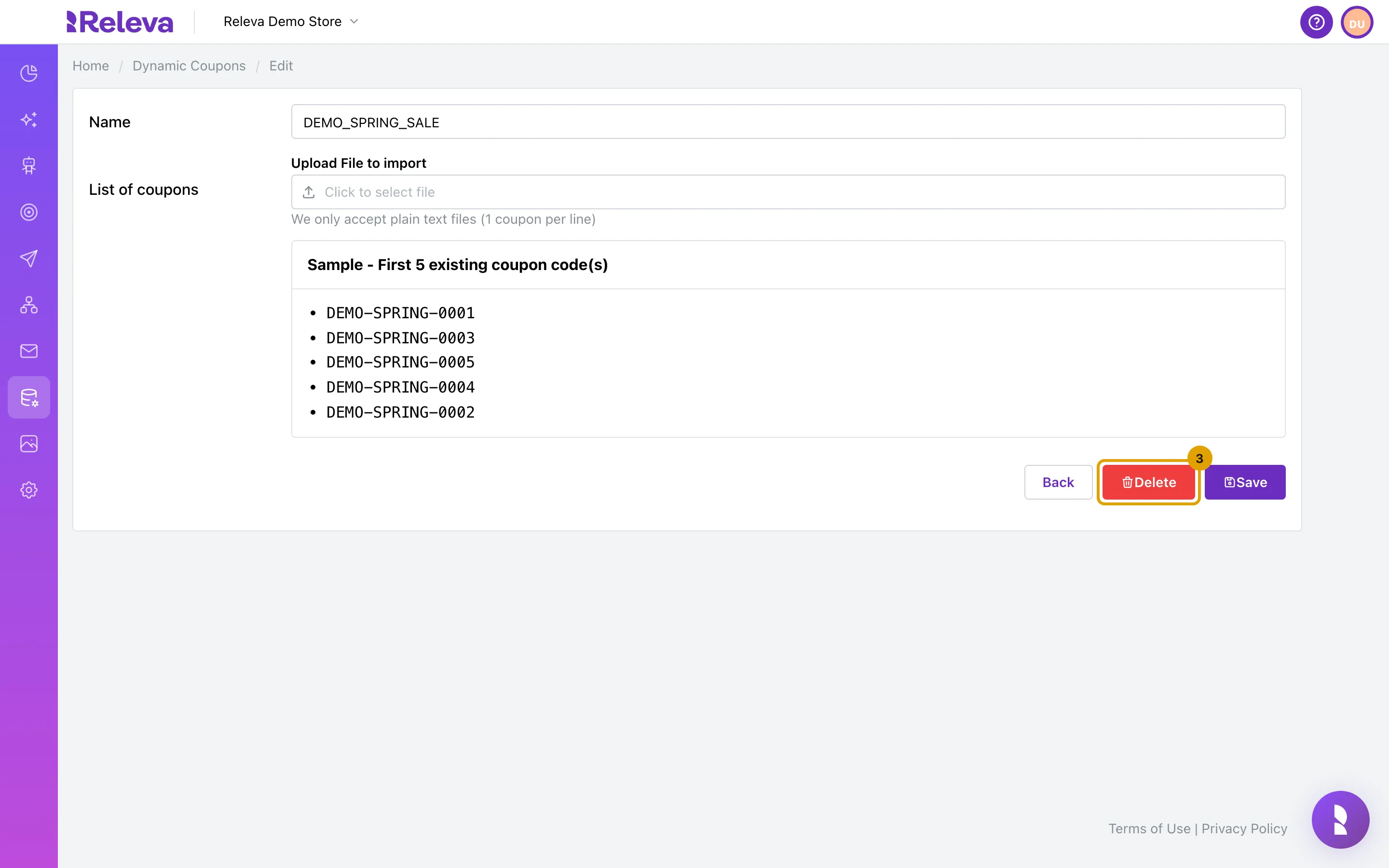
Select Delete.
-
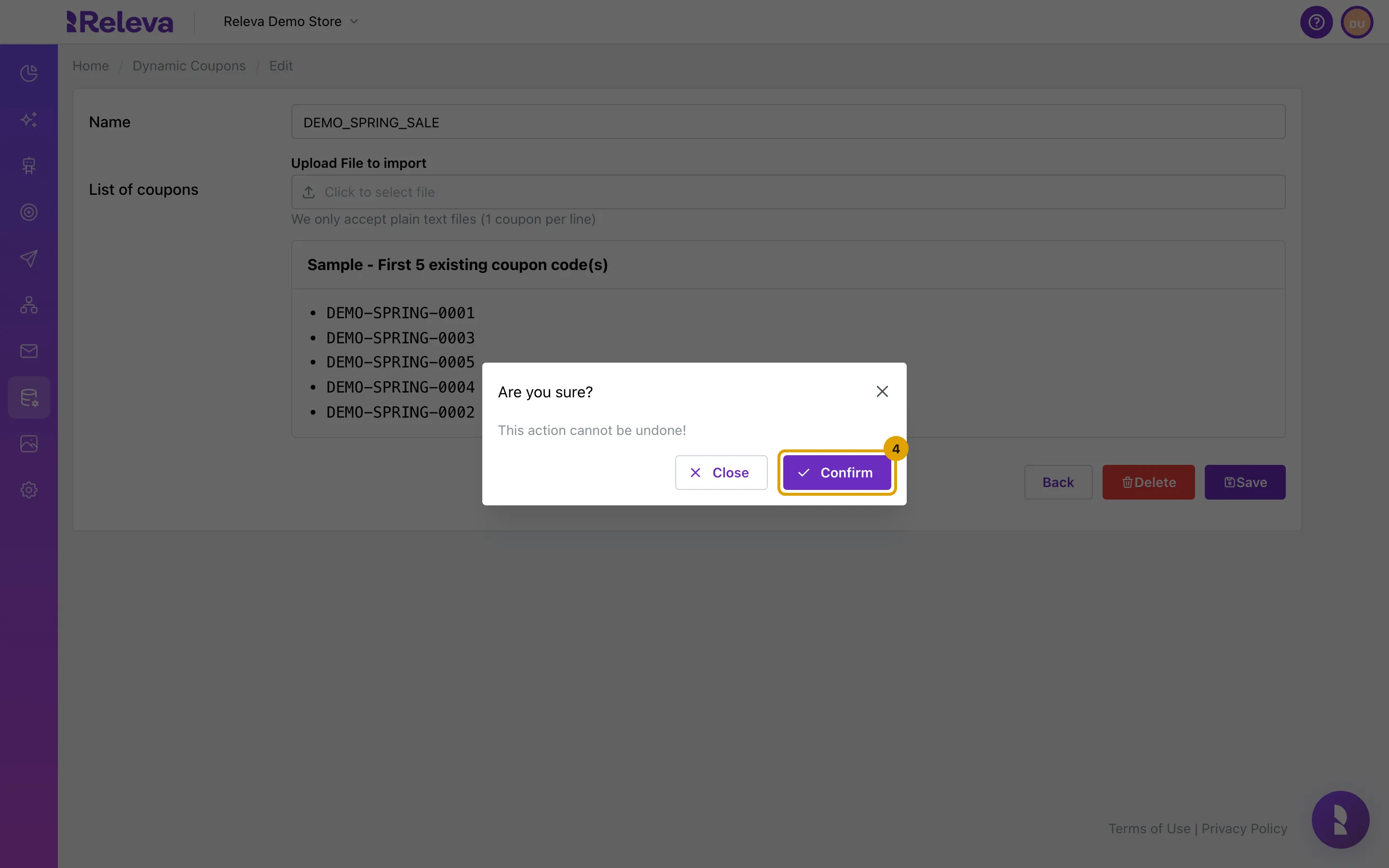
Select Confirm. This cannot be undone.
The dialog reads Are you sure? and This action cannot be undone!. Select Close to keep the list.
-
You are back on Dynamic Coupons and the list is gone.
Check it worked
Section titled “Check it worked”- The list’s card is no longer on Dynamic Coupons, and a search for its name shows No results found.
- The list’s Dynamic coupon: entry is no longer offered in the Merge Tags picker of the message editors.
Troubleshooting
Section titled “Troubleshooting”The list is still there after Confirm. Reload the page. If it is still listed, the delete request failed; try again.
A message that used the list is not being sent. The merge tag of the deleted list is still in its content. Edit the message and replace the tag with one of an existing list, or remove it.
You deleted the wrong list. The codes cannot be restored in Releva. The codes still exist in your shop: upload them again as a new list with the same name, and the merge tag works again.