

Check a customer's subscription status
Every profile page shows the customer’s marketing consent: whether Releva may send them email, SMS, Viber, WhatsApp and webhook messages, when that status last changed, and which subscriptions (topics such as weeklyNewsletter) they hold. Use it before you answer a “why did I get this email” question, or to confirm that a sign-up form or an API call did what you expect.
Web push and app push are separate opt-ins per browser or device. They are shown on the same panel but do not follow the marketing status. See How consent works in Releva.
Before you start
Section titled “Before you start”- You know the customer’s email address. You can also search by Profile Id, Name or Phone Number.
- The customer is identified. Anonymous visitors have no consent status; Include Anonymous Profiles only adds them to the list.
-
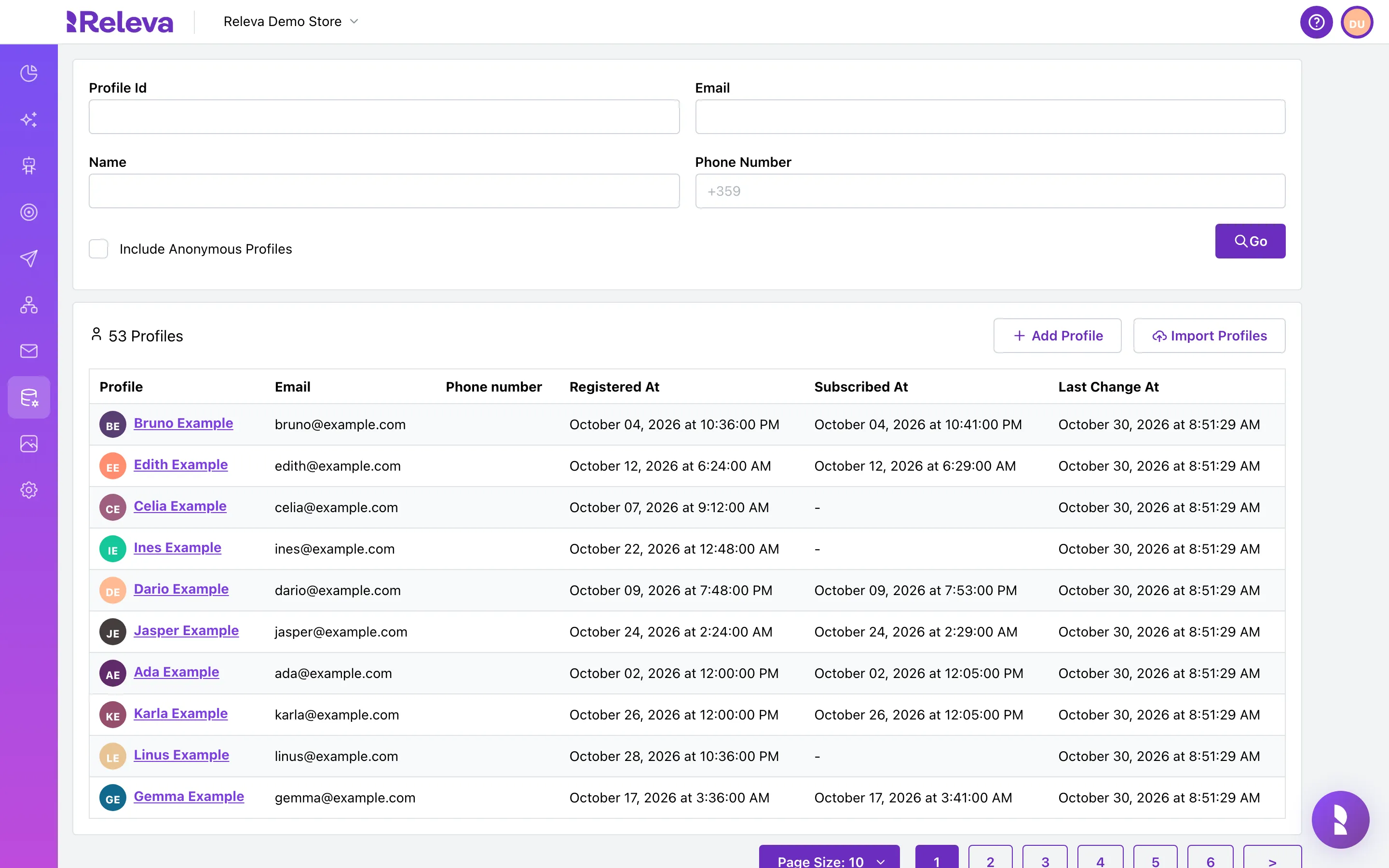
Open Data Platform › Profiles
-
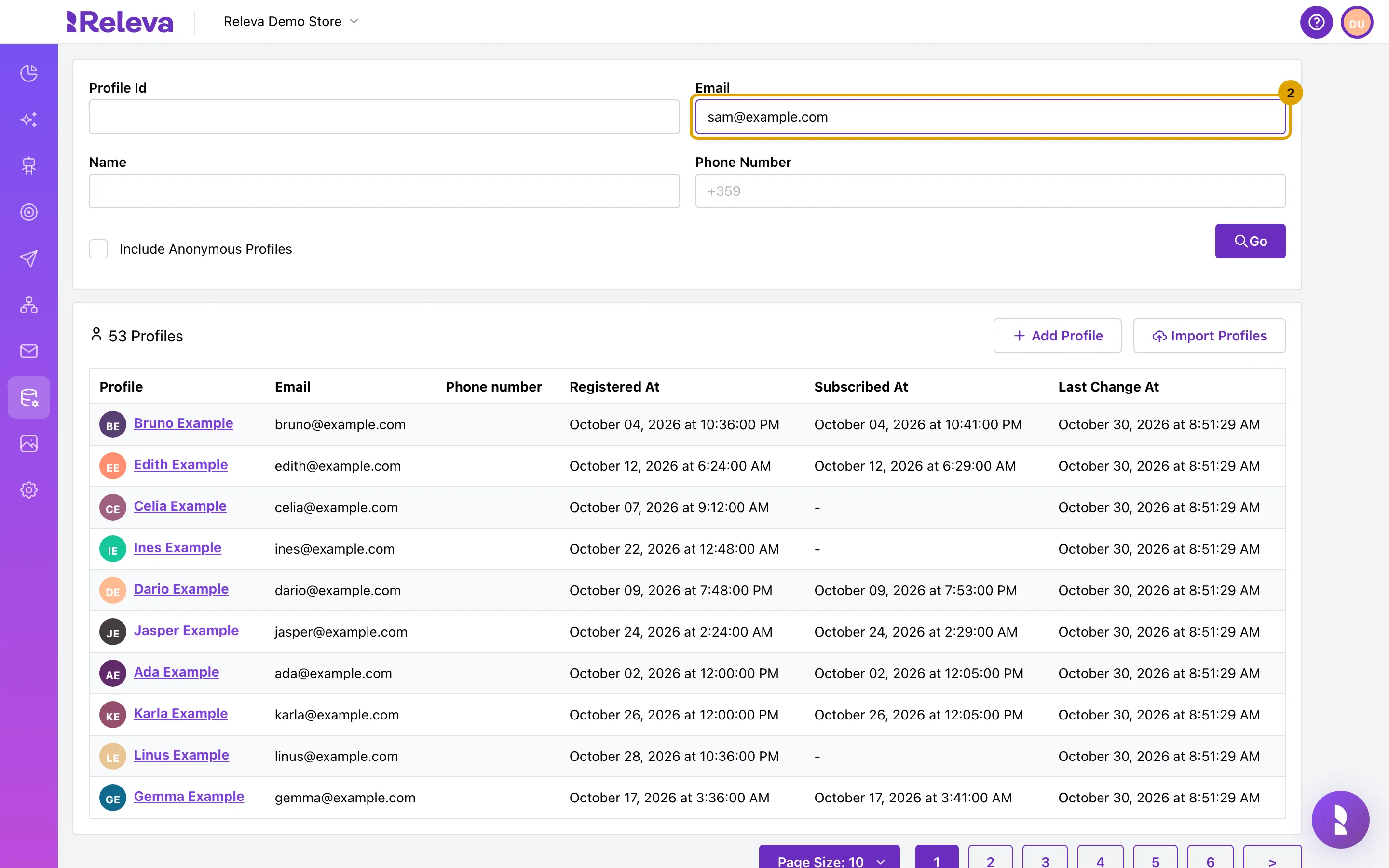
Enter the customer’s email address in Email
-
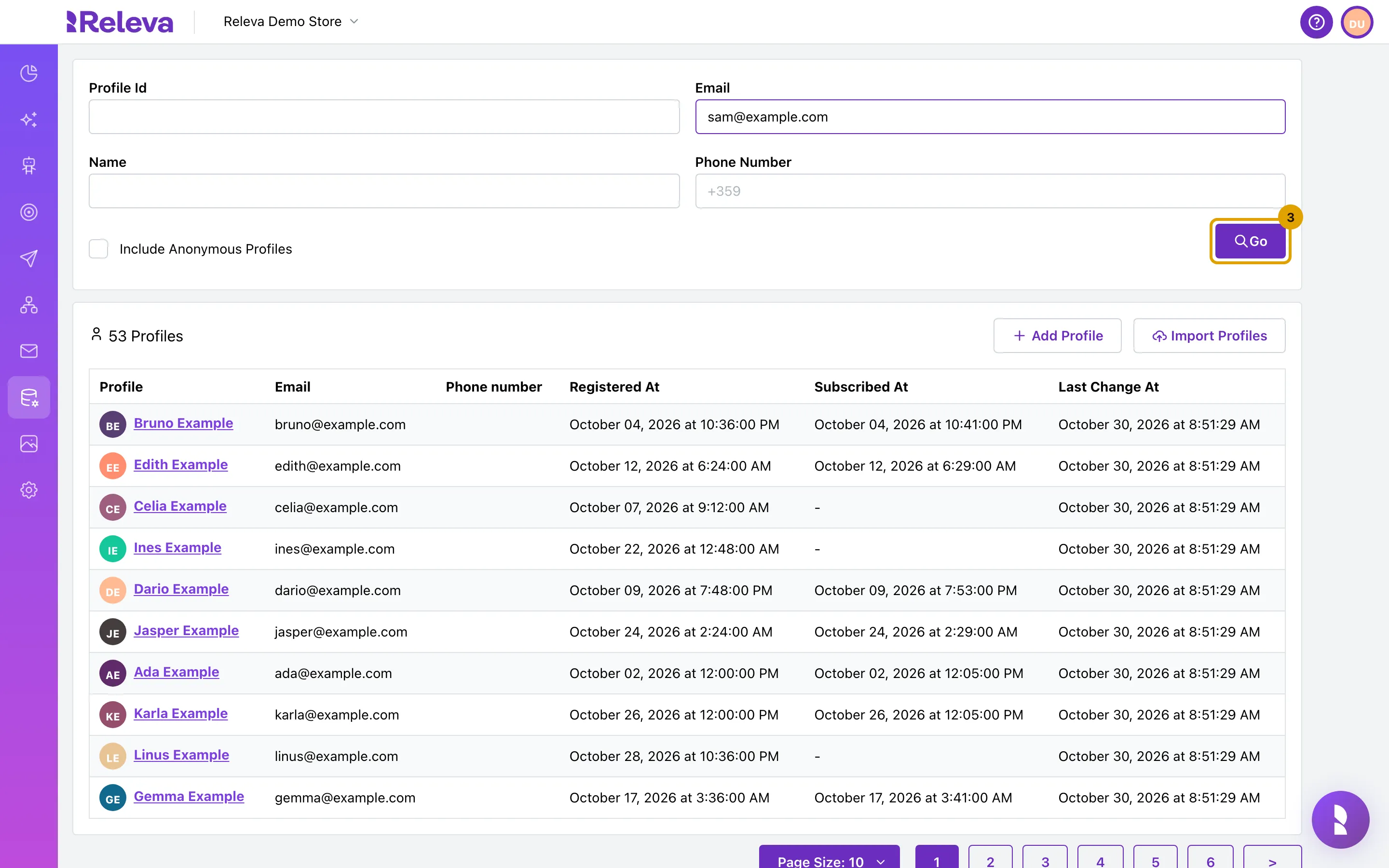
Select Go
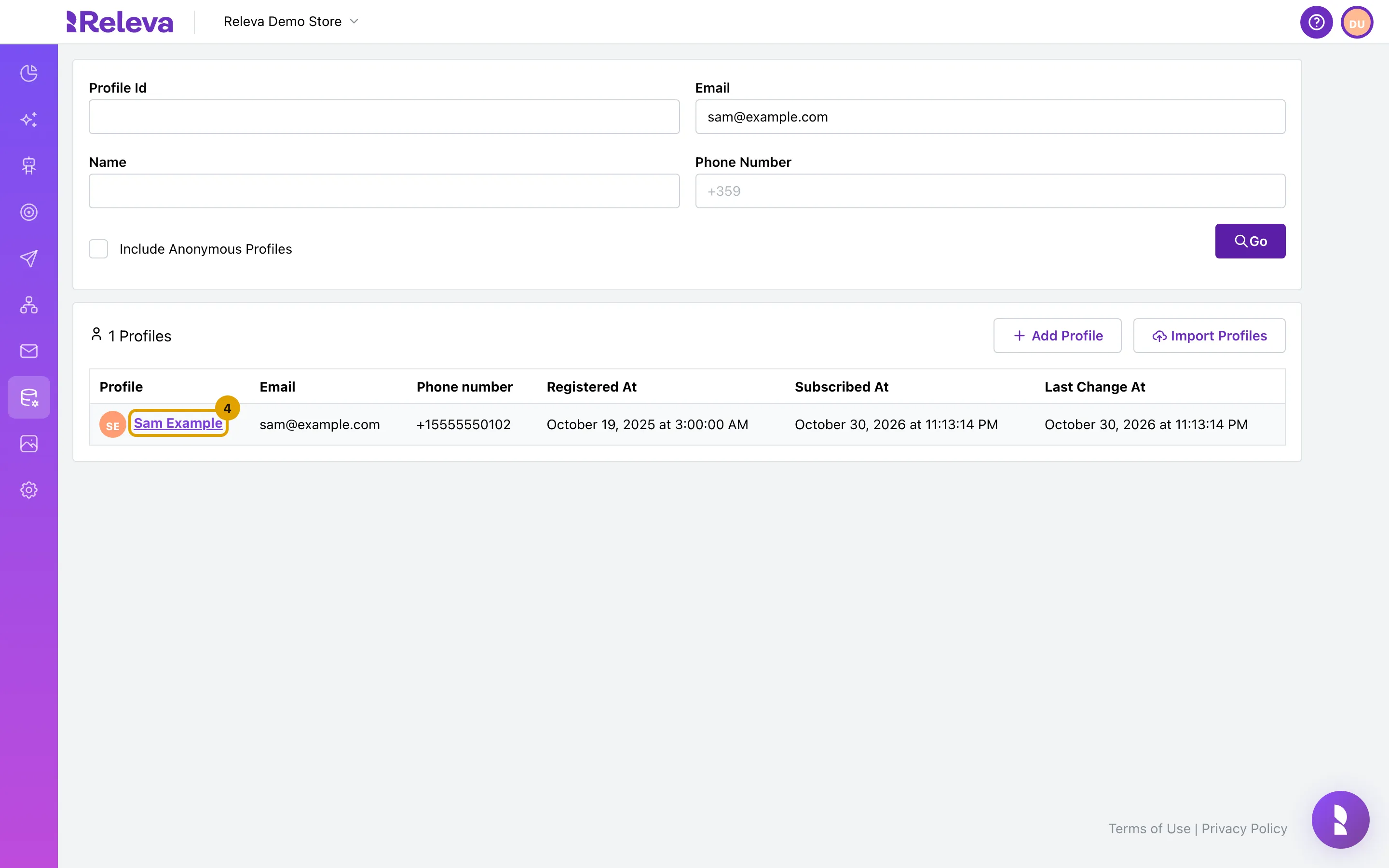
The list reloads a moment later and shows only the matching profile. It also has a Subscribed At column, so you can see the date without opening the profile.
-
Select the customer’s name to open their profile
-
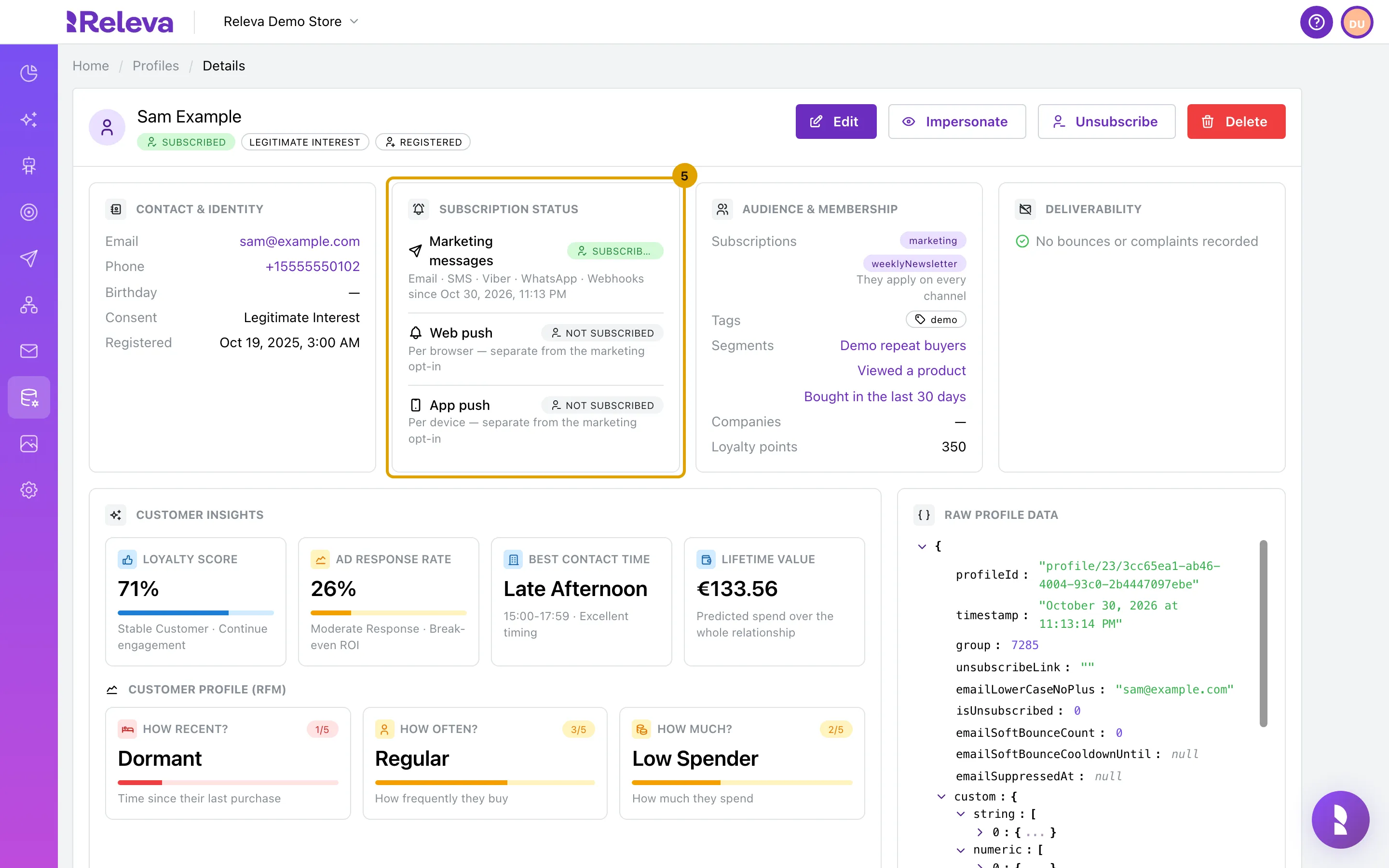
Subscription status shows whether the customer receives marketing messages, and since when
Marketing messages covers Email · SMS · Viber · WhatsApp · Webhooks and shows one of three values:
Badge Meaning Subscribed The customer opted in. The sincedate is the last subscribe.Unsubscribed The customer opted out. The sincedate is the unsubscribe.Not subscribed The profile never subscribed. Typical for profiles created by orders or imports without consent. Web push and App push have their own Subscribed / Not subscribed badges. They are per browser or per device and do not change when the customer subscribes to or unsubscribes from marketing messages.
-
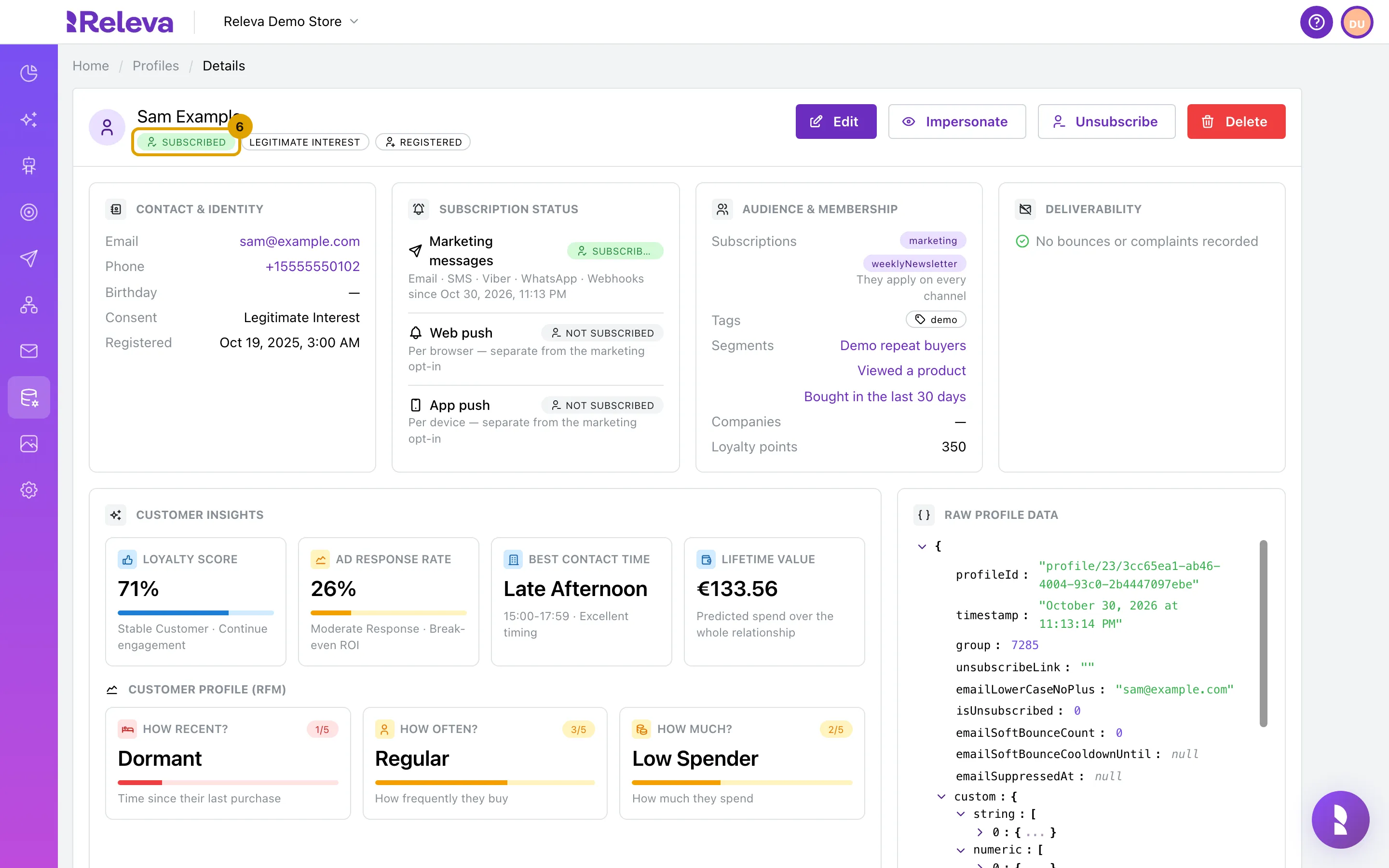
The badge under the name repeats the marketing status
Next to it you see the consent basis (for example Legitimate Interest, the default when nothing else was recorded) and whether the profile is Registered or a Guest.
-
Subscriptions, in the Audience & membership panel, lists the topics the customer is subscribed to
Subscriptions are the keys your shop or API sent, exactly as sent (
marketing,weeklyNewsletter). As the hint under them says, they apply on every channel. The same panel shows the profile’s Tags, Segments, Companies and Loyalty points. An unsubscribed profile shows — here, because unsubscribing removes the subscriptions a customer can see.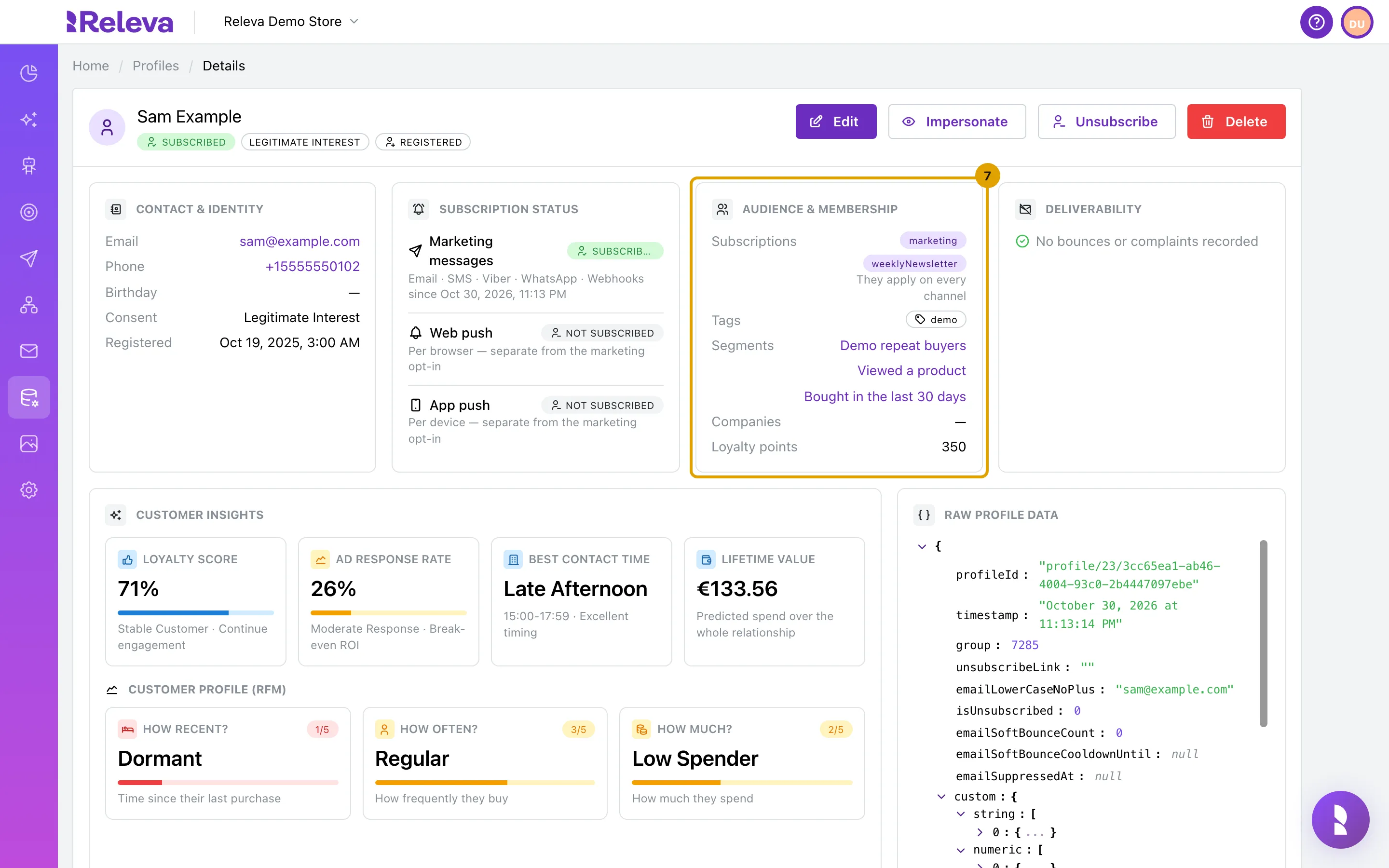
Check it worked
Section titled “Check it worked”- The Subscription status panel shows Marketing messages with a Subscribed, Unsubscribed or Not subscribed badge and a
sincedate when there is one. - The badge under the customer’s name shows the same value.
- The browser tab title reads Releva | Profiles | <name> | Details.
Troubleshooting
Section titled “Troubleshooting”The list shows 0 Profiles. Email search matches the whole address. Check the spelling, or search by Name instead. If the customer only ever browsed without identifying, tick Include Anonymous Profiles; such profiles have no consent status.
The status is Subscribed but the customer says they unsubscribed. Check the Deliverability panel for a complaint, and the Recent Events tab for an unsubscribe event. If your shop manages subscriptions itself (Settings › Messaging › Subscription Management is External), the shop has to report the opt-out to Releva (For developers: Unsubscribe a customer with the API).
Subscriptions is empty but the status is Subscribed. The profile was subscribed before your shop’s user-visible subscriptions were defined, or the list was replaced with an empty array through the API. The customer still receives marketing messages; the marketing status, not the list, is what gates sends.
Consent shows Legitimate Interest for everyone. That is the default when no consent basis is sent with the profile. It is informational and does not change what Releva sends.