

Unsubscribe a customer from marketing messages
When a customer asks you to stop marketing messages, unsubscribe them from their profile page. One click opts the profile out shop-wide: email, SMS, Viber, WhatsApp and webhook campaigns stop at once, and the subscriptions the customer could see are removed. The same button subscribes the profile again.
Before you start
Section titled “Before you start”- Settings › Messaging › Subscription Management is set to Internal. In External mode your shop owns consent and the button is not shown; unsubscribe the customer in your shop, which then reports the opt-out to Releva.
- You have the customer’s email address or phone number.
- The customer really asked to opt out. Subscribing someone from the admin skips any confirmation email, so use Subscribe only with the customer’s explicit consent.
-
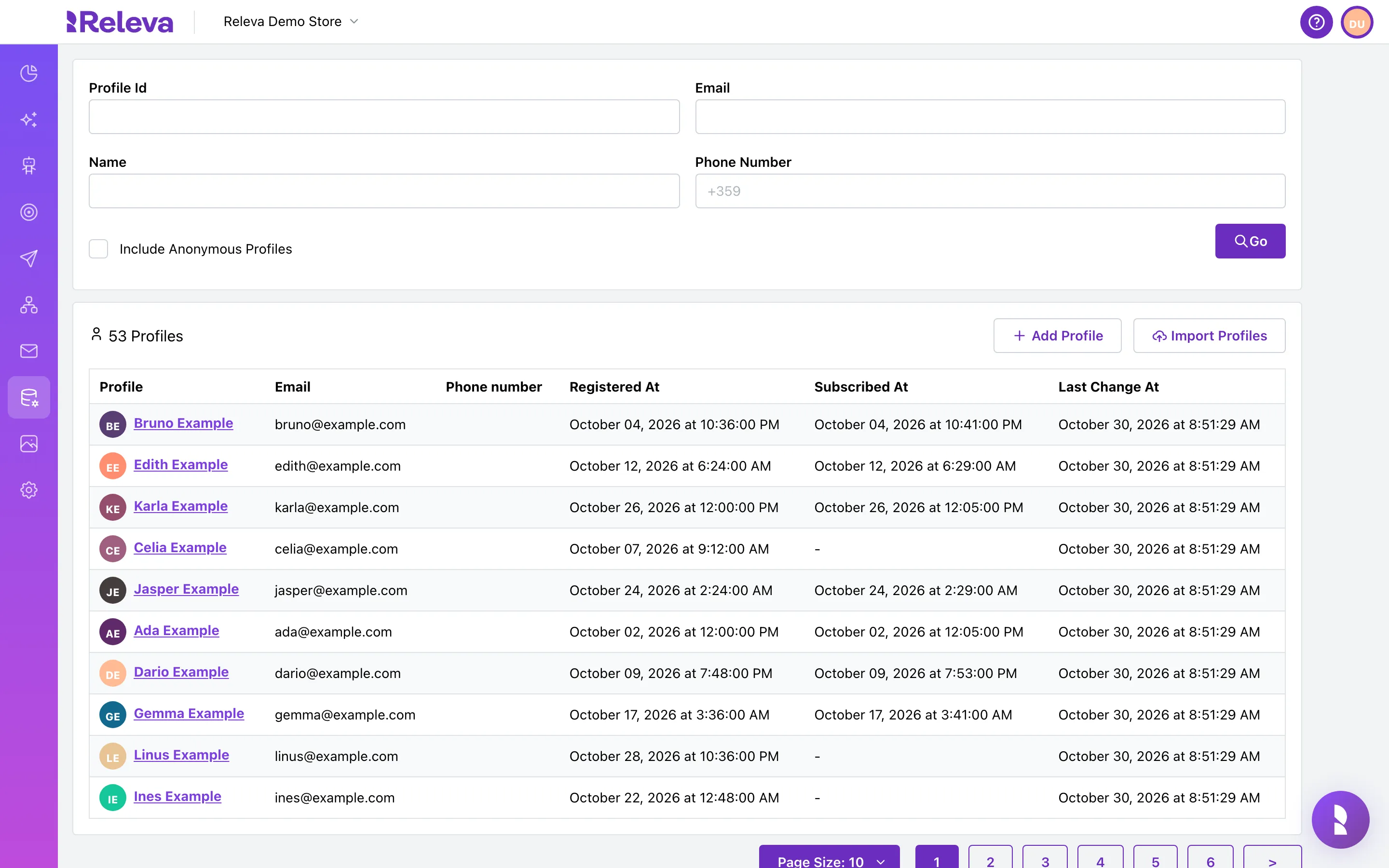
Open Data Platform › Profiles.
-
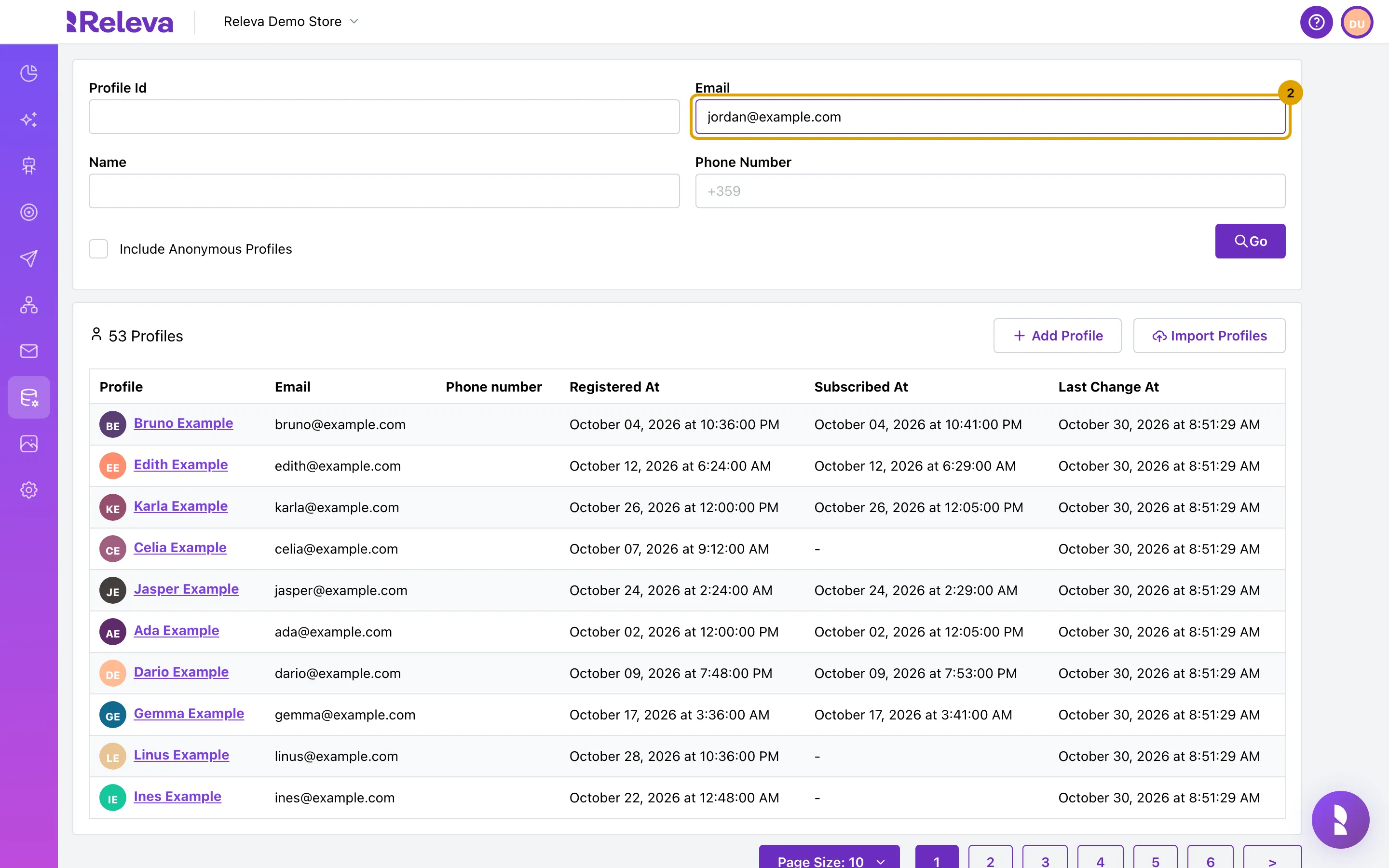
Enter the customer’s email address in Email and select Go.
The list shows only the matching profile.
-
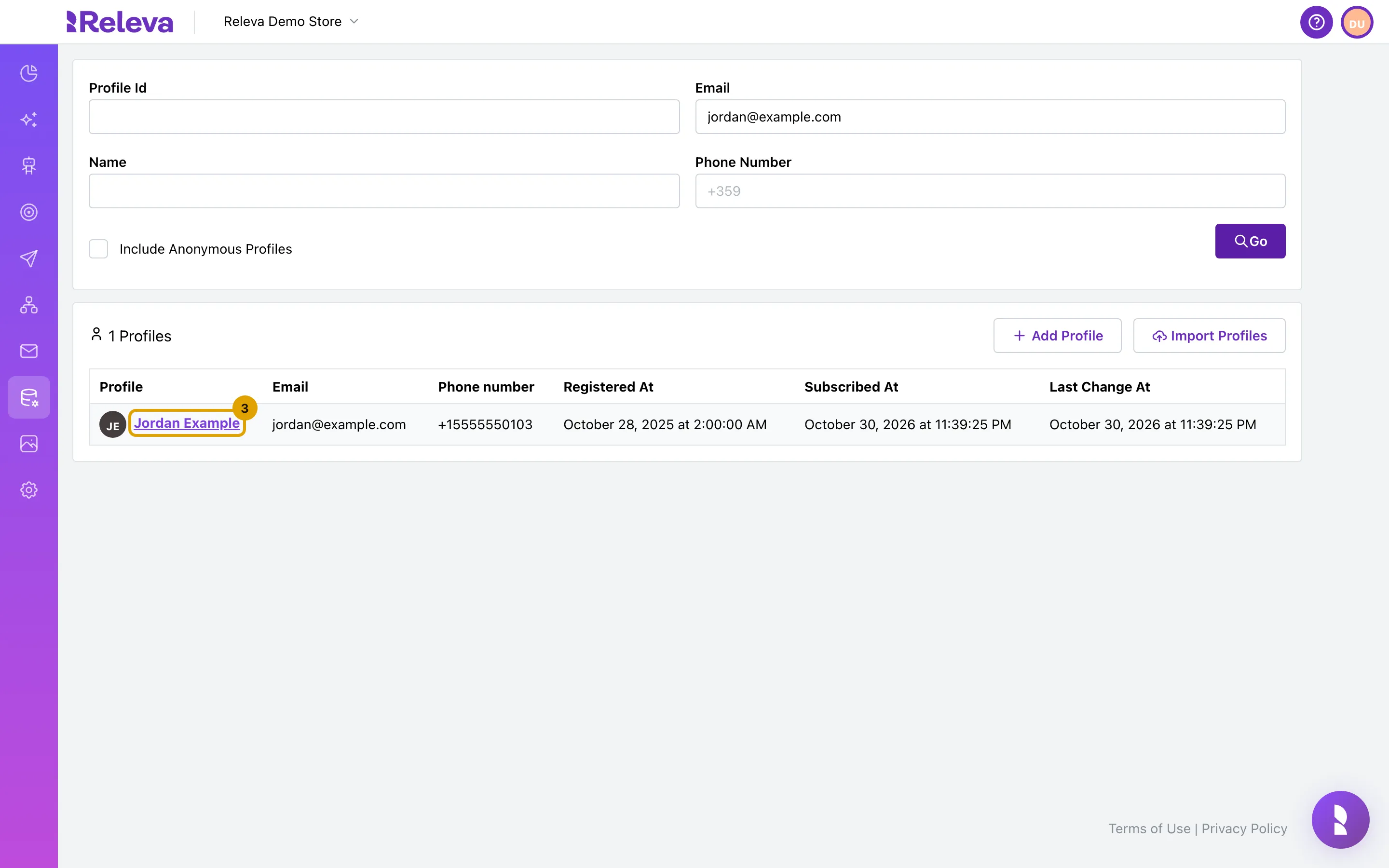
Select the customer’s name to open their profile.
-
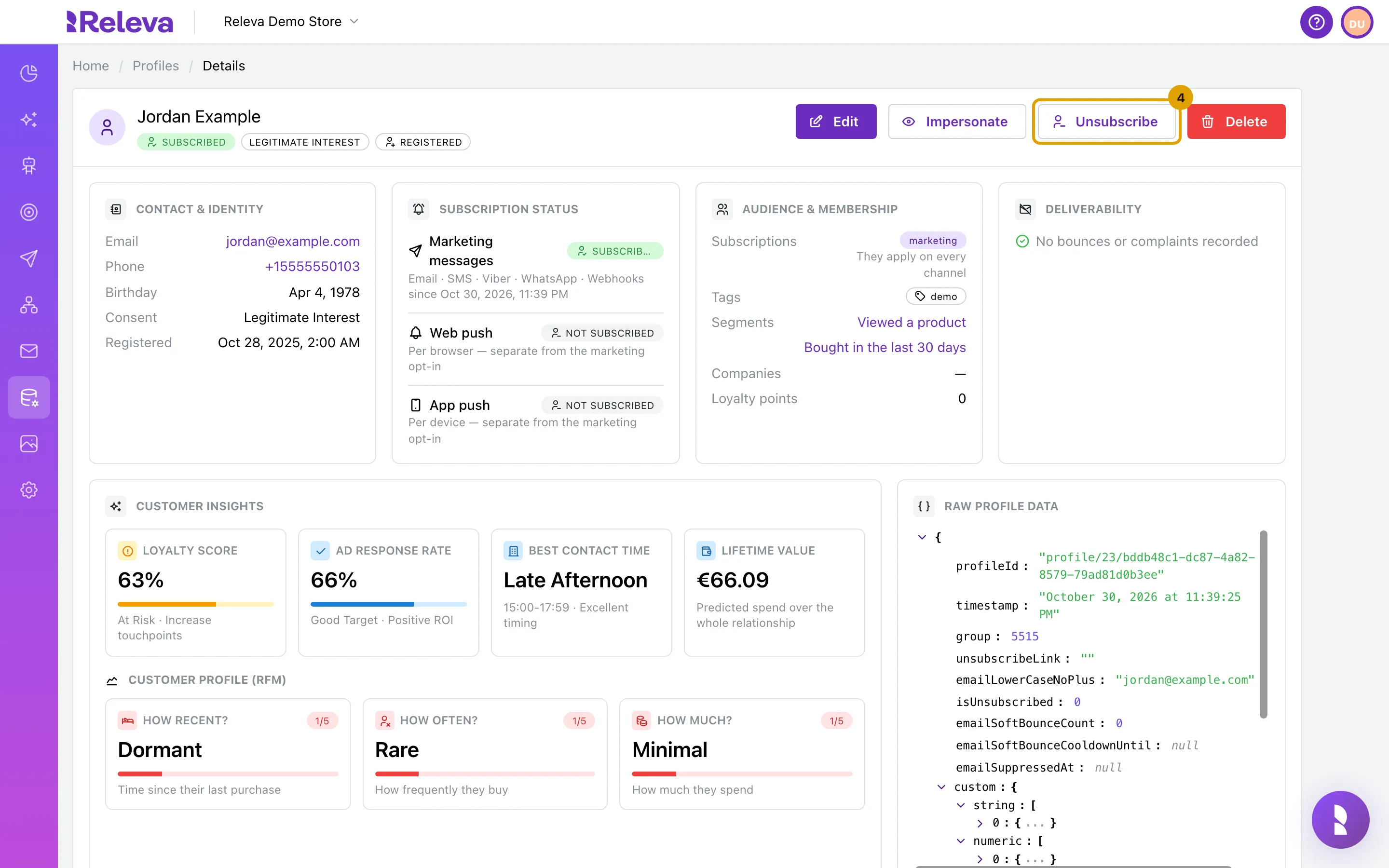
Select Unsubscribe.
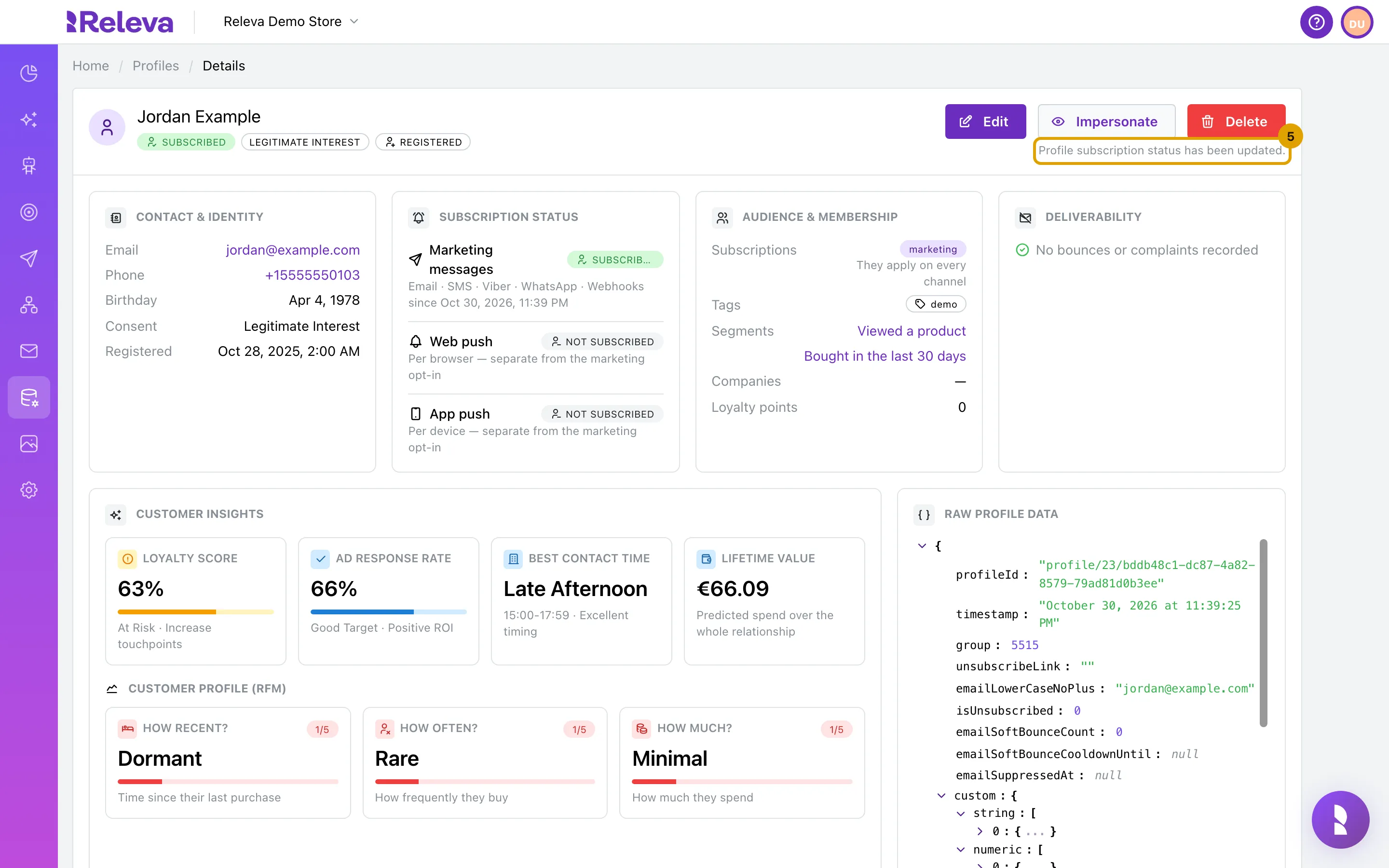
The header shows a green Subscribed badge and the Unsubscribe button. If the button reads Subscribe, the profile is not subscribed; there is nothing to do. There is no confirmation dialog. The change is saved immediately.
-
The confirmation Profile subscription status has been updated. appears under the buttons.
The button disappears. The badges and panels on the page do not refresh by themselves.
-
Open the profile again. Marketing messages now shows Unsubscribed and Subscriptions is empty.
Wait a few seconds, then reopen the profile from the list or reload the page. The header badge reads Unsubscribed, the
sincetime is the time of your click, and the button now reads Subscribe.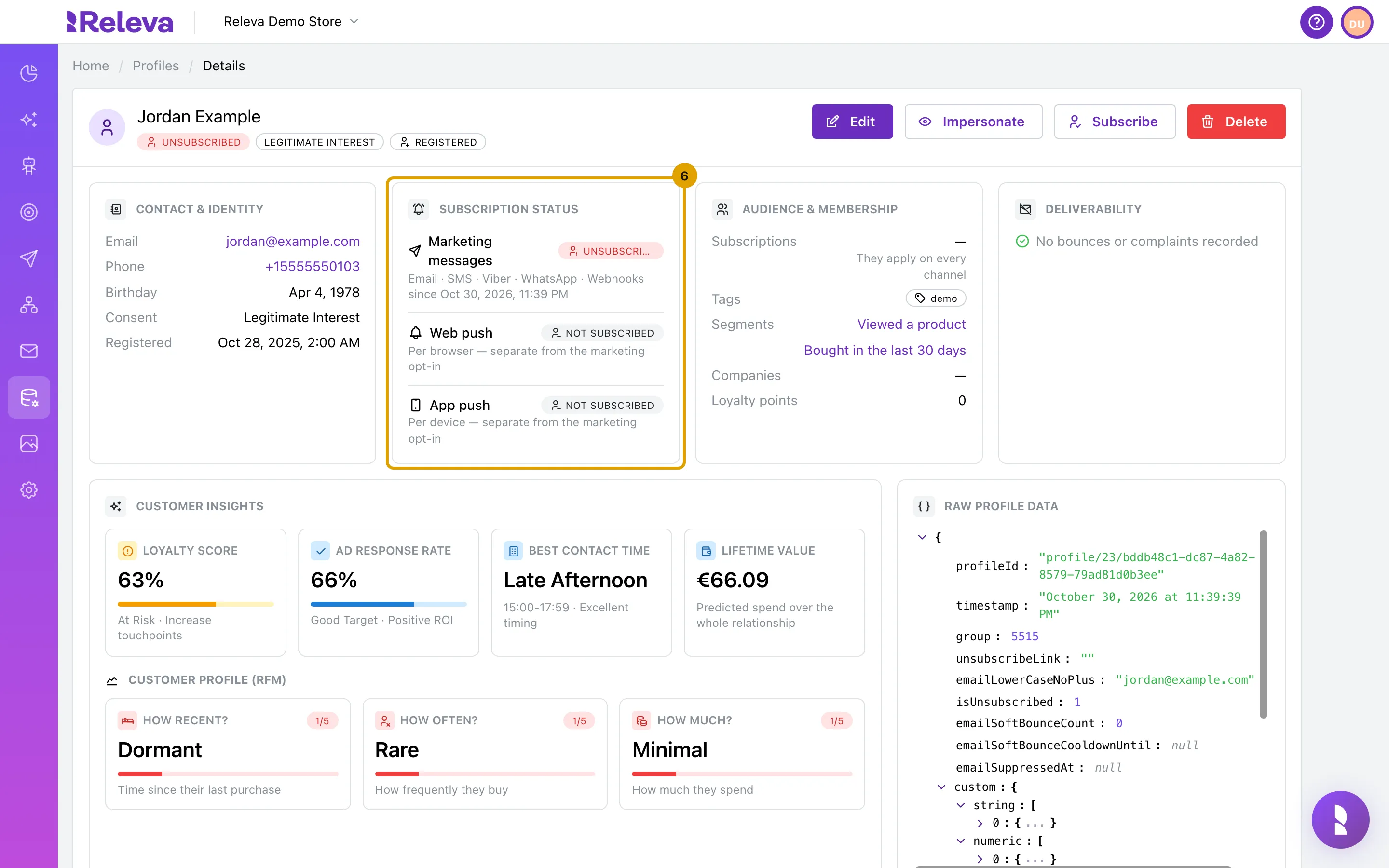
Check it worked
Section titled “Check it worked”- After reopening the profile, the header badge and Marketing messages both read Unsubscribed.
- Subscriptions under Audience & membership shows —.
- The Recent Events tab lists an
unsubscribeevent with the time of your click.
Troubleshooting
Section titled “Troubleshooting”There is no Subscribe or Unsubscribe button. Subscription Management is External. Switch it to Internal only if Releva should own consent for your shop; otherwise unsubscribe the customer in your shop, and ask your developer to check that the shop reports opt-outs to Releva (For developers: Unsubscribe a customer with the API).
The page still shows Subscribed after the click. The page does not refresh itself. Reload it or open the profile again from the list; the new status appears within a few seconds.
An error appears above the profile and the button comes back. The change was not saved. The message reads We encountered an internal error and were unable to unsubscribe the profile. Try again; if it persists, contact support with the profile’s email address.
I unsubscribed the wrong profile. Select Subscribe on that profile. It is subscribed again at once, with your shop’s default user-visible subscriptions. Subscriptions the customer had before are not restored.
The customer keeps receiving messages from another system. Unsubscribing in Releva does not propagate to other tools. In Internal mode, send email and SMS only through Releva.