

Check how many coupon codes are left
Every message that uses a coupon list consumes one code per recipient. Releva does not warn you when a list runs low. When a list is empty, recipients who would get a code are skipped and the message is not sent to them. Check your lists before a campaign and top them up in time.
Before you start
Section titled “Before you start”- You know the name of the list, or the start of it.
- Your plan includes the Dynamic Coupons page. If the menu item shows a lock icon, ask your account owner to unlock it.
-
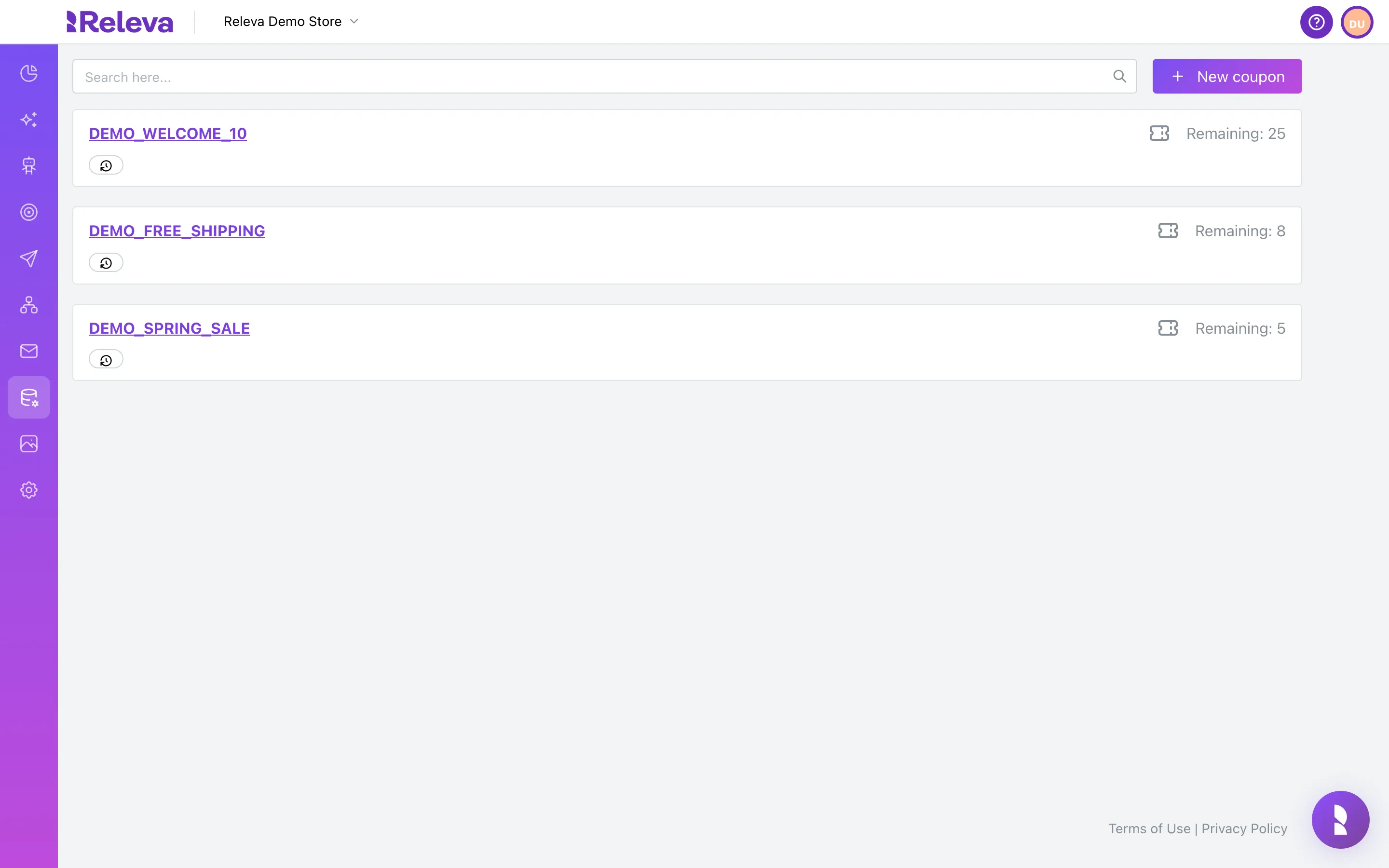
Go to Data Platform › Dynamic Coupons. Each card shows a coupon list and its Remaining codes.
Lists are ordered newest first.
-
To find a list, type the start of its name in Search here…. Remaining is the number of codes that have not been sent yet.
The search matches the start of any word in the name and ignores case; underscores separate the words.
demo_free,freeandshipall findDEMO_FREE_SHIPPING;ippingdoes not. The list refreshes as you type.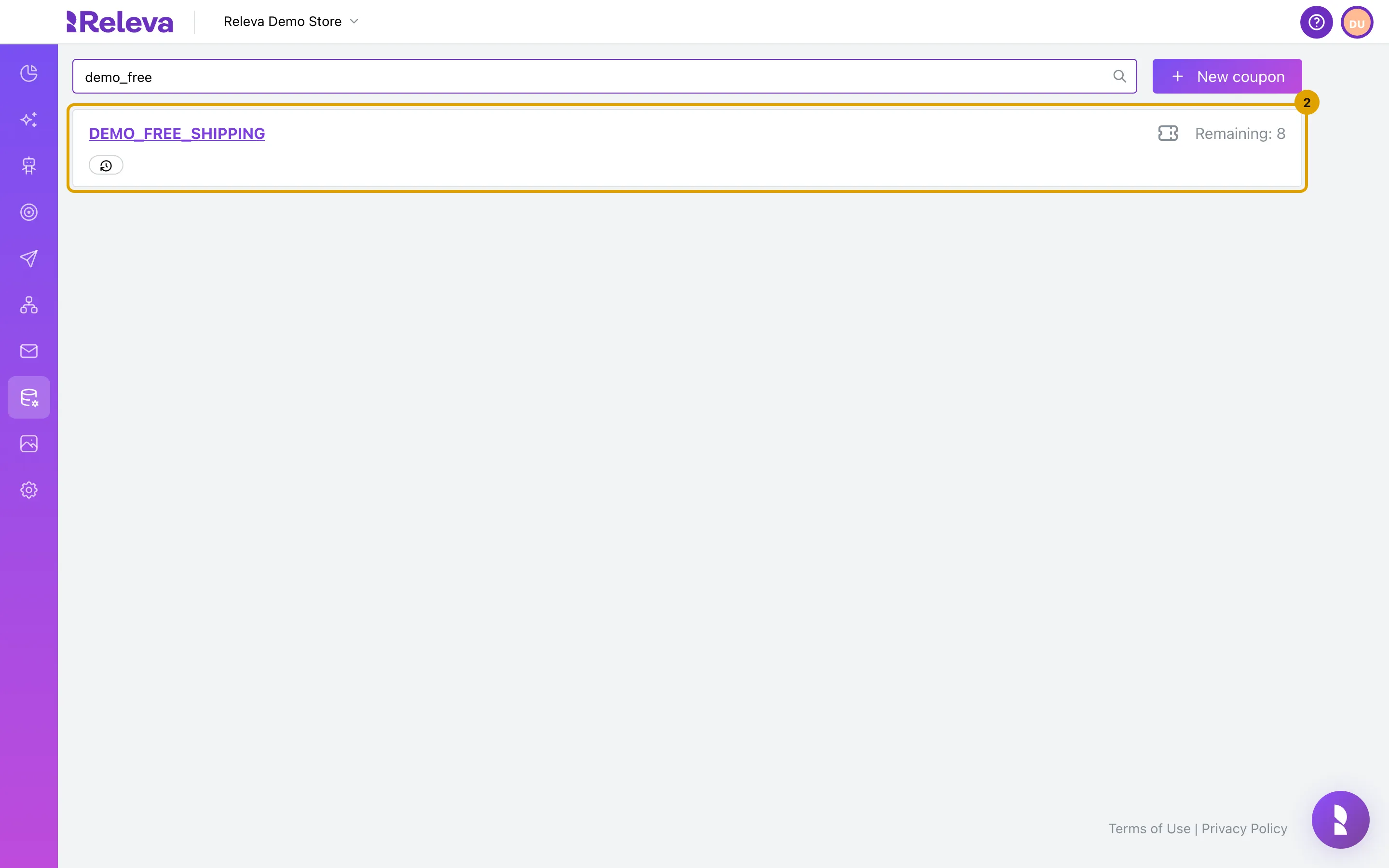
-
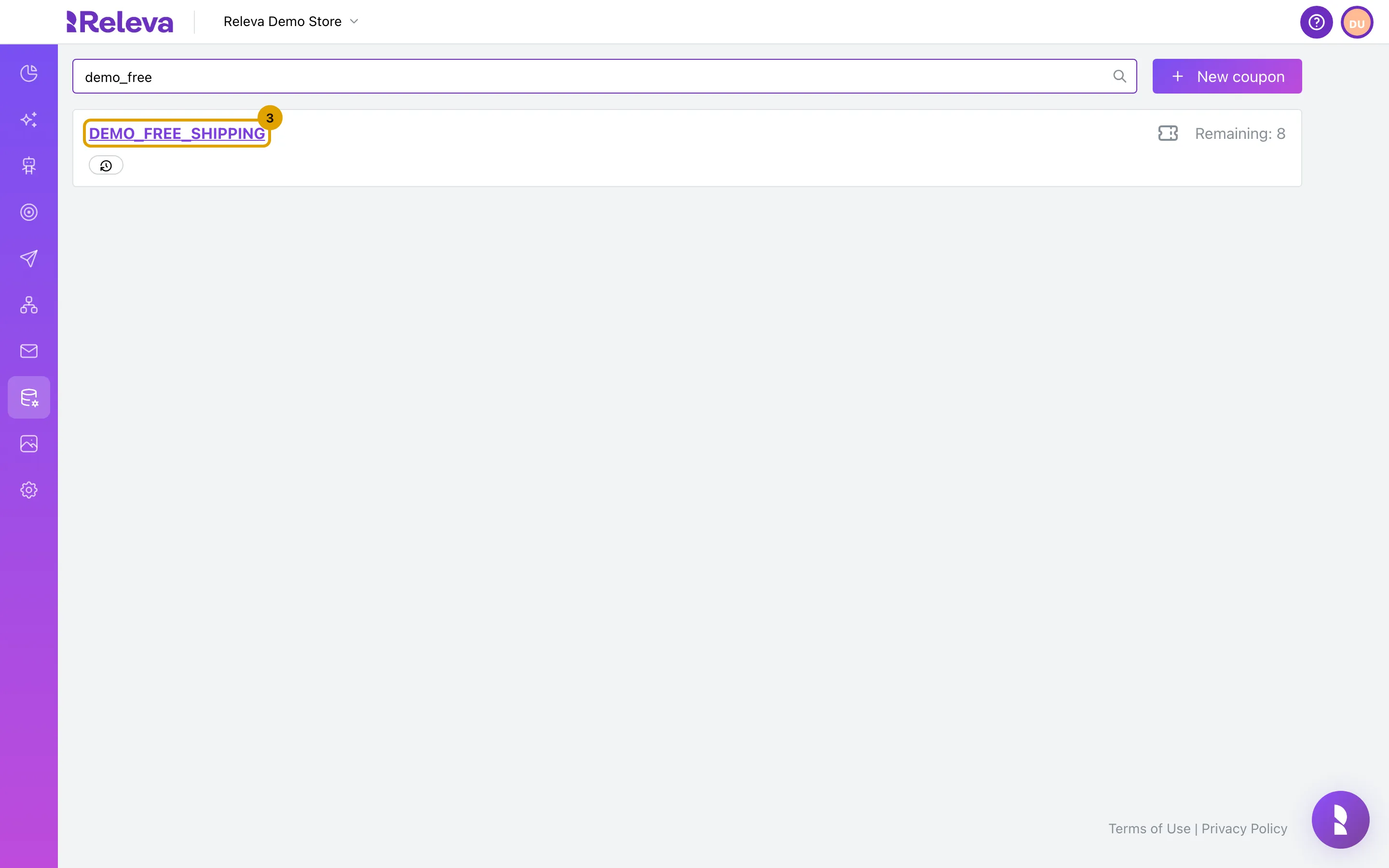
Select the list name to open it.
-
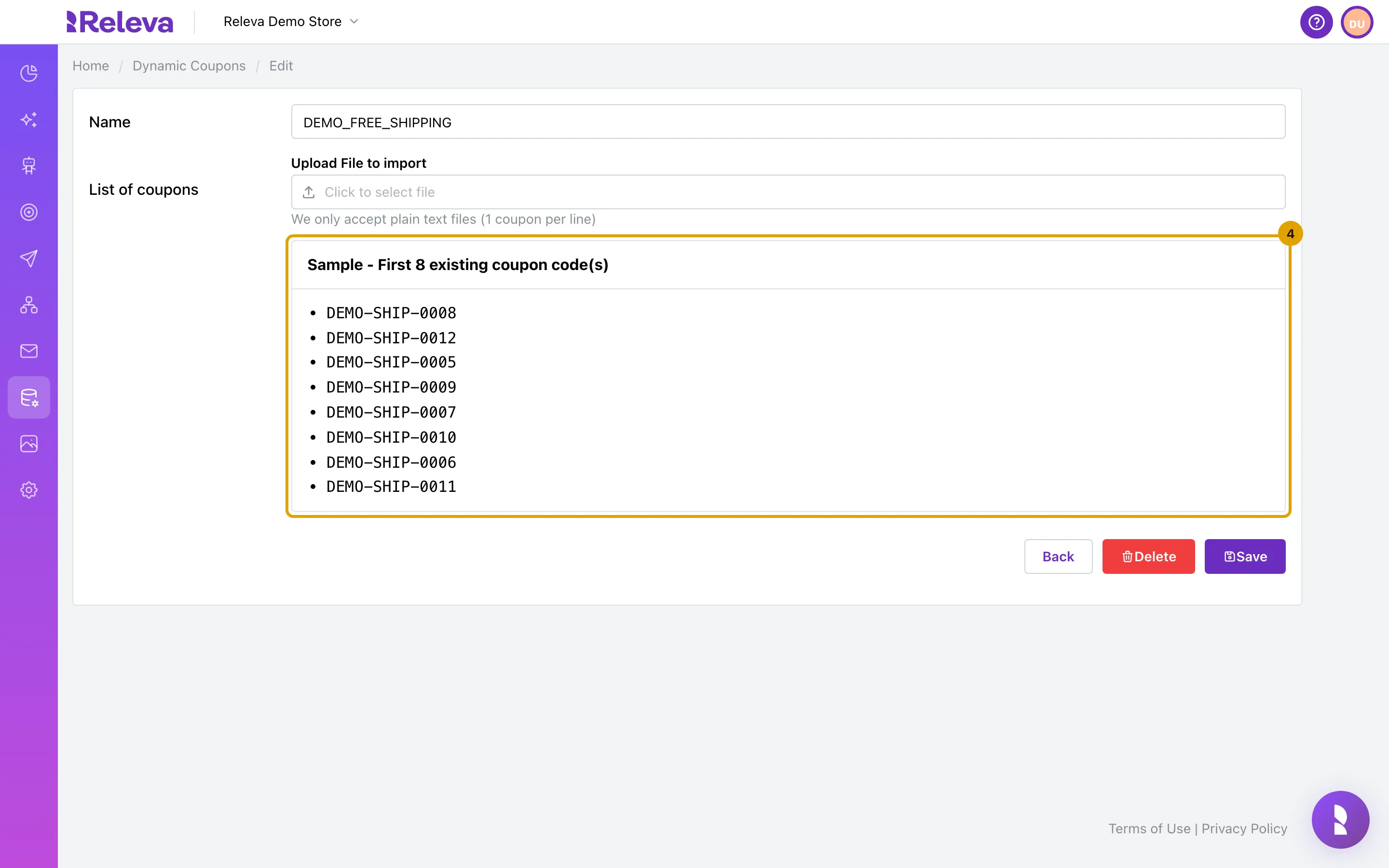
The sample shows up to 10 unused codes from the list.
The card is titled Sample - First N existing coupon code(s). It shows a random sample of unused codes, so it changes every time you open the page. A list with fewer than 10 unused codes shows all of them: DEMO_FREE_SHIPPING has 8 left, so the card reads Sample - First 8 existing coupon code(s). Codes that were already sent are never shown.
Check it worked
Section titled “Check it worked”- The card for the list shows Remaining: N, where N is the number of codes still available. Hover over the clock badge under the name to see Created and Updated dates.
- On the edit page, the Sample card lists codes that you recognise from your shop.
Troubleshooting
Section titled “Troubleshooting”No results found. Try a different search term. No word in a list name starts with that text. The search matches word starts only: for DEMO_FREE_SHIPPING try demo, free or ship, not ipping or eeship. Clear the search to see all lists.
No results found and no search term. Your shop has no coupon lists. Upload one: Upload a list of coupon codes.
Remaining is 0 for a list you just uploaded. The import is still running. Wait for the confirmation e-mail, then reload the page.
Remaining is low. Add codes before the list runs out: Add codes to a coupon list.
“Coupon not found.” The list behind that link was deleted. Go back to Dynamic Coupons.