

Find a company and see its activity
The Companies page lists the B2B customer companies of your shop. Open a company to see its contact details and custom fields, the people linked to it, its recent events and its aggregated statistics.
Companies come in through the B2B API or the Add Company form. People are linked to a company only through the roles API. See Companies and roles.
Before you start
Section titled “Before you start”- Your shop has at least one company. An empty list shows 0 Companies.
- Your plan includes the Companies page. If the Companies menu item is greyed out, ask your account owner to unlock it.
- You know the company’s exact Company ID, email address, phone number or full name.
-
In the left menu, select Data Platform › Companies.
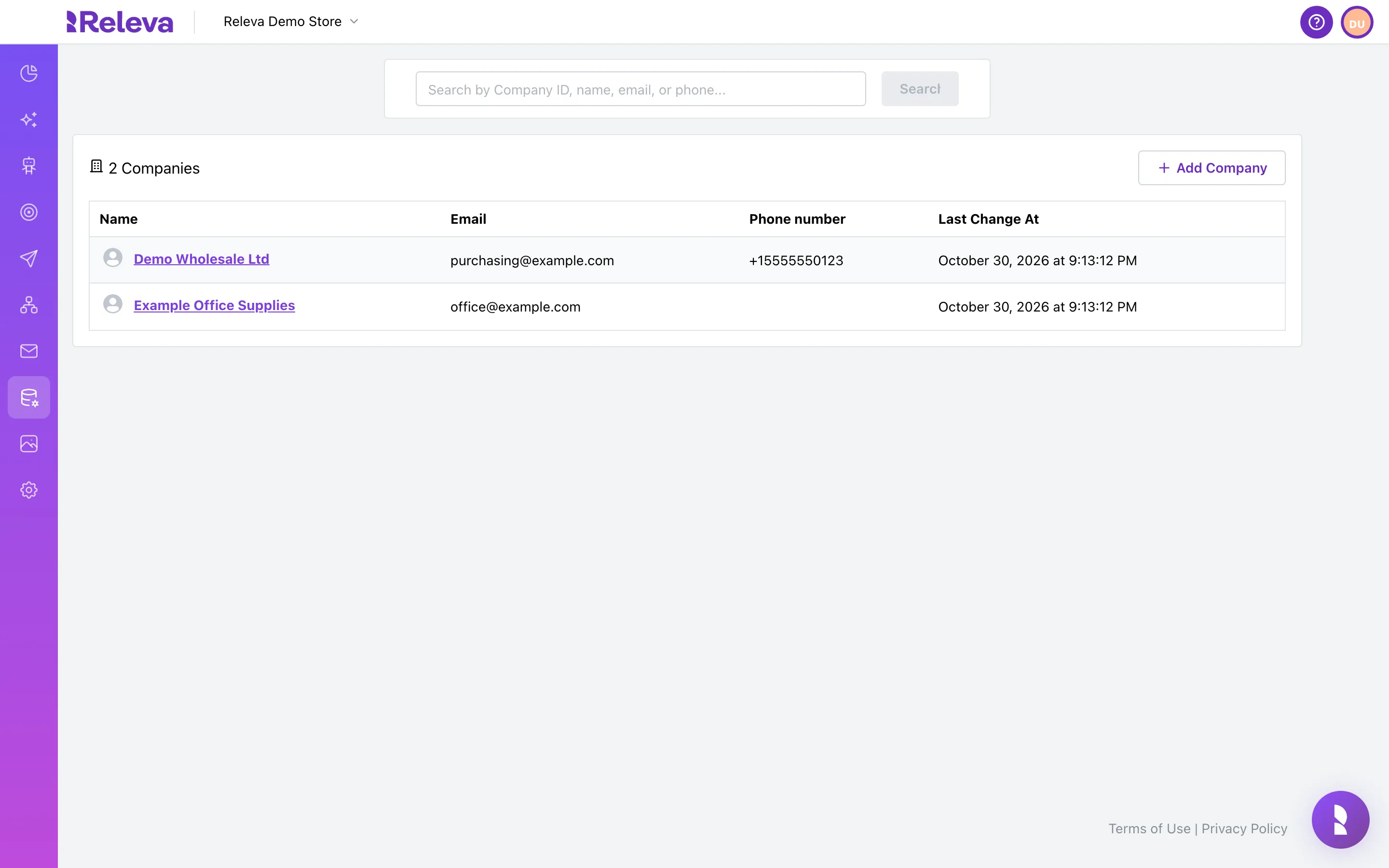
-
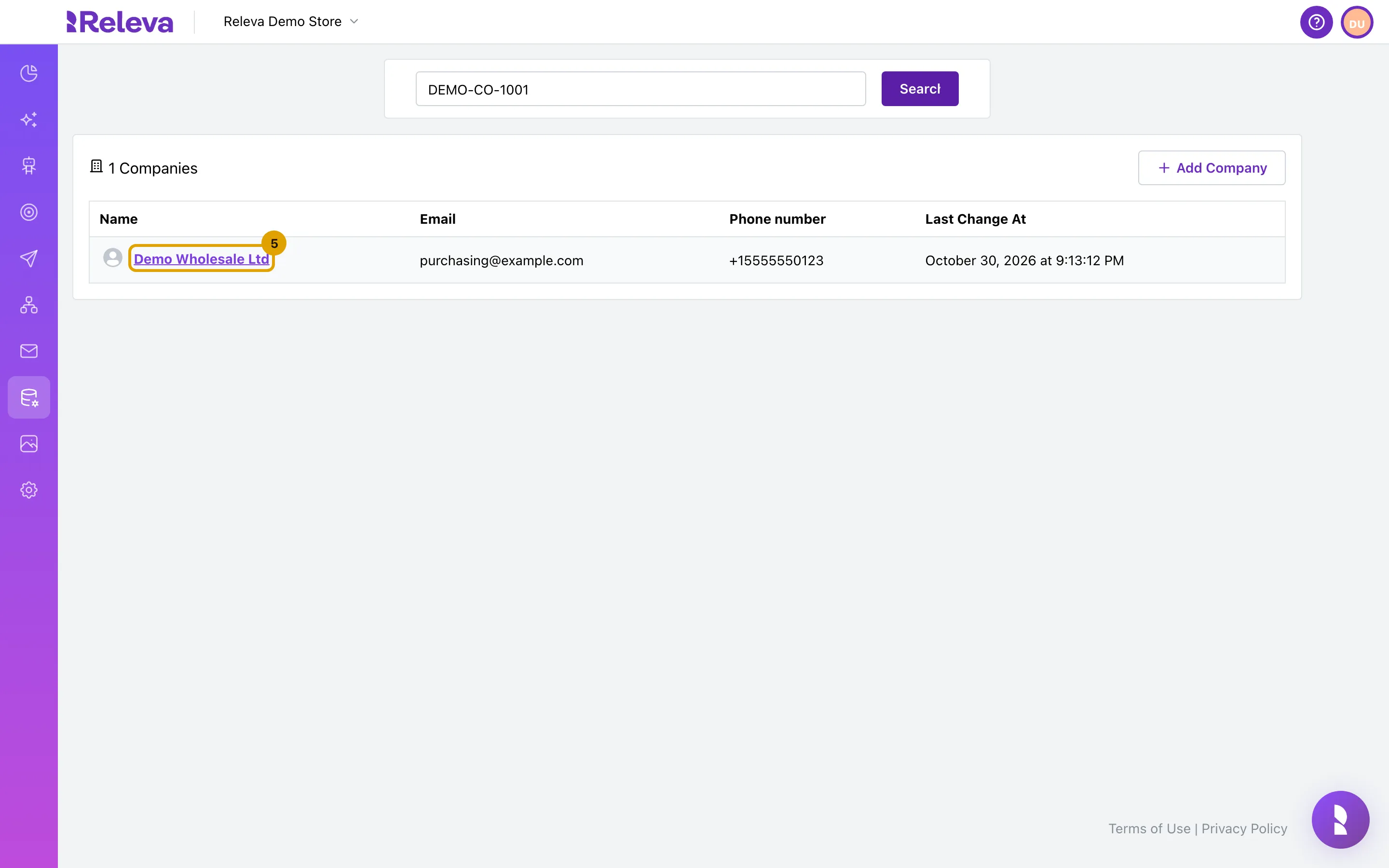
In the search box, enter the Company ID, email, phone number or full company name.
The search matches whole values only. See What the search matches.
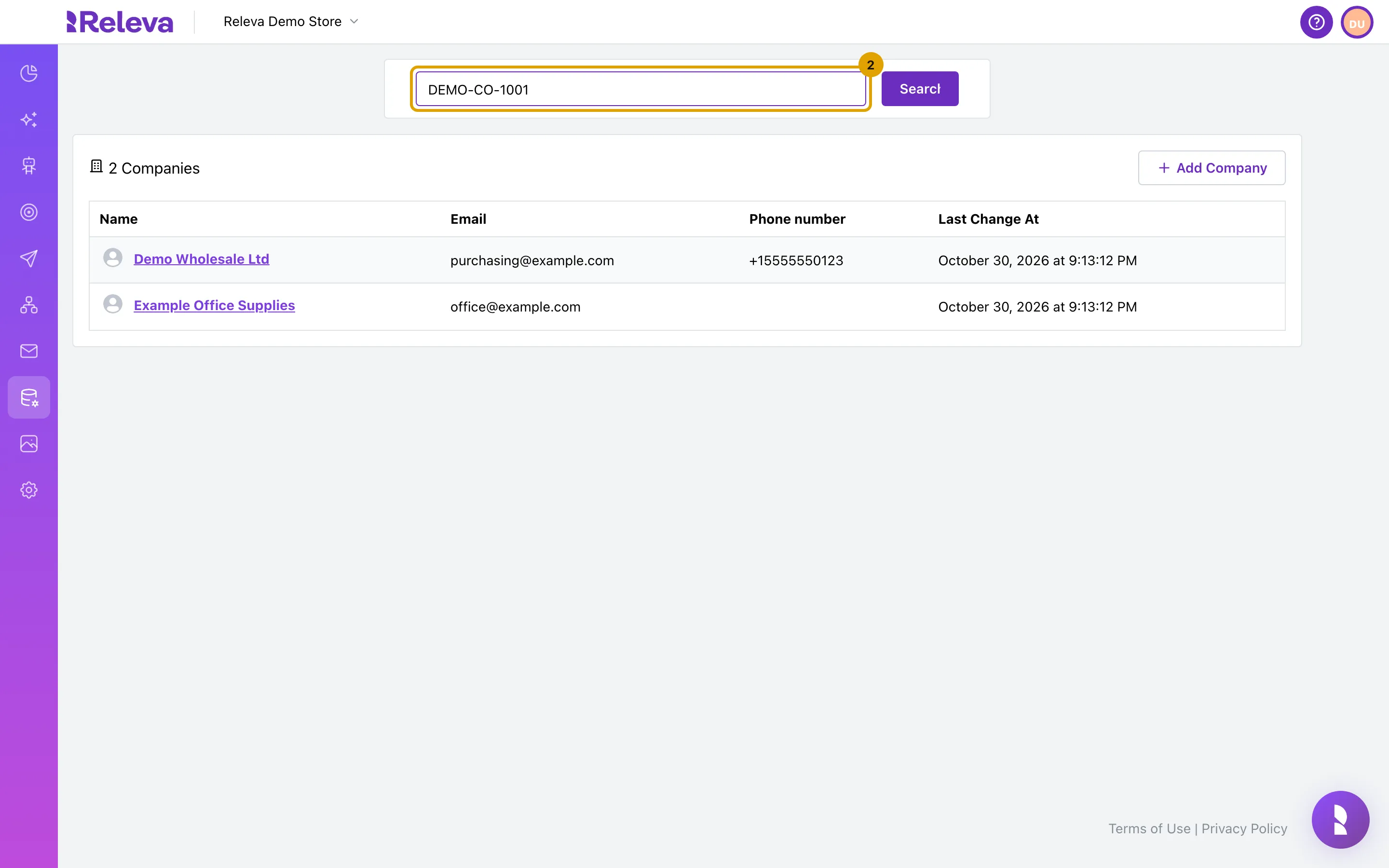
-
Select Search.
Search stays disabled while the box is empty.
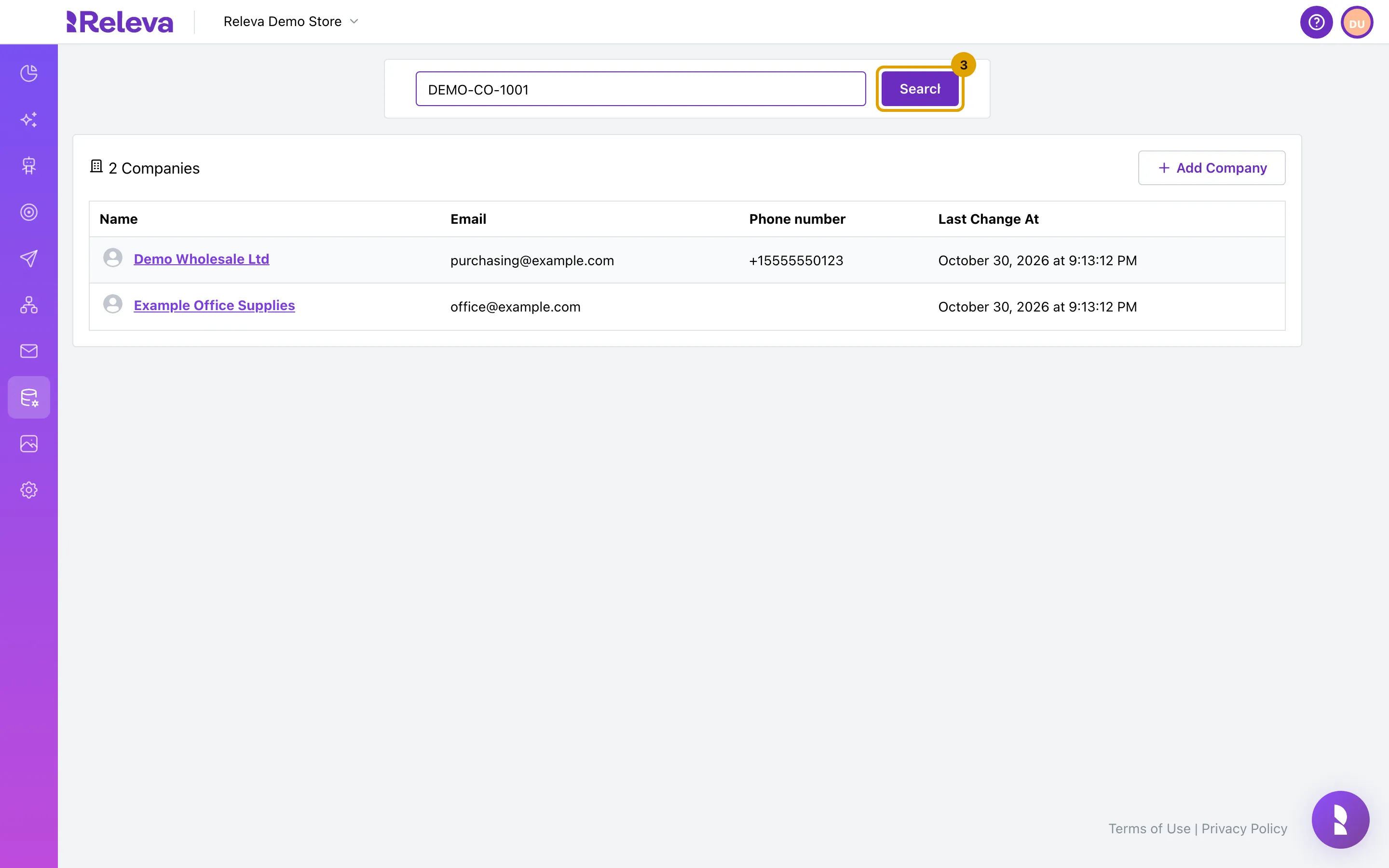
-
The list shows the matching company.
Each row shows the name, email, phone number and the time of the last change.
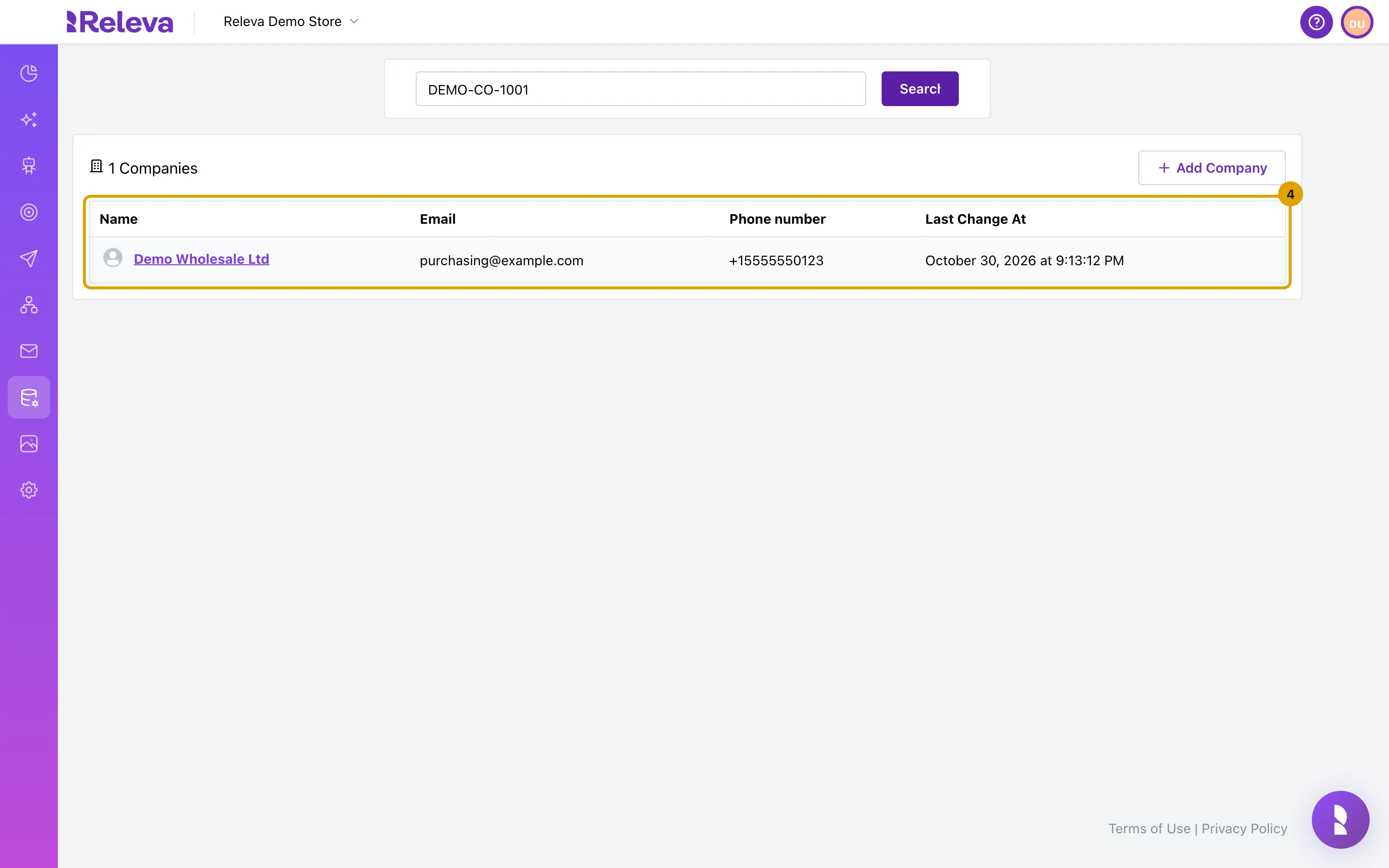
-
Select the company name to open it.
-
The company card shows the Company ID, email, phone number and any custom fields sent through the API.
Custom fields appear on the right as
customString,customNumericandcustomDate. Tags are not shown here; open Edit to see them. The Recent Events tab below lists the events your shop sent with this company’s id.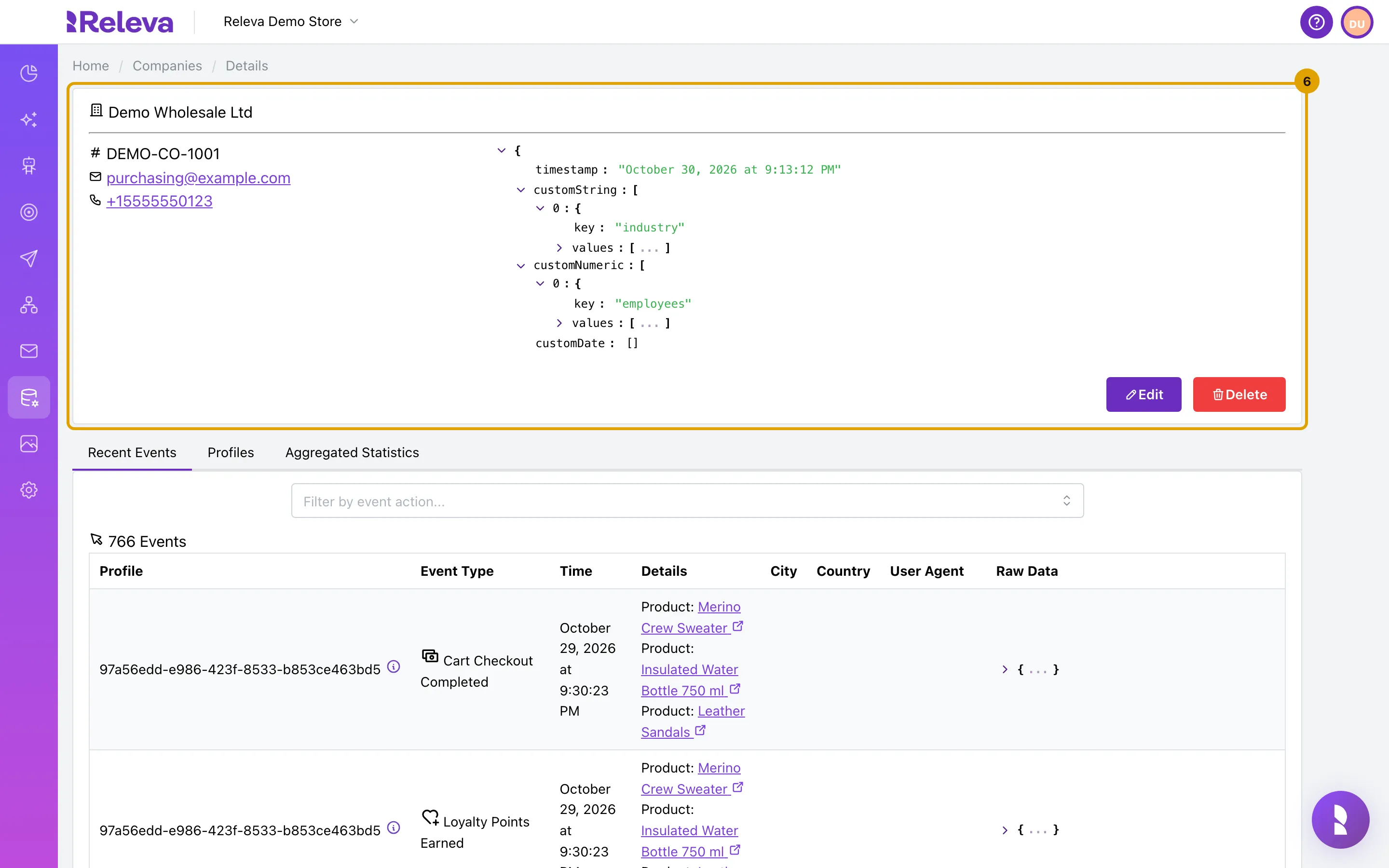
-
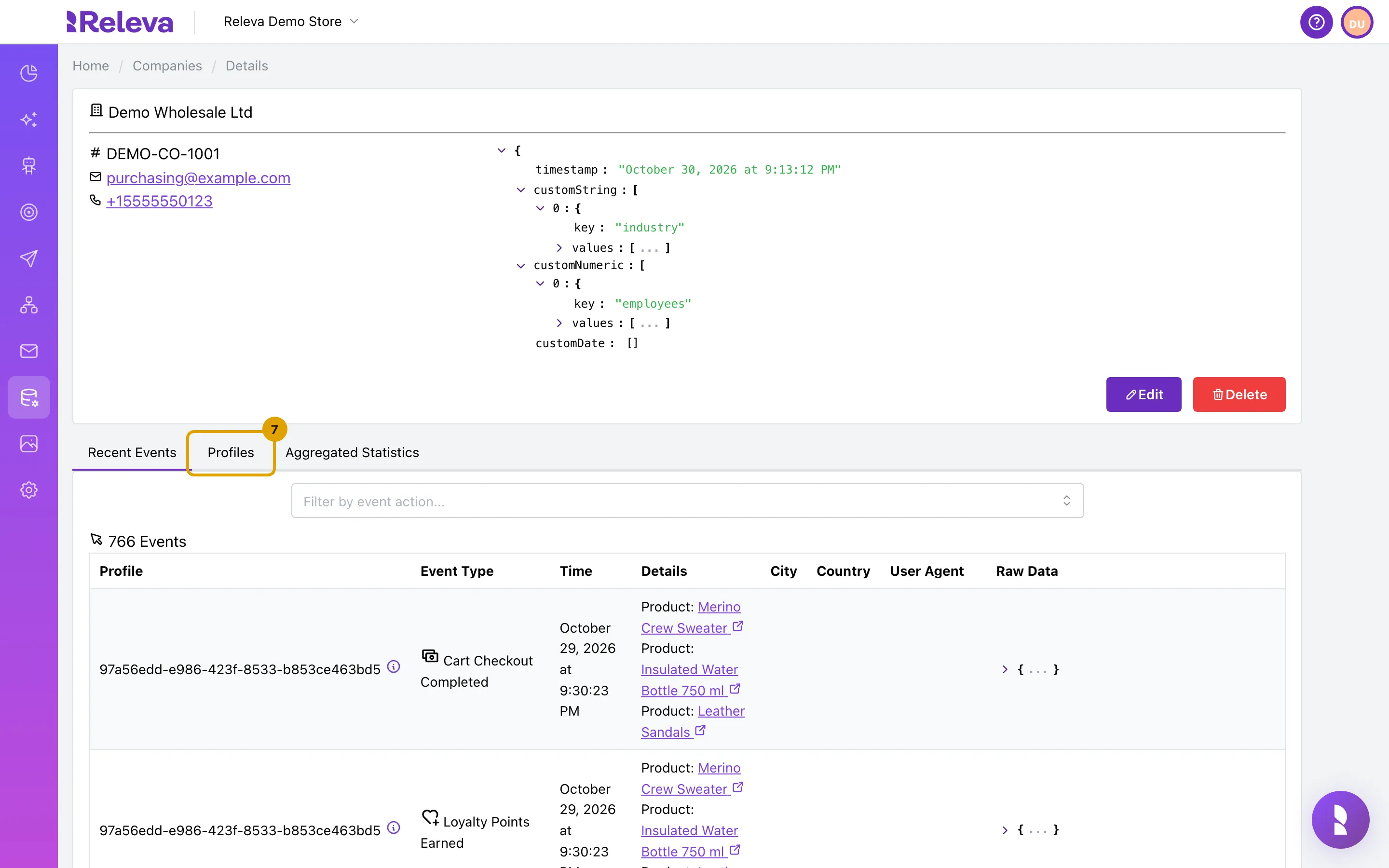
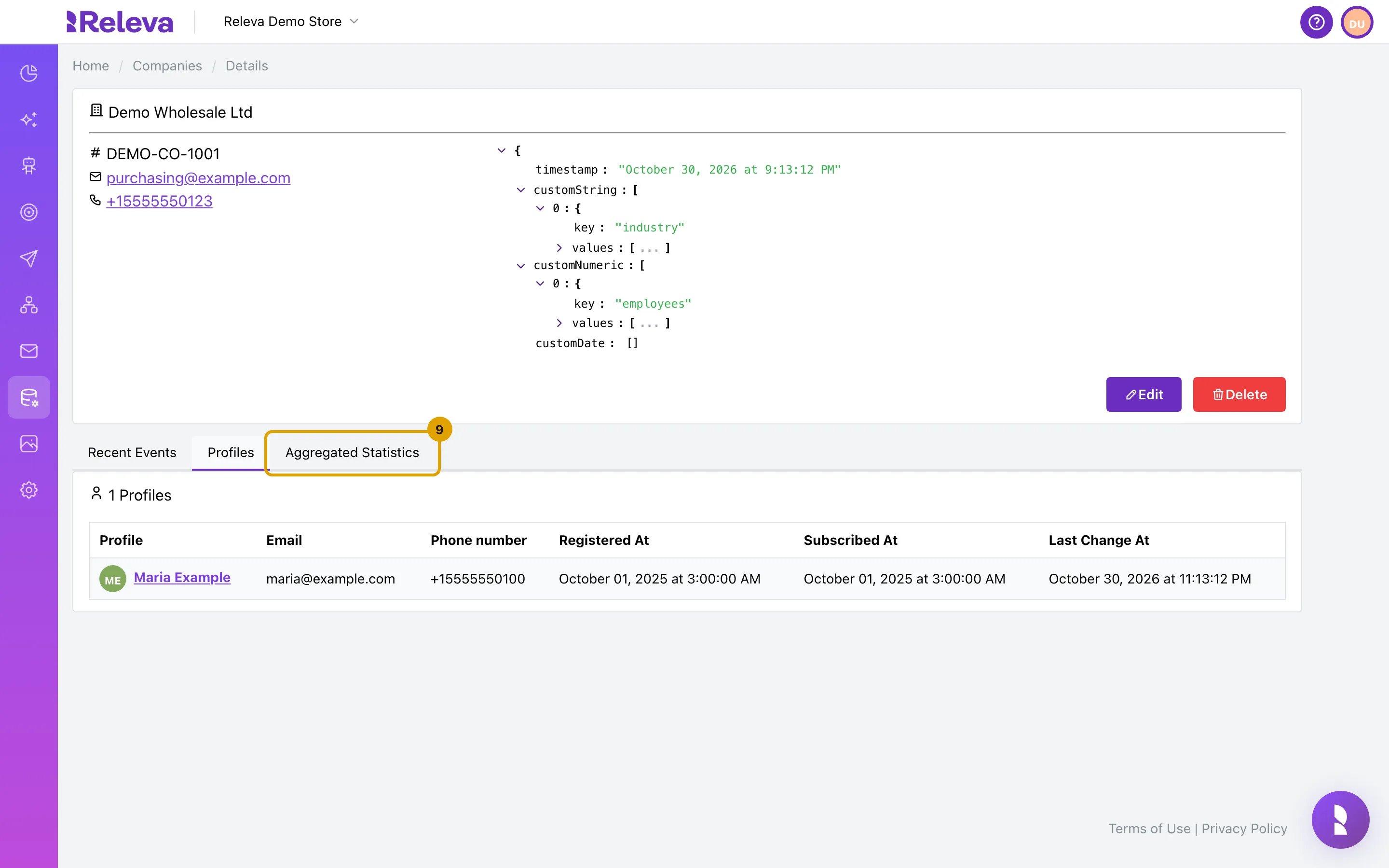
Select Profiles to see the people linked to this company.
-
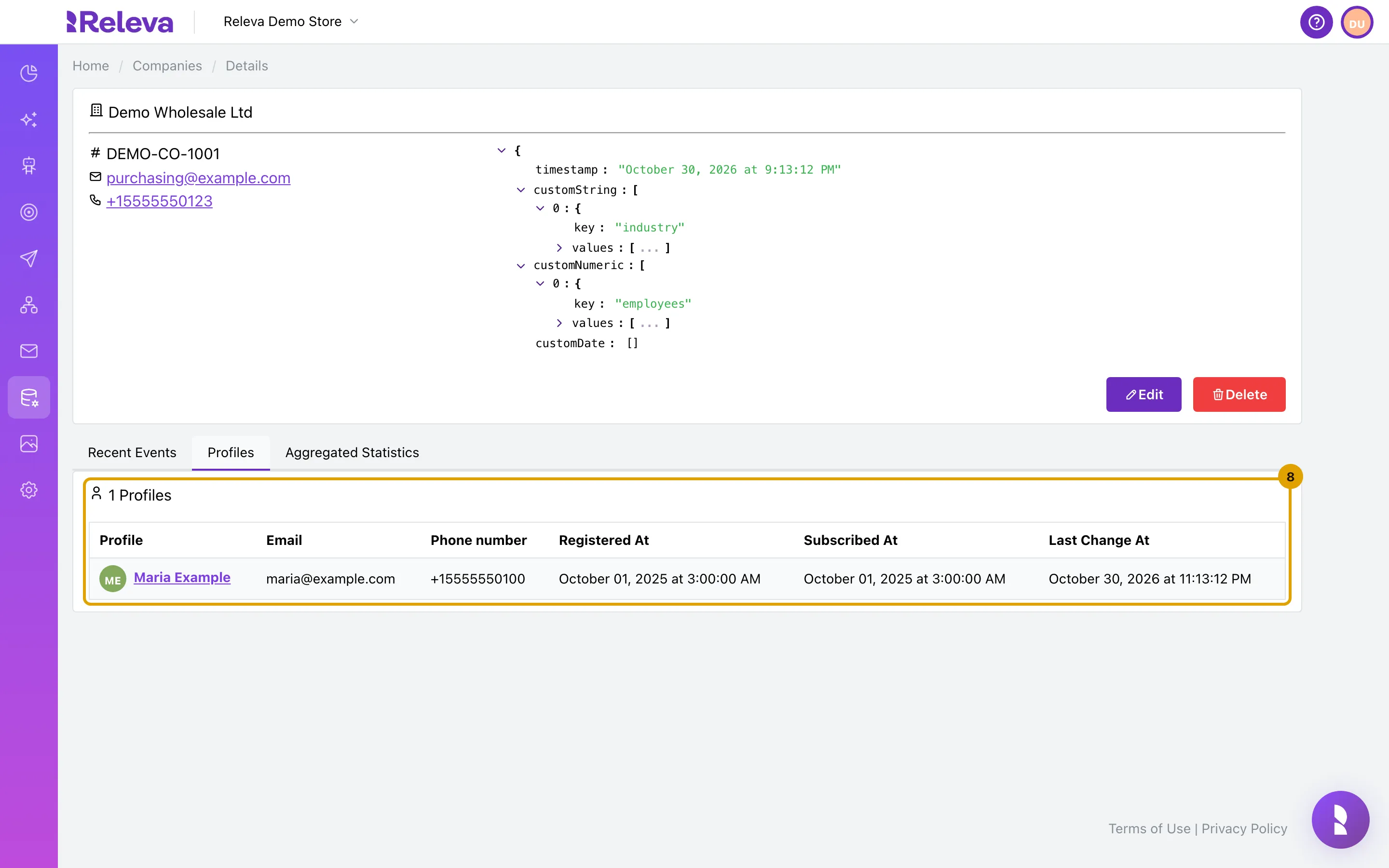
Each profile linked to the company through the roles API is listed here.
The role name is not shown. Select a profile to open it.
-
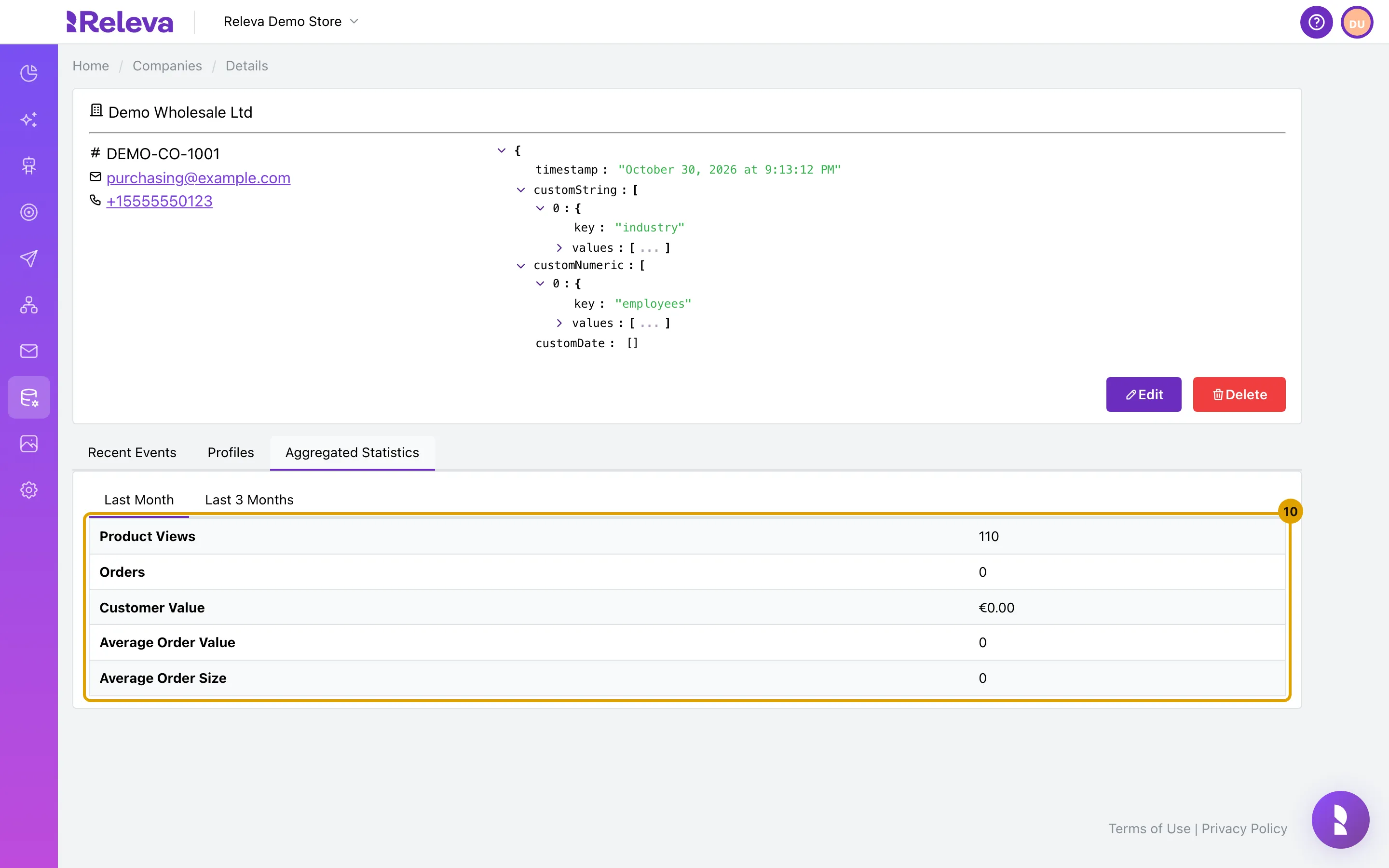
Select Aggregated Statistics.
-
See product views, orders, customer value, average order value and average order size for the last month or the last 3 months.
The numbers count the events that carry this company’s id. Switch between Last Month and Last 3 Months above the table.
What the search matches
Section titled “What the search matches”| You enter | Matches when |
|---|---|
| Company ID | Exactly the stored id, including letter case. DEMO-CO-1001 finds the company; demo-co-1001 does not. |
| Exactly the stored address, any letter case. | |
| Phone number | Exactly the stored number, including the leading +. |
| Name | The whole name typed in lower case. demo wholesale ltd finds “Demo Wholesale Ltd”; Demo Wholesale Ltd and demo do not. |
There are no partial matches.
Check it worked
Section titled “Check it worked”- After step 4 the card above the table reads 1 Companies and the row shows the company you searched for.
- The company card shows the Company ID you expect under the
#sign. - The browser tab title reads Releva | Companies | <company name> | Details.
Troubleshooting
Section titled “Troubleshooting”The list shows 0 Companies for a company you know exists. Check the value against the table above: Company ID and phone number must match exactly, and a name must be the full name in lower case. Also check that the company was not deleted.
I want the full list back after a search. Emptying the box does not help, because Search is disabled when the box is empty. Select Companies in the left menu again, or Companies in the breadcrumb on a company page.
A company I just added is not in the list. Companies are written a few seconds after you save or send them. Open Companies again after a few seconds.
The count above the table is higher than the number of rows. The count still includes companies that were deleted. It is a known issue; the rows are correct.
The company card shows N/A for the email although the company has one. The card shows the email only when the company also has a phone number. It is a known display issue; the email is still stored and shown in the list and on the Edit form.
The same person appears twice on the Profiles tab. The tab lists every stored version of a profile that was updated more than once, while the count above it counts each person once. It is a known issue.
Orders, Customer Value and the averages read 0 although the company has orders. The Aggregated Statistics tab counts the product views correctly but does not pick up the order rows. It is a known issue; see the orders on the Recent Events tab or on each linked profile.
The Companies menu item is disabled. Your plan does not include the Companies page. Users who manage the subscription see an unlock button next to the item.