

See all events of a customer
The Events page lists events for your whole shop. You can filter it by event action and date, but not by customer. To see what one customer did, open their profile from the Profile column. The profile’s Recent Events section shows only that customer’s events.
Before you start
Section titled “Before you start”- The customer has at least one event in the date range of the Events page (the last 30 days by default), so that a row with their name is there. Otherwise find them through Data Platform › Profiles: see Find a customer profile.
-
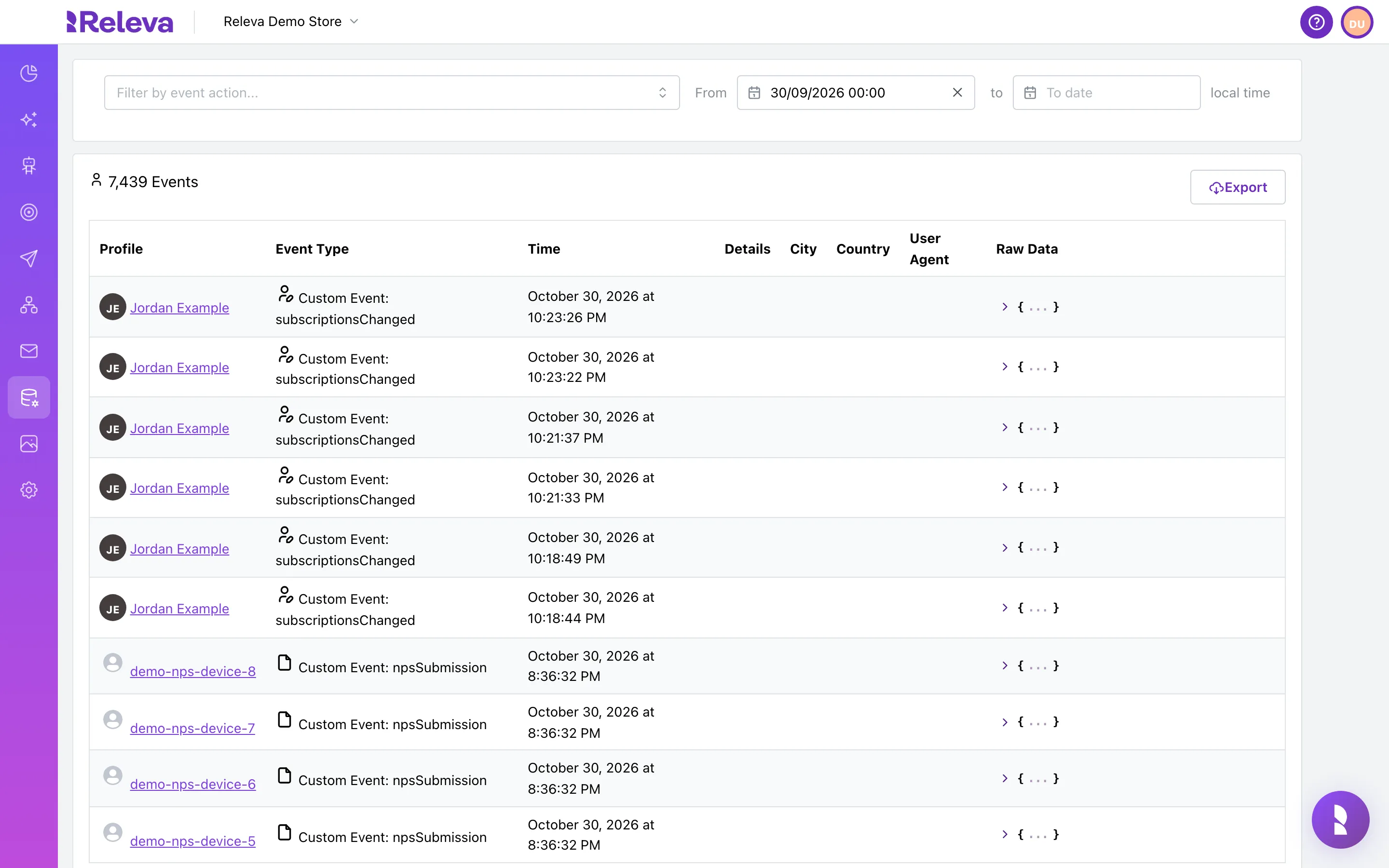
Go to Data Platform › Events.
The Profile column shows the customer’s name. When Releva has no name, it shows the e-mail address, the phone number or the profile id.
-
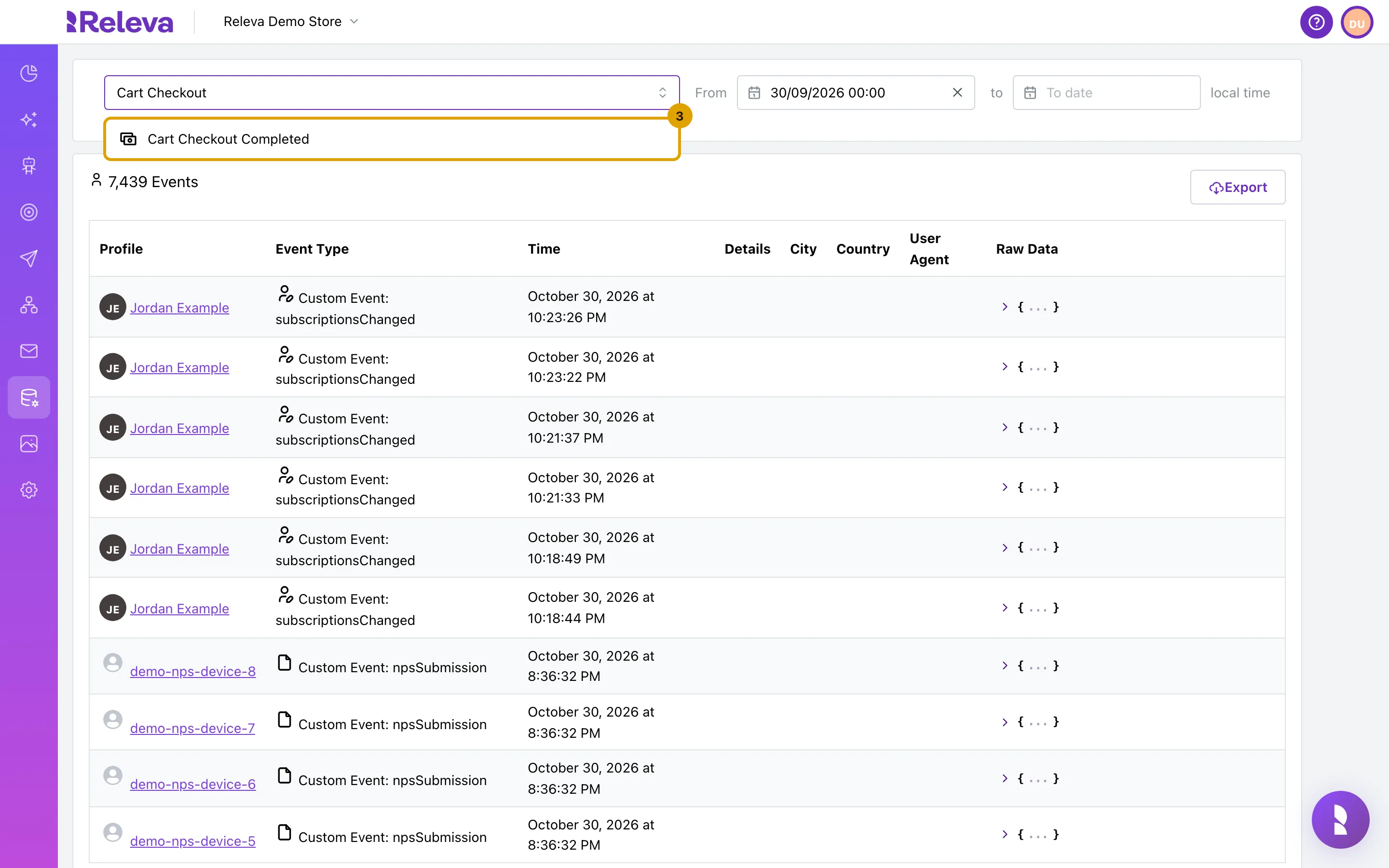
Optional: to shorten the list, select Filter by event action…, type an action the customer did and select it, for example Cart Checkout Completed.
The list shows only events of that action, newest first.
-
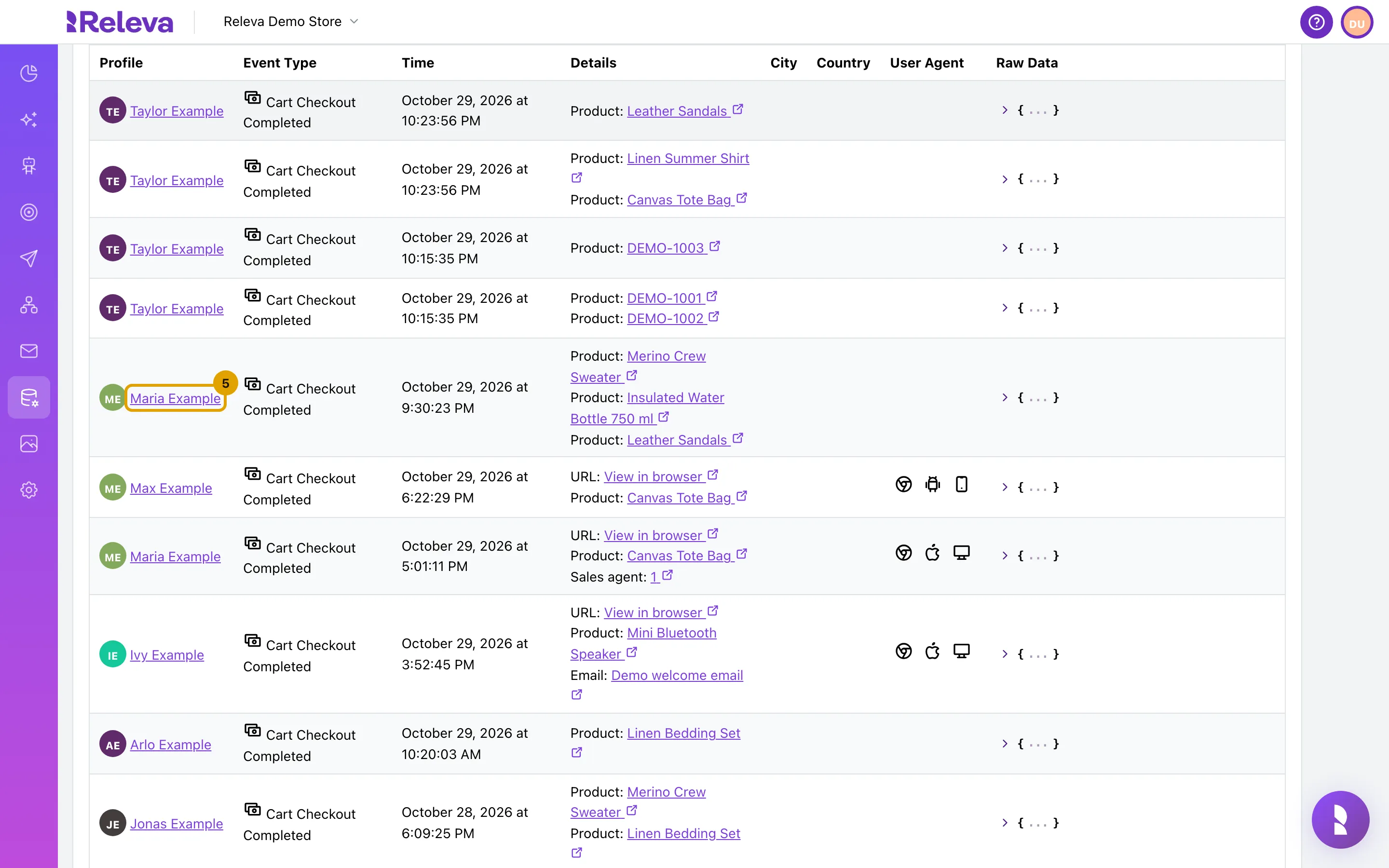
In the Profile column, select the customer’s name.
-
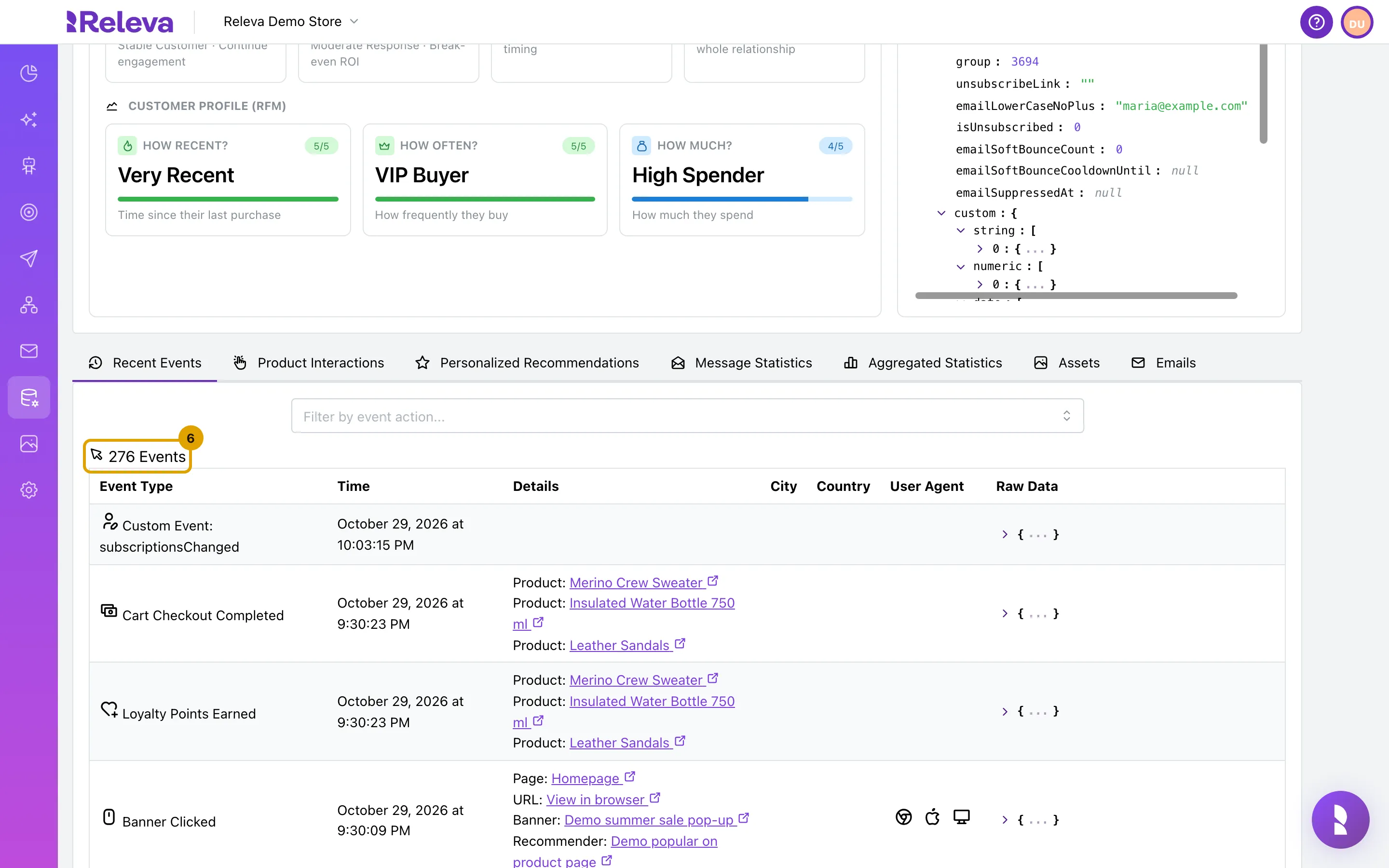
The customer’s profile opens on Recent Events, with every event Releva tracked for that customer.
The table has the same columns as the Events page, without Profile. You can filter by event action here too. There is no date filter: the section lists the customer’s whole history, newest first.
Check it worked
Section titled “Check it worked”- The browser tab title reads Releva | Profiles | <customer name> | Details.
- The Recent Events title shows the customer’s event count, and every row belongs to that customer.
Troubleshooting
Section titled “Troubleshooting”The name in the Profile column is not a link and has an info icon. The profile was deleted or merged into another profile. The event stays in the log, but there is no profile to open. The tooltip reads The profile was deleted or merged.
You cannot find the customer on the Events page. The page starts at From 30 days back, shows 10 events per page by default (up to 100 with Page Size) and has no search by customer. Filter by an action the customer did, set an earlier From date, or go to Data Platform › Profiles, search by e-mail, name or phone number and open the profile from there.