

View a product's details, interactions and recommendations
The product detail page has up to four tabs: Product Details, Variants, Product Interactions and Recommenders. Use it to confirm that a product synced correctly and to see how it performs.
Before you start
Section titled “Before you start”- Find the product in Data Platform › Products and open it. See Find a product in your catalog.
- Interaction data needs the Releva tracking snippet or SDK on your site. A new shop shows No Data and zeros.
-
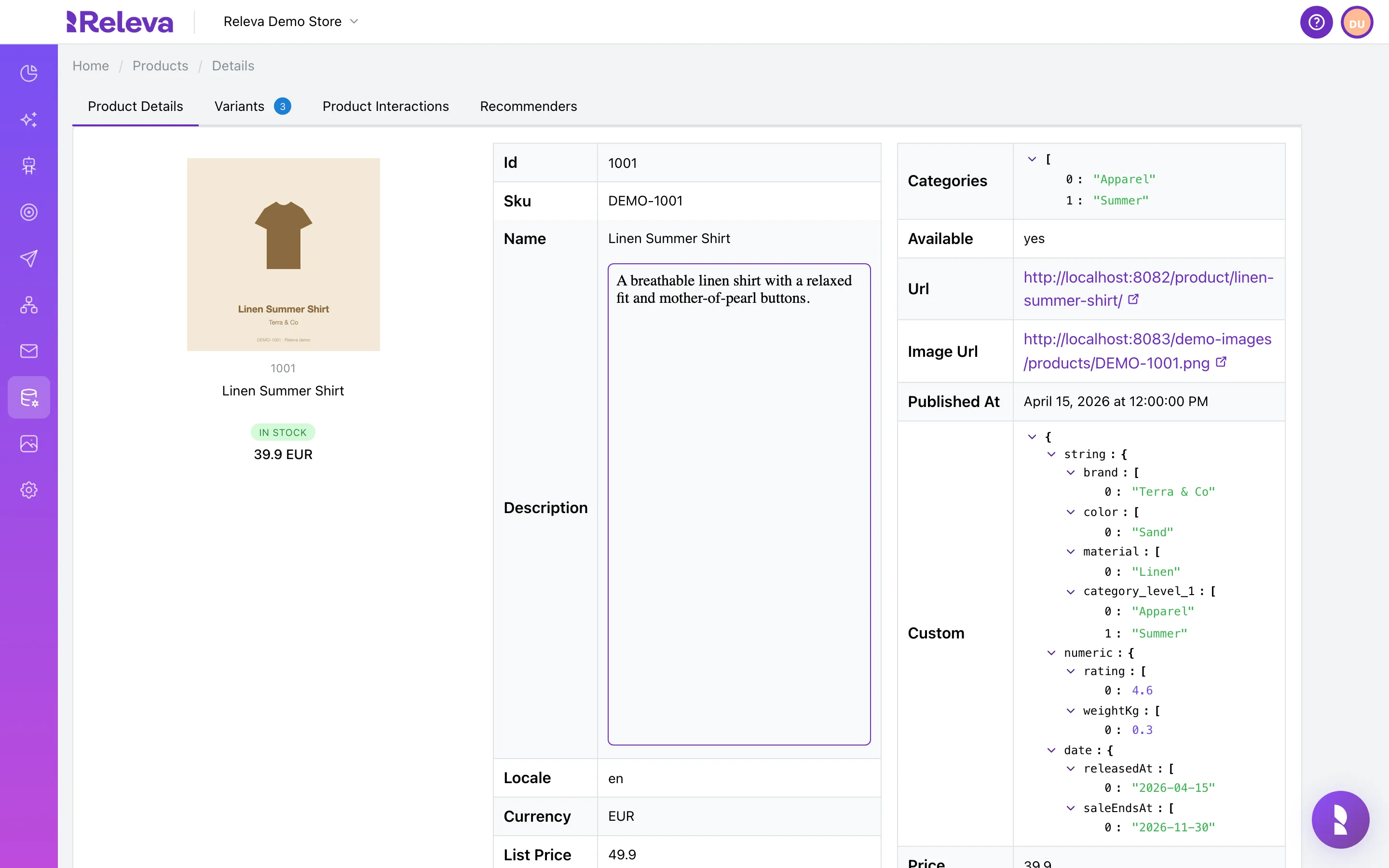
The Product Details tab lists the product’s image, price, stock state and every synced field.
The card on the left shows the image, id, name, an In stock or Out of stock badge, and the current price with its currency. The tables list every stored field, such as Id, Sku, Name, Description, Locale, Currency, List Price, Categories, Available, Url, Image Url, Published At, Price, Discount Price, Discount, Discount Percent, Created At and Updated At.
-
Custom holds your custom fields, such as brand, color or rating.
Custom fields are grouped by type:
string,numericanddate. Releva addscategory_level_1,category_level_2and so on from the product’s category paths.Men/Shirtsgives level 1Menand level 2Shirts. Segments and product block filters use these fields.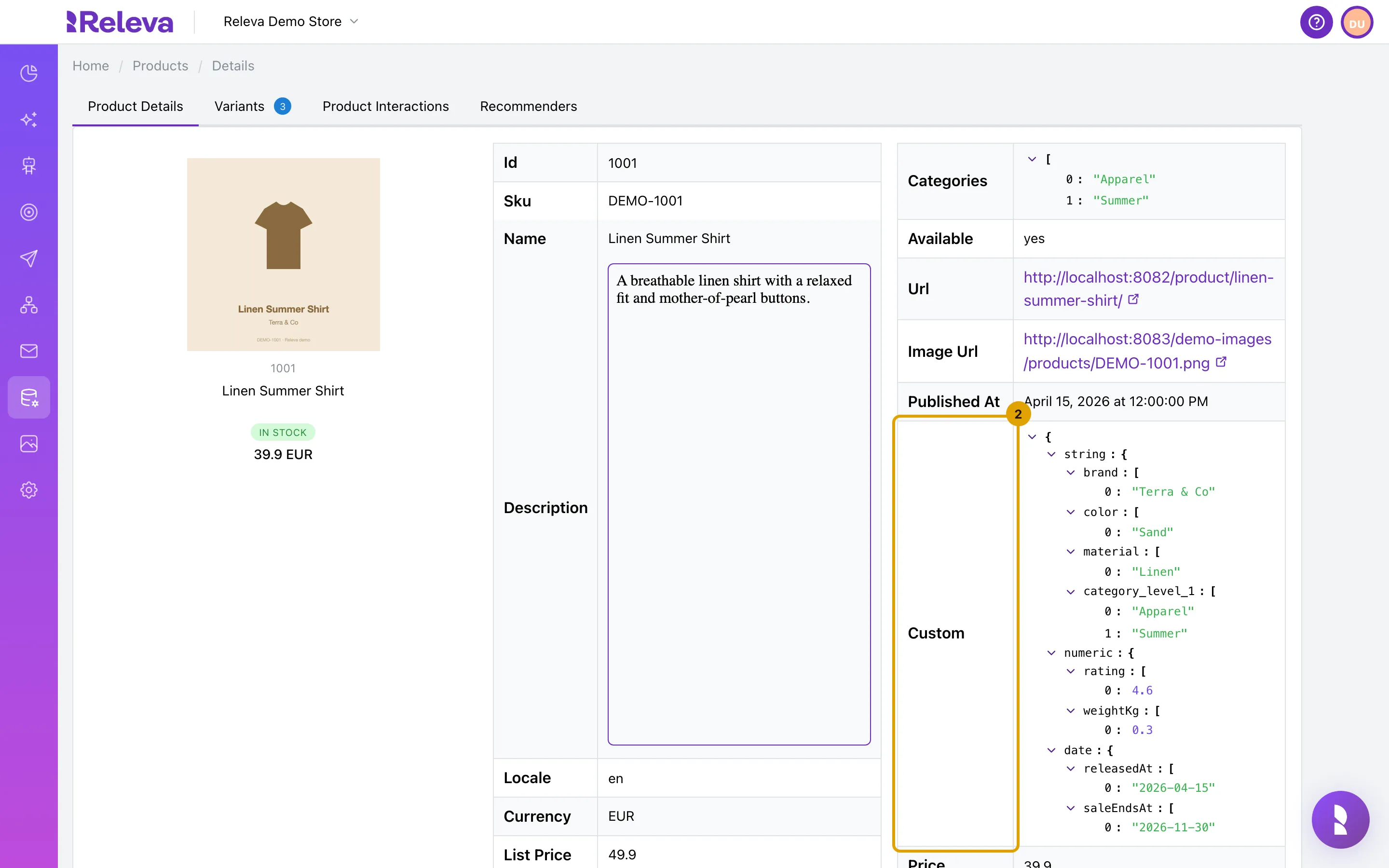
-
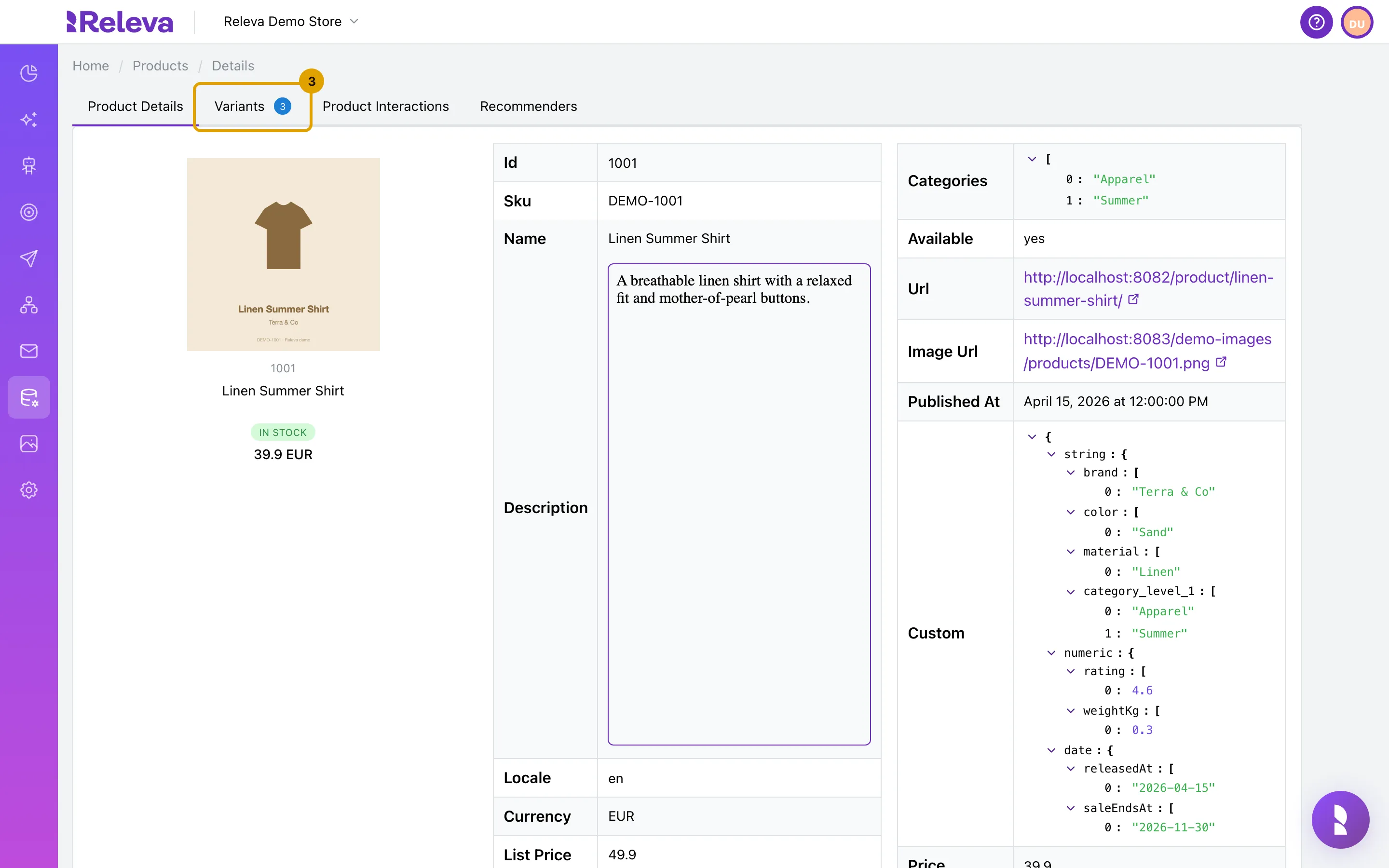
Select Variants.
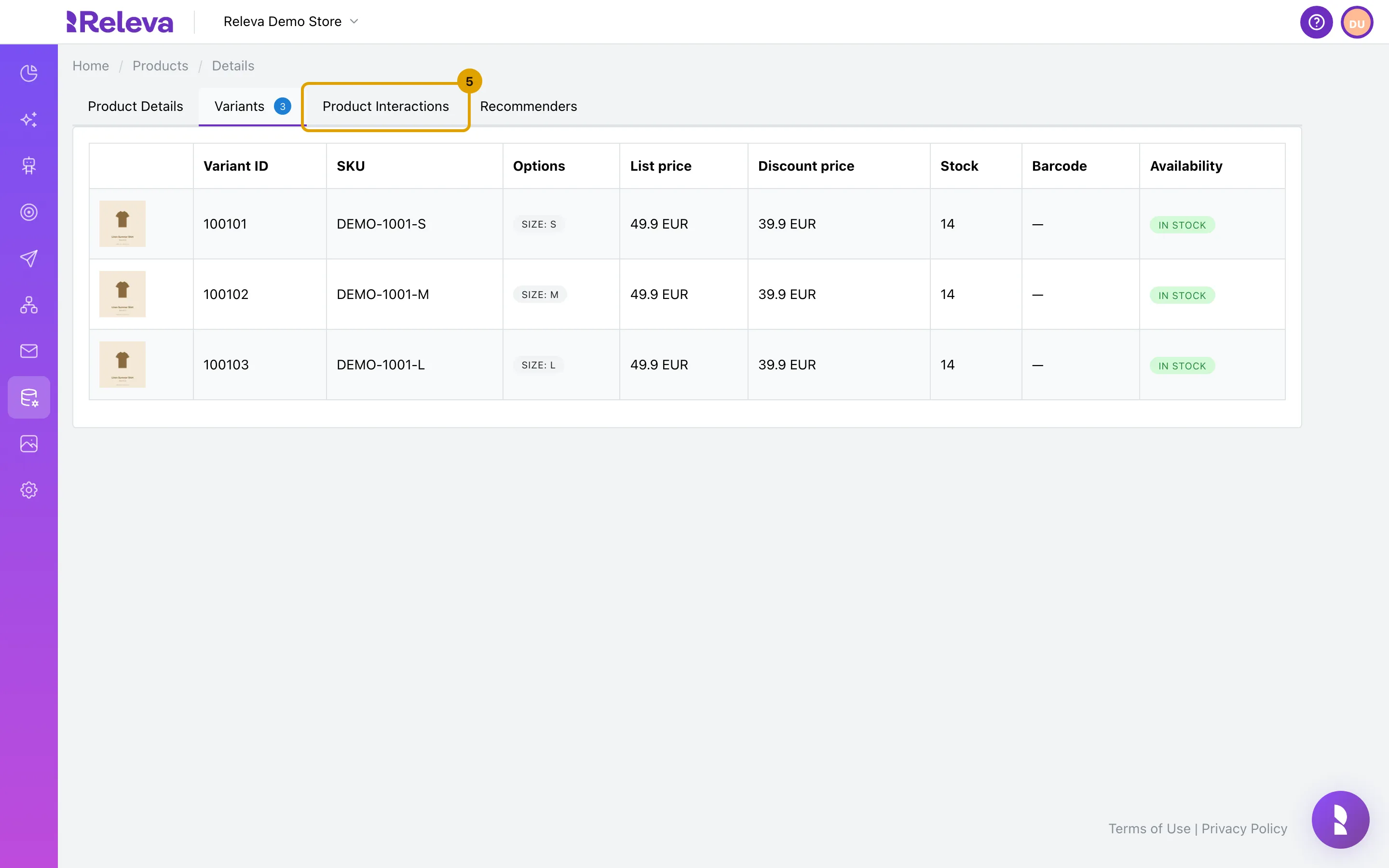
The tab appears only when a product has two or more variants. The badge shows the count.
-
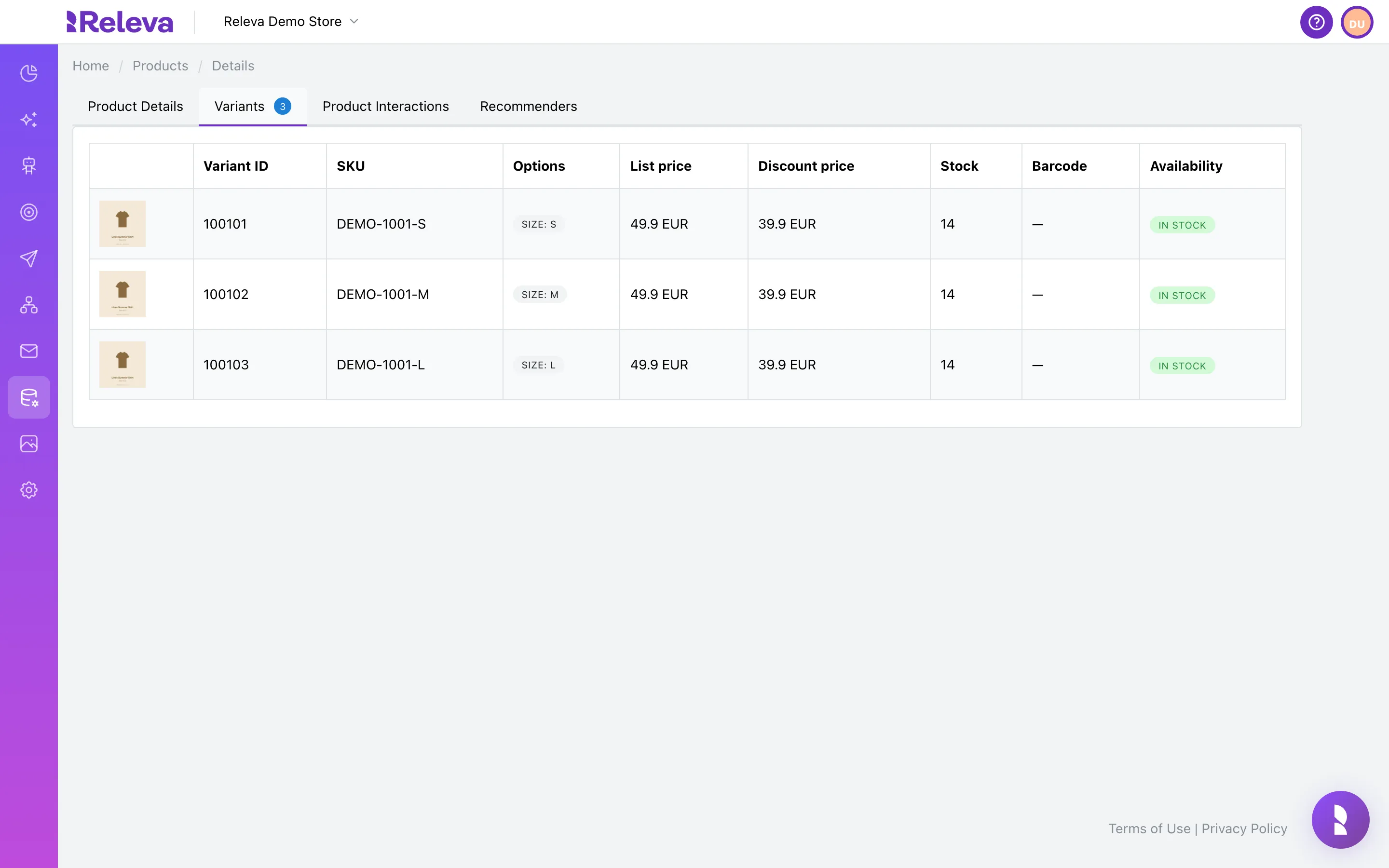
See each variant’s SKU, options, prices, stock and availability.
The table lists each variant’s image, Variant ID, SKU, Options, List price, Discount price, Stock, Barcode and Availability.
-
Select Product Interactions.
-
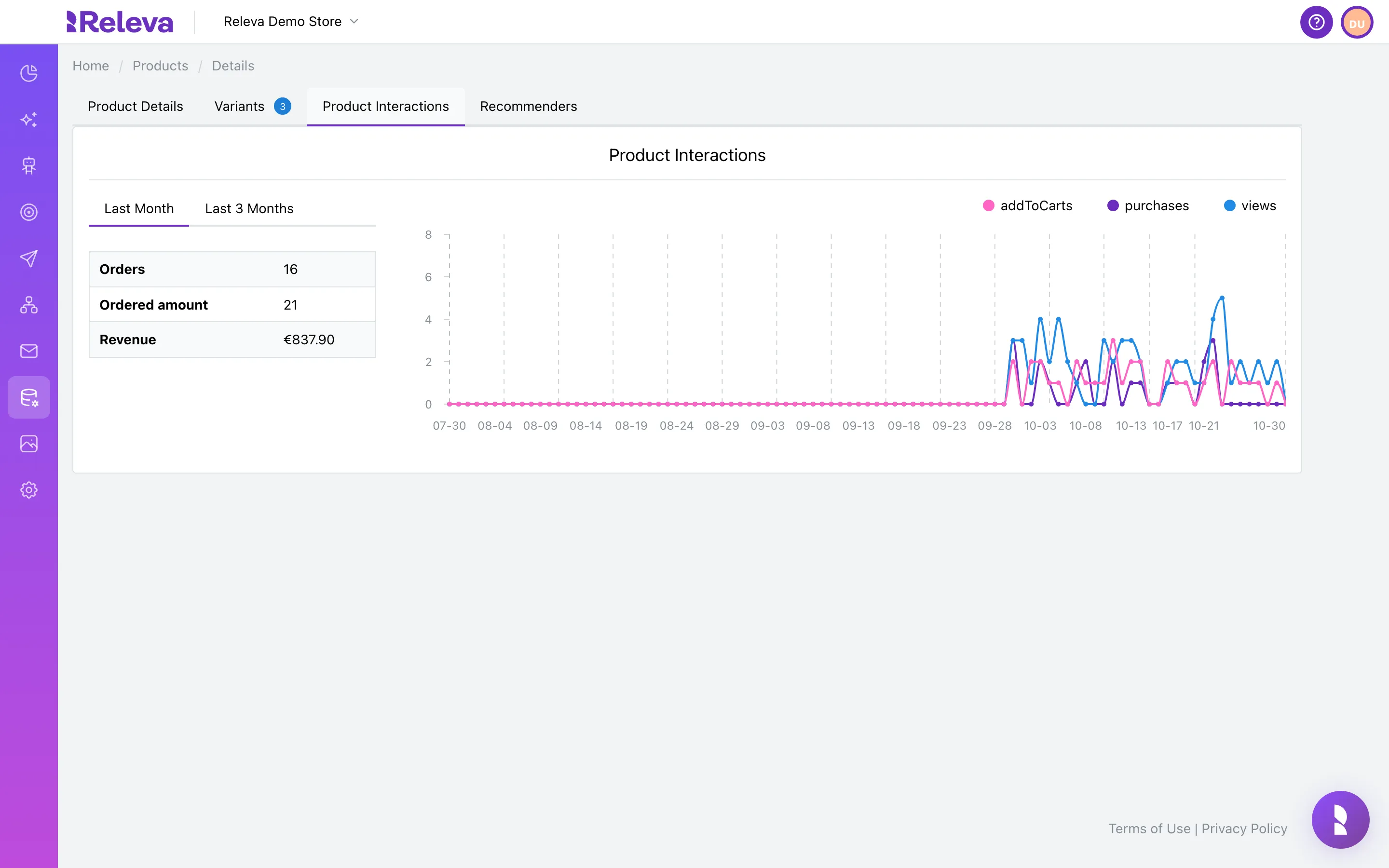
See views, add-to-carts and purchases for the last 3 months, with orders and revenue.
The chart plots daily purchases, views and add-to-carts. The Last Month and Last 3 Months tabs switch the table of Orders, Ordered amount (units) and Revenue.
-
Select Recommenders.
-
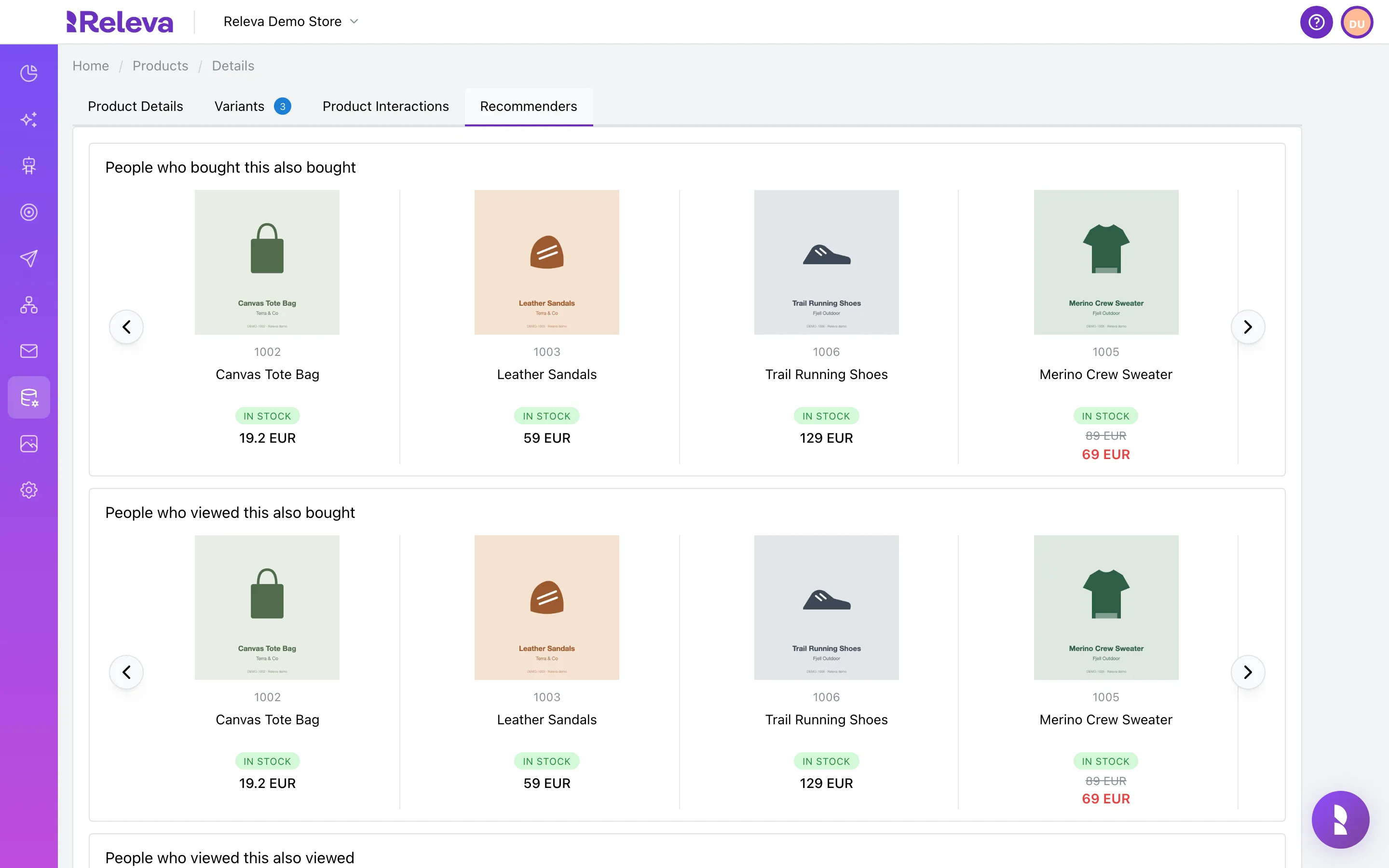
See which products Releva recommends next to this one.
Three live recommenders run for this product: People who bought this also bought, People who viewed this also bought and People who viewed this also viewed. They show available products only. This is a preview, not one of your configured product blocks.
Check it worked
Section titled “Check it worked”- The breadcrumb reads Home / Products / Details and the tab bar shows Product Details, Product Interactions and Recommenders, plus Variants for a product with two or more variants.
- Available on the Product Details tab matches the stock state in your shop.
- The selected tab is kept in the URL (
?tab=interactions), so you can share a link to a specific tab.
Troubleshooting
Section titled “Troubleshooting”Product with id … not found! The id in the URL does not exist in this shop’s catalog. Ids are case-sensitive. Check the id on the Products list.
The image shows the product name instead of a picture. The Image Url is not reachable from your browser. Check it in your shop and resync the product.
Product Interactions shows No Data. No tracked events exist for this product in the last 3 months. Check that the Releva snippet is installed and that the product id in your events matches the catalog id.
Recommenders are empty. Recommendations need interaction data from several products, and show available products only. A new or small catalog can have empty carousels.
There is no Variants tab. The product has one variant. The tab appears when a product has two or more variants; a product with one variant shows its values on Product Details.