

Check that a refund was recorded
A refund your shop reports with POST /api/v0/refunds is stored as a Refund event on the customer’s profile, with negative amounts. Use this page to confirm that a refund was applied and how much was netted out.
Before you start
Section titled “Before you start”- You know the customer’s email address, or another way to find the profile: see Find a customer profile.
- The refund was sent at least a minute ago.
- The refunded order was sent to Releva less than 30 days before the refund. Refunds for older orders are accepted and skipped, so nothing shows up for them.
-
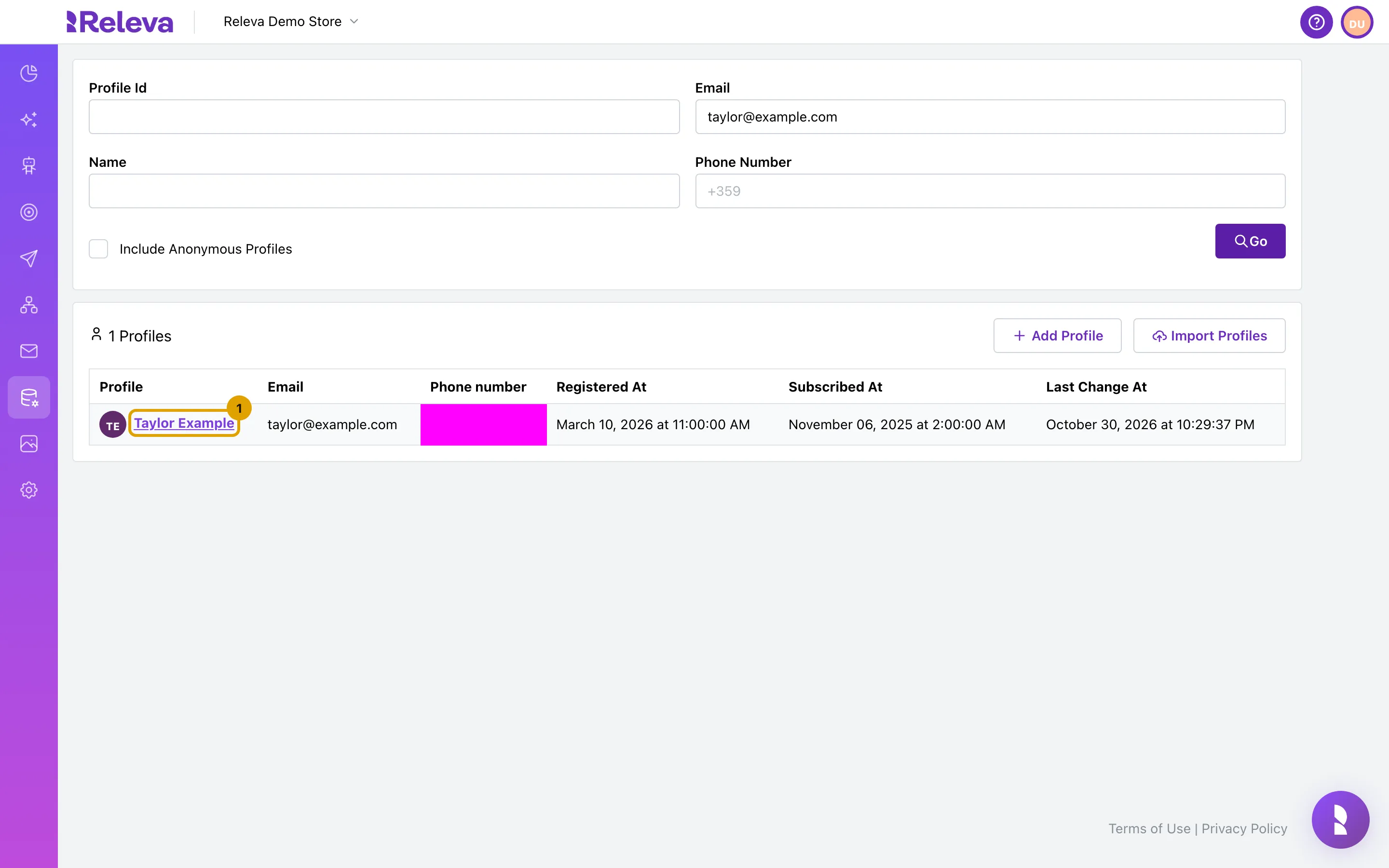
Go to Data Platform › Profiles, enter the customer’s email address in Email, select Go, then select the customer’s name.
-
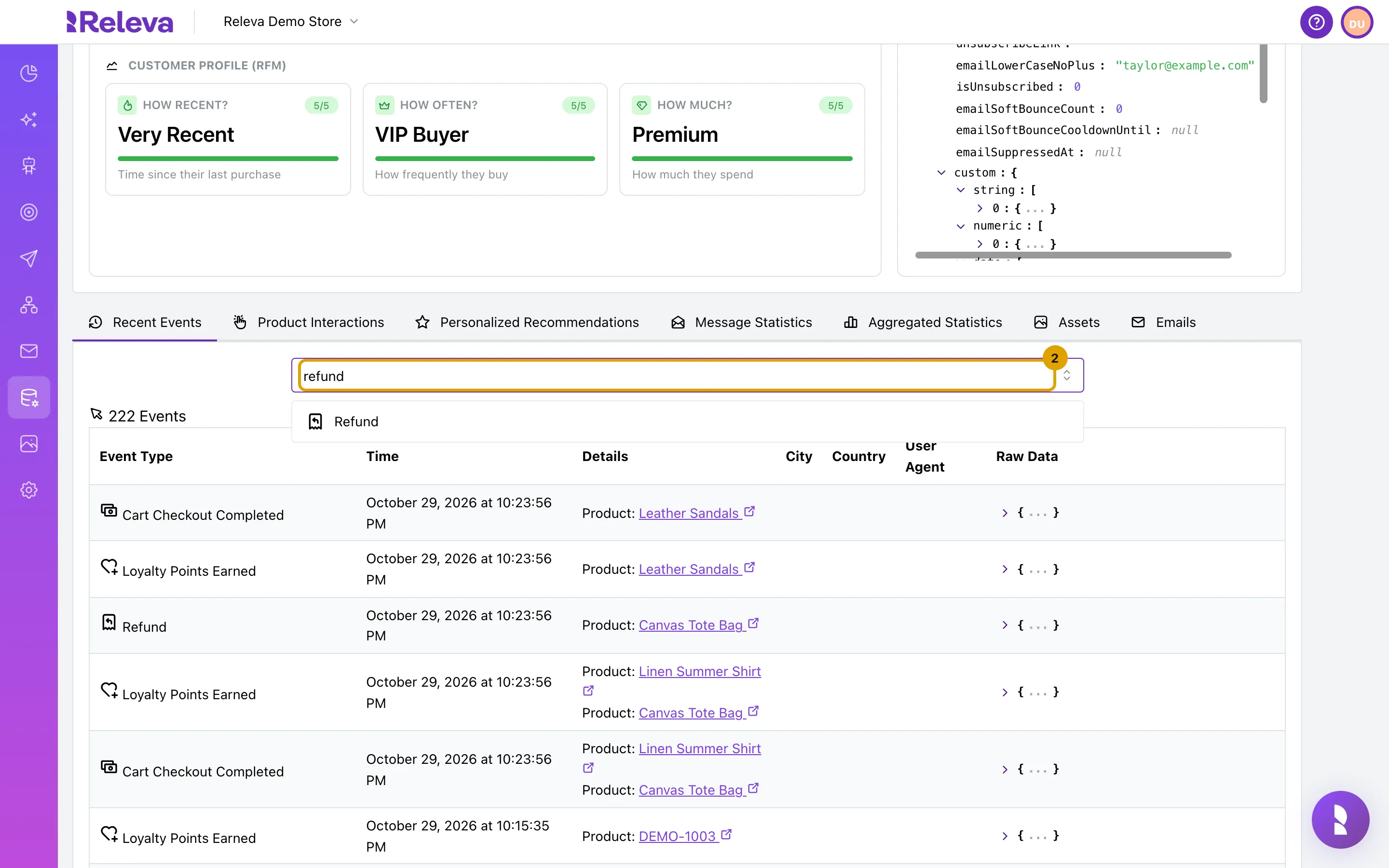
In the Recent Events tab, type refund in the event filter.
-
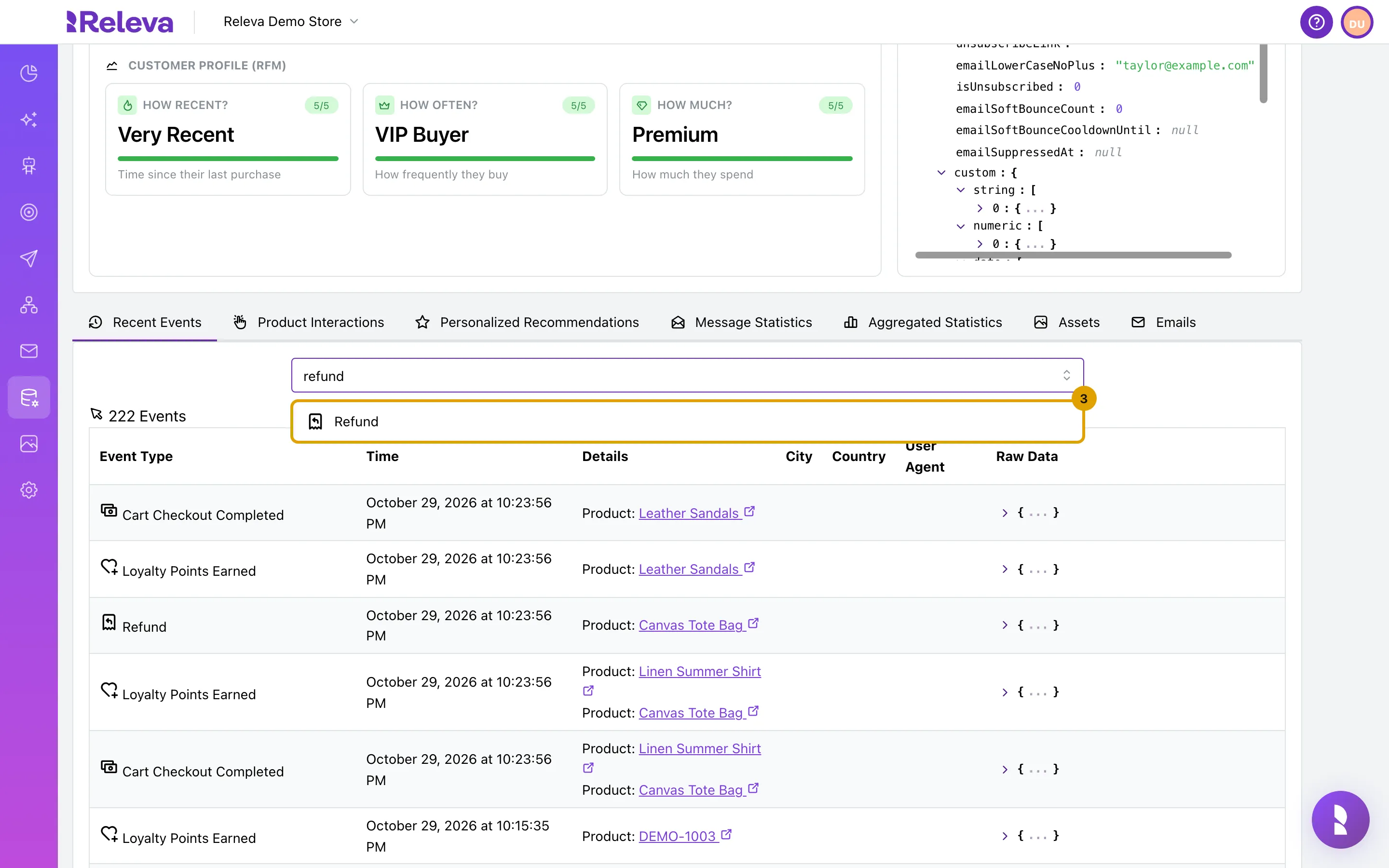
Select Refund.
Press Escape to close the list.
-
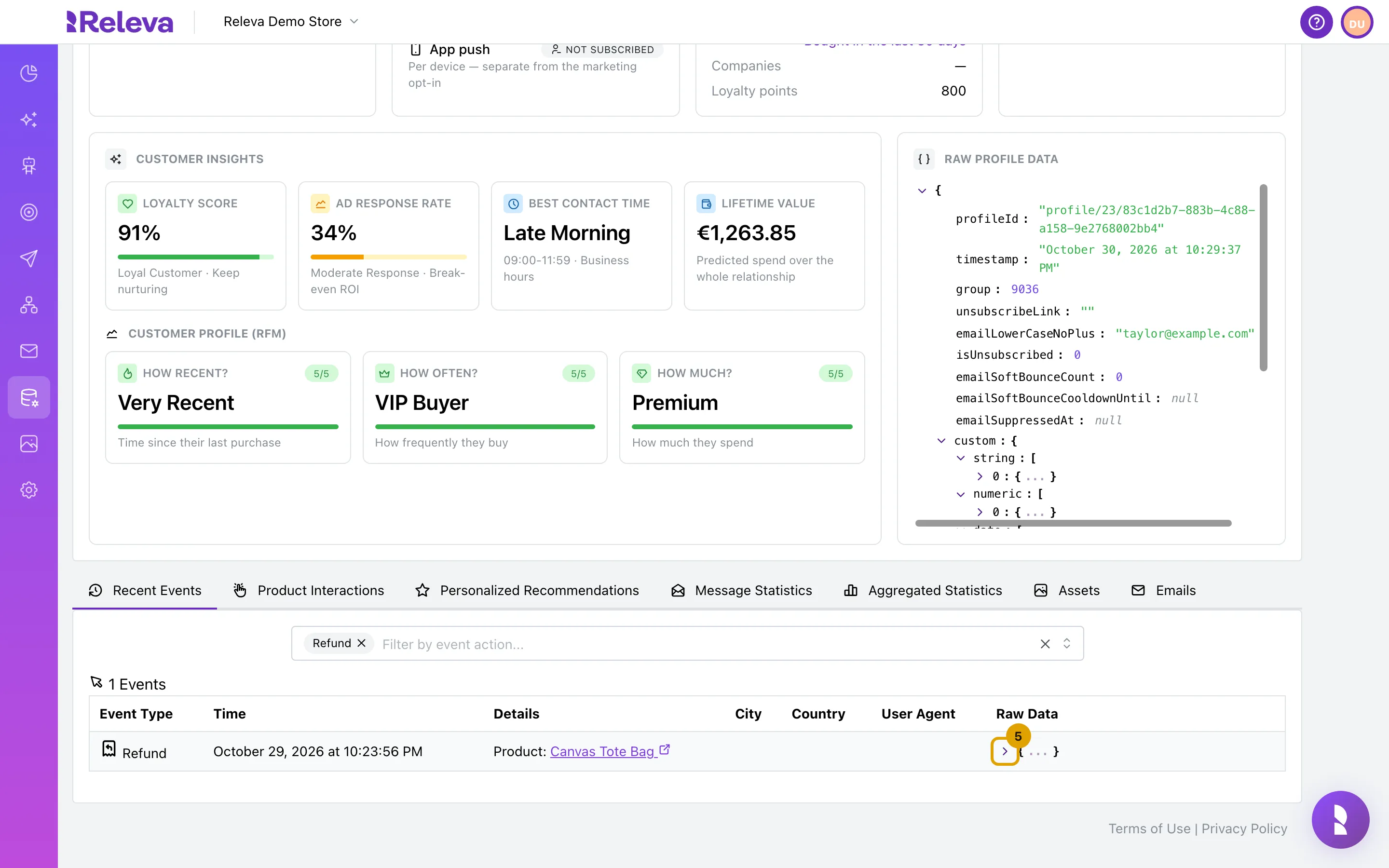
Each refund is one Refund row. Details lists the refunded products.
Time shows the date of the original order, not the date of the refund. Releva records the refund in the period the sale was counted in. A refund sent as an amount (
value) without line items lists every product of the order, because the amount is spread across them.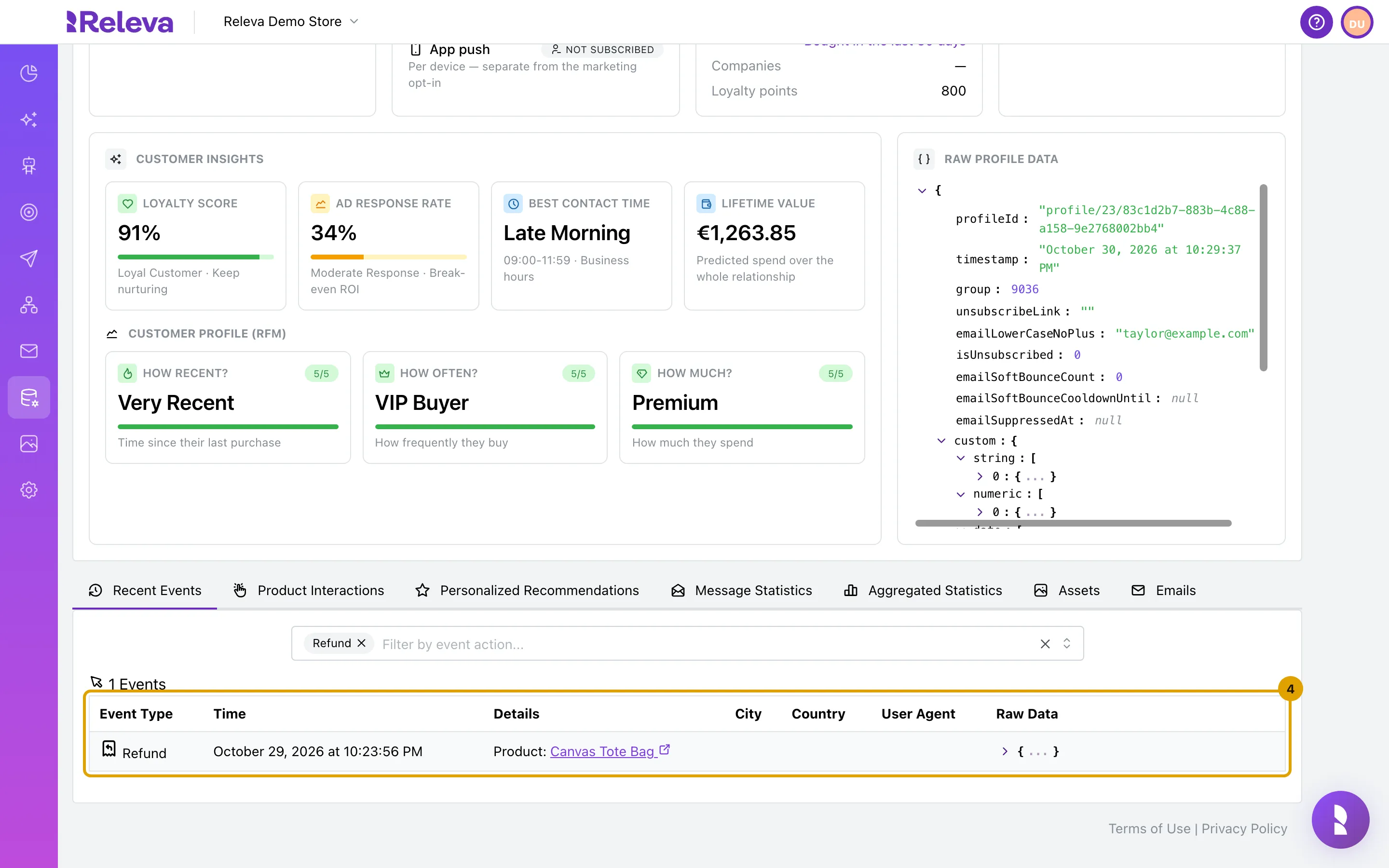
-
In Raw Data, select the arrow to see the refund details.
-
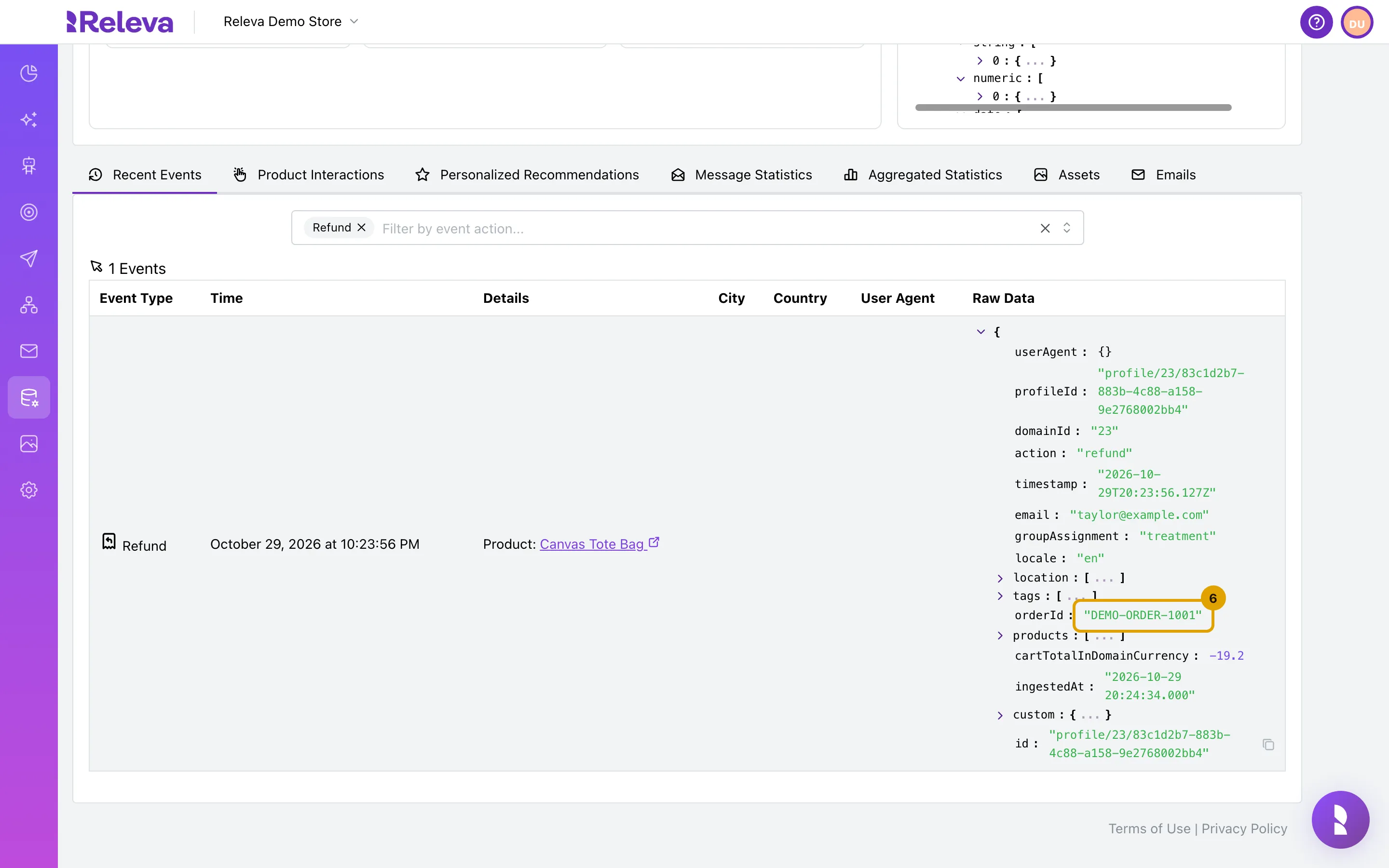
orderId is the refunded order. cartTotalInDomainCurrency is the refunded amount, shown as a negative number.
Check it worked
Section titled “Check it worked”- A Refund row exists for the customer, and its Details lists the refunded products.
- In Raw Data,
orderIdis the order you refunded andcartTotalInDomainCurrencyis negative and equal to the refunded value in your shop currency, for example-19.2.
Troubleshooting
Section titled “Troubleshooting”No Refund row, but the API answered 202. A 202 means the refund was accepted for processing, not that it was applied. Releva skips a refund silently when the order is older than 30 days, when Releva never received the order, or when the same refundId was already processed. Check that the order exists first: See a customer’s orders.
The refund has the wrong date. The Time column shows the original order’s timestamp on purpose. The refund is subtracted from the day and channel the sale was credited to.
The refunded amount is smaller than what you refunded. With line items, only the goods are netted; shipping and tax were never counted as revenue. A quantity higher than the order contained is capped at the ordered quantity. An amount-only refund is capped at the order’s product total. See How orders and refunds work.
Customer Value on Aggregated Statistics did not change. That tab counts purchase events only and does not subtract refunds. See See a customer’s order statistics.