

Turn a segment sync on or off
Every segment sync has an On/Off switch on its card. Off stops Releva from updating the audience on Facebook or Google. The audience itself stays on the platform with the profiles it already has. On lets the next scheduled run update it again.
Before you start
Section titled “Before you start”- You know the name of the sync. The list shows ten syncs per page; use the search field to find one.
- For a Facebook sync with a lookalike audience or a custom ad account, do not use the switch until the issue described in Troubleshooting is fixed. Open the sync’s details page instead and ask your Releva contact.
-
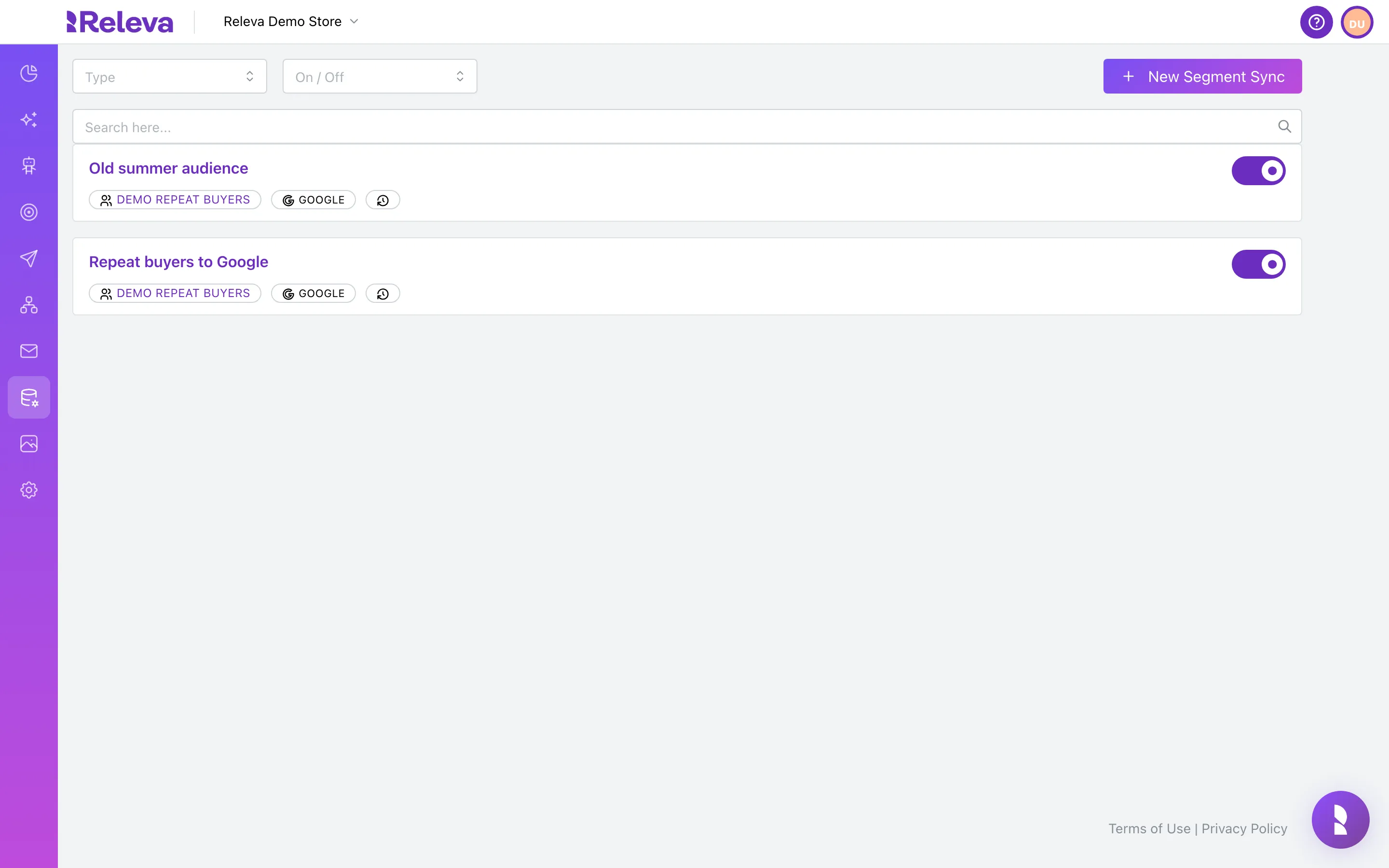
Go to Data Platform › Sync Segments.
Each card shows the sync’s name, its segment, the platform (Google or Facebook) and the On/Off switch.
-
In Search here…, type the name of the sync.
The list filters as you type. Search matches whole words anywhere in the name and the start of the last word, so
repeatandto googleboth find “Repeat buyers to Google”.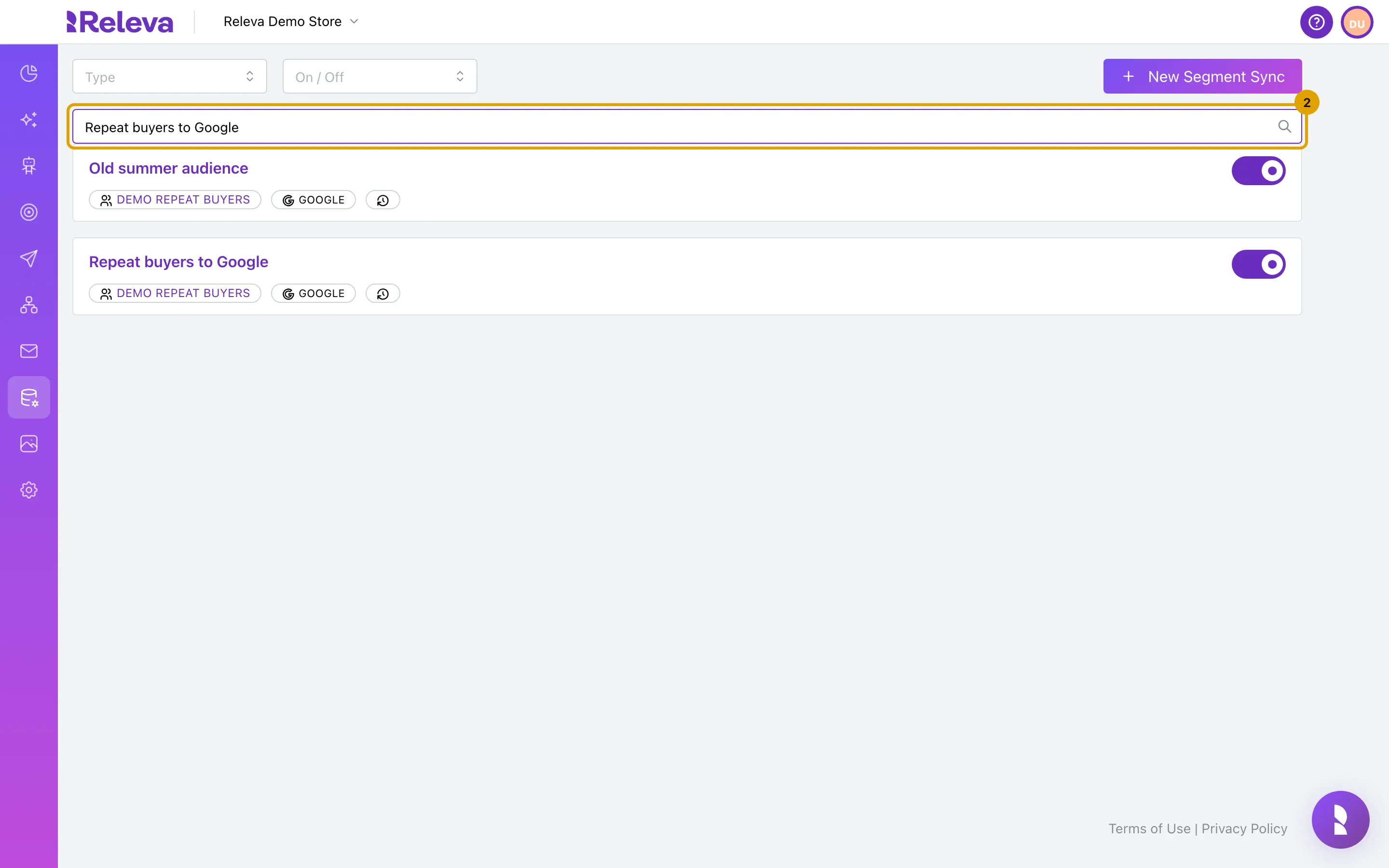
-
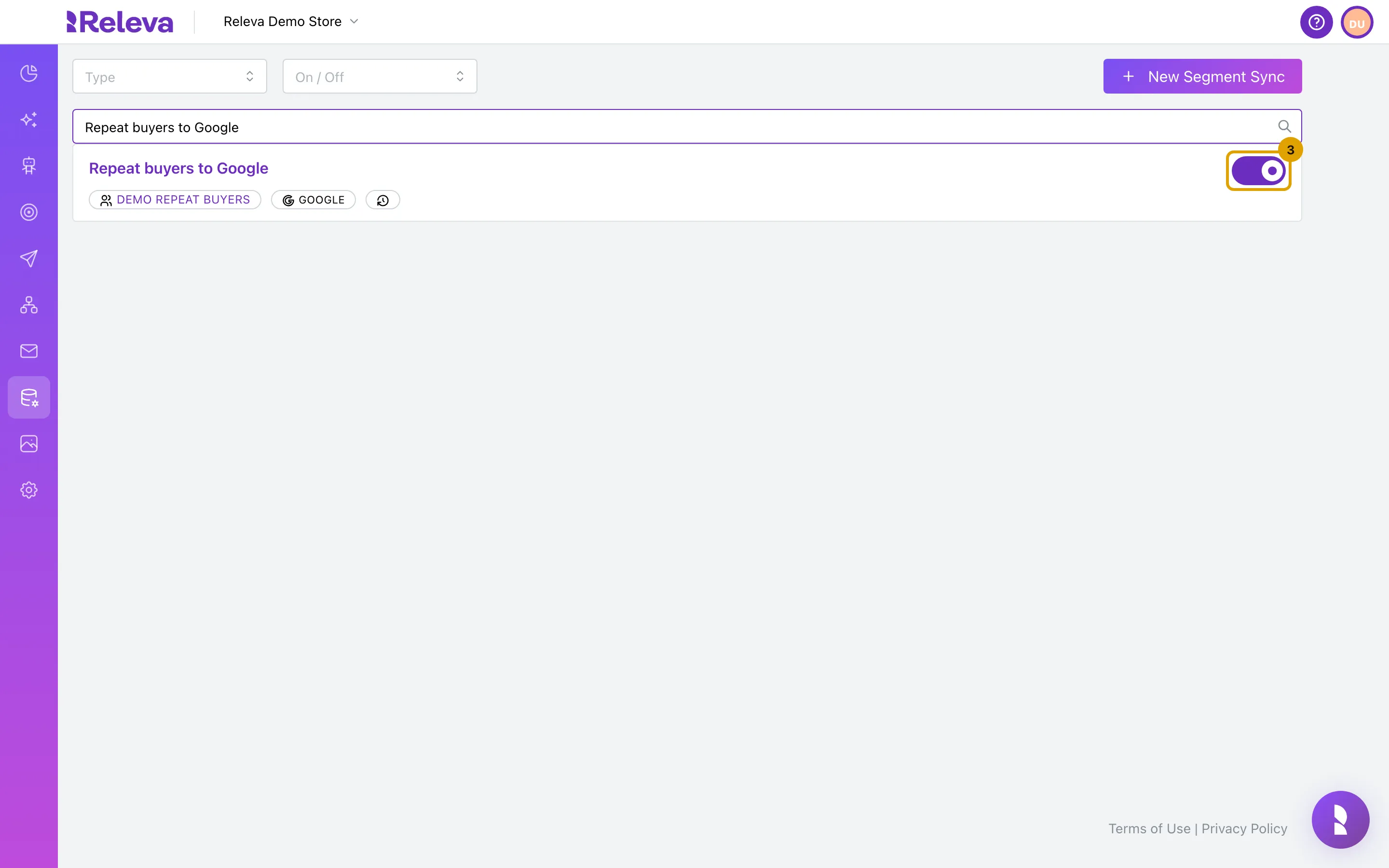
On the sync’s card, select the switch to turn the sync off.
There is no confirmation. The change is saved immediately.
-
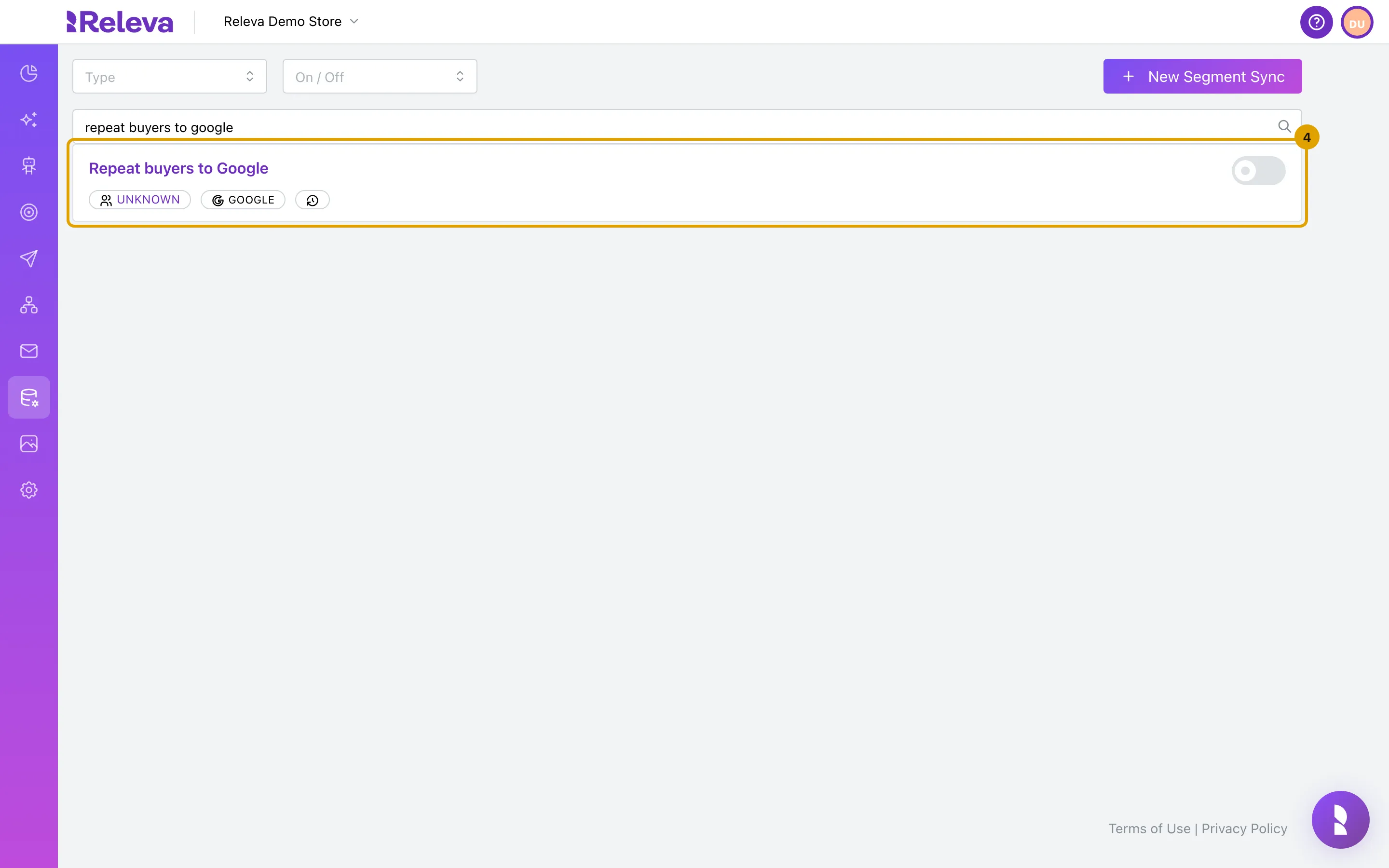
The switch shows the sync is off. Select it again to turn the sync back on.
Right after the change, the segment badge on the card can read Unknown (see Troubleshooting).
Check it worked
Section titled “Check it worked”- The switch on the card is grey (off) or purple (on).
- Reload the page: the switch keeps its new state. You can also set the On / Off filter at the top of the page to Off to list only paused syncs.
Troubleshooting
Section titled “Troubleshooting”The segment badge reads “Unknown” right after I used the switch. This is a display quirk. The response that updates the card does not include the segment name. Reload the page and the segment name is back.
I turned the sync back on but nothing synced. Changing only the switch does not start a sync. The audience is updated on the next scheduled run (by default once a day at midnight UTC). A sync starts immediately only when you create it.
A Facebook sync lost its lookalike or ad-account settings after I used the switch. Known issue: the switch sends only the on/off state, and the update clears the lookalike type, ratio and ad account of a Facebook sync. Open the sync’s details page and check the settings. Report it to your Releva contact if the settings are gone.