

Delete a segment sync
Deleting a segment sync removes it from Releva. For a Facebook sync that already created a custom audience, Releva also deletes that audience in your ad account. For a Google sync, the audience in Google Analytics stays; delete it in Google Analytics if you no longer need it.
If you only want to pause updates, use the switch instead: Turn a segment sync on or off.
Before you start
Section titled “Before you start”- You know which sync to delete. Deleting cannot be undone.
- For a Facebook sync, you are sure that no running campaign still uses the custom audience, because it is deleted together with the sync.
-
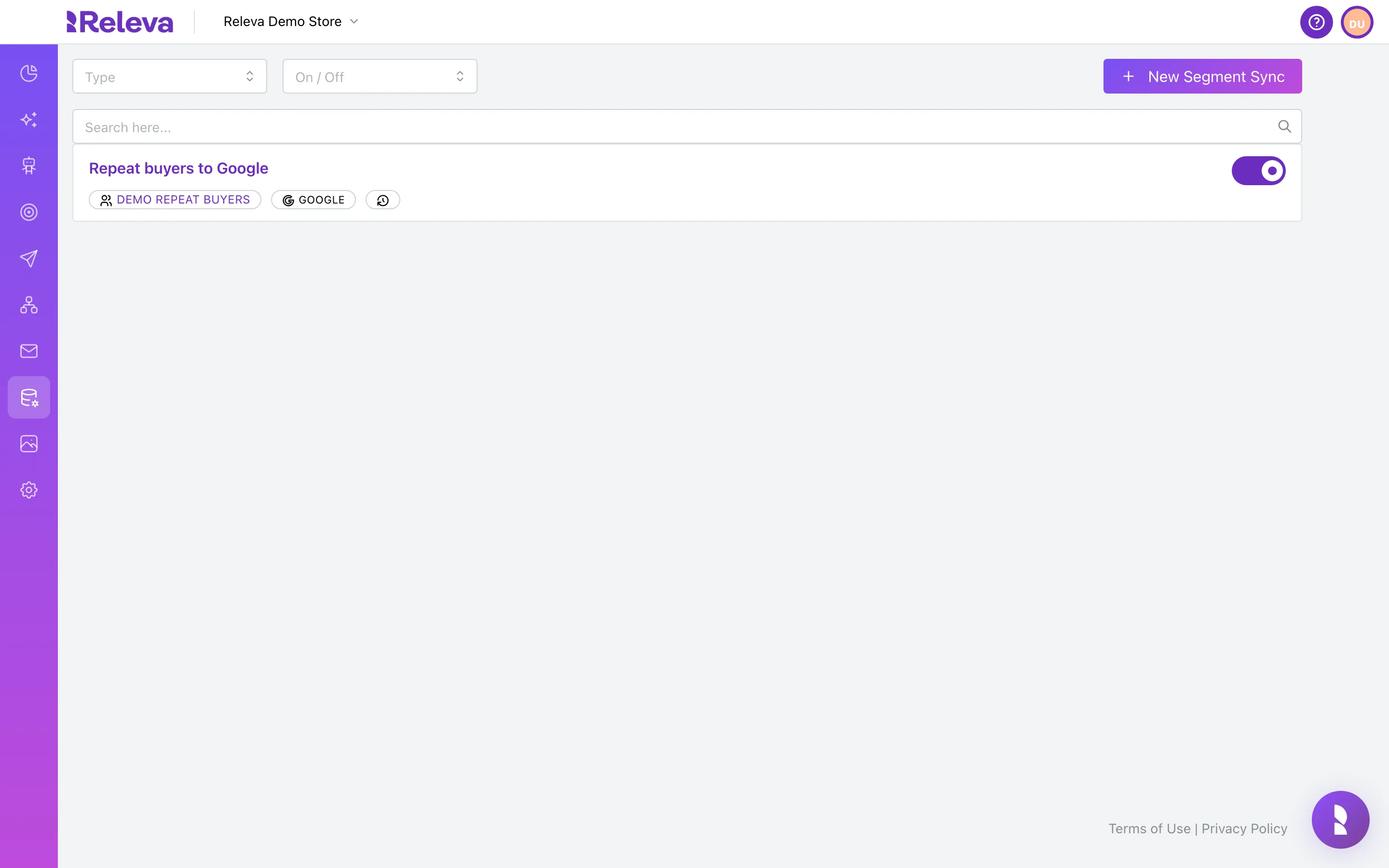
Go to Data Platform › Sync Segments.
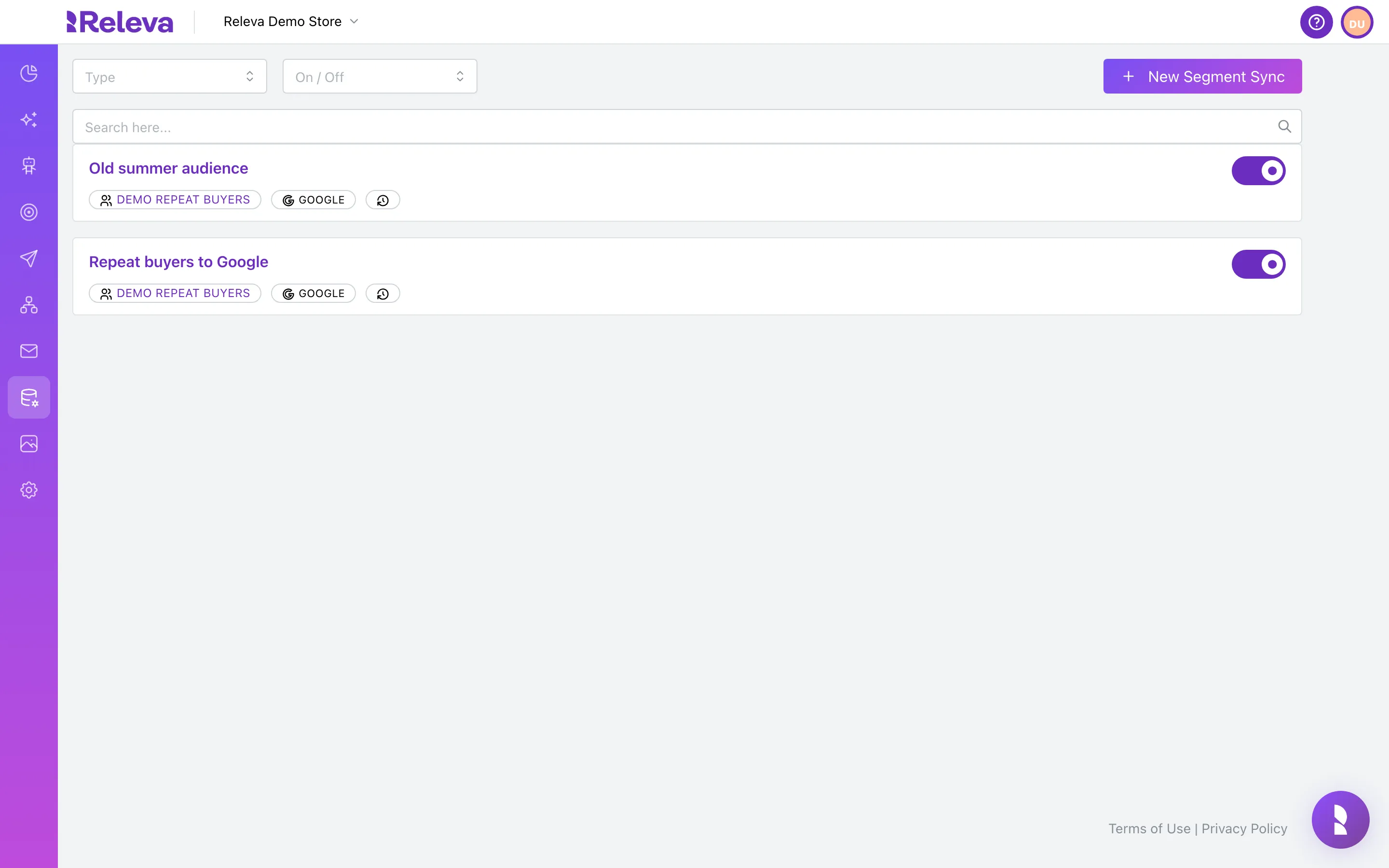
-
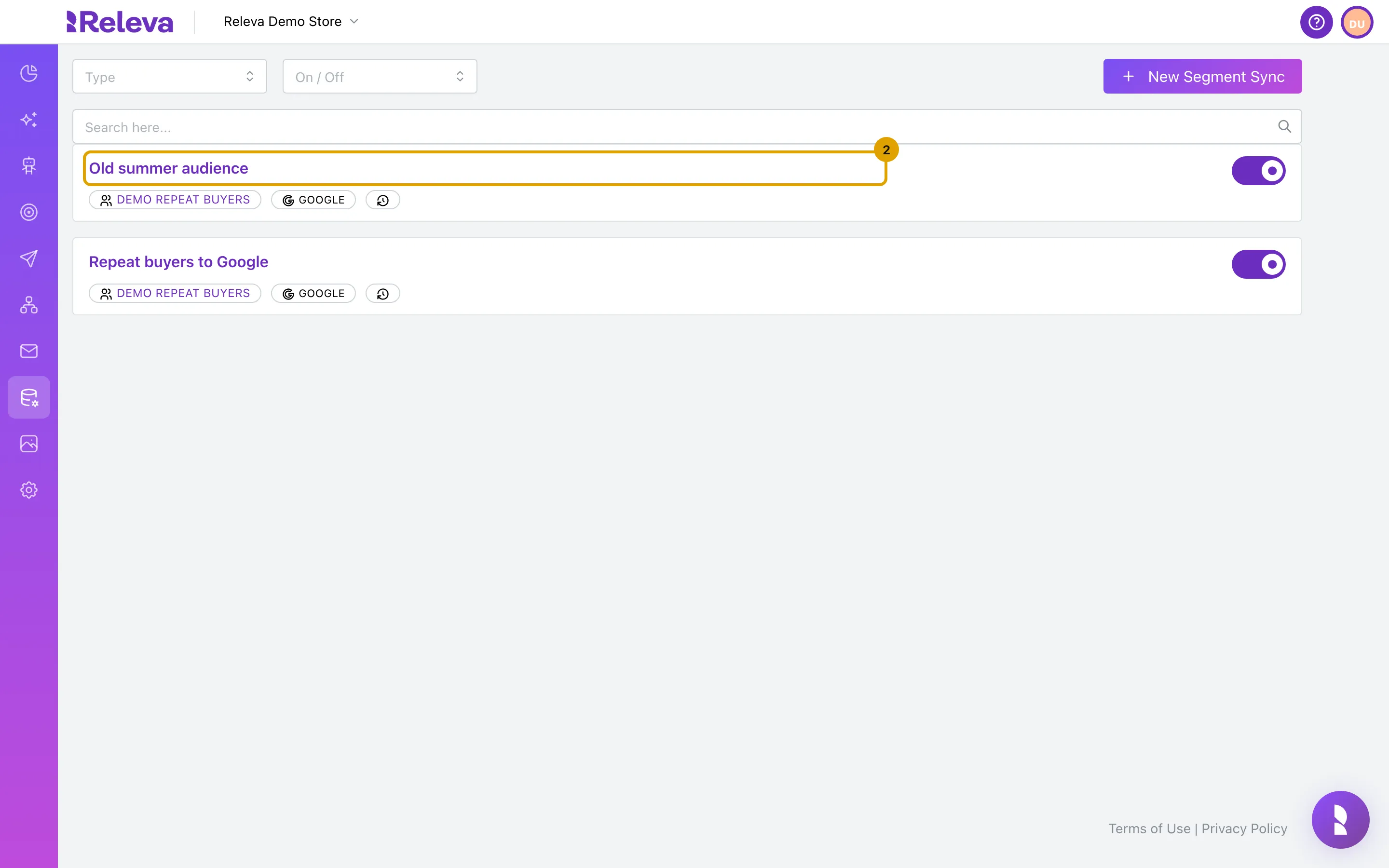
Select the name of the sync you want to delete.
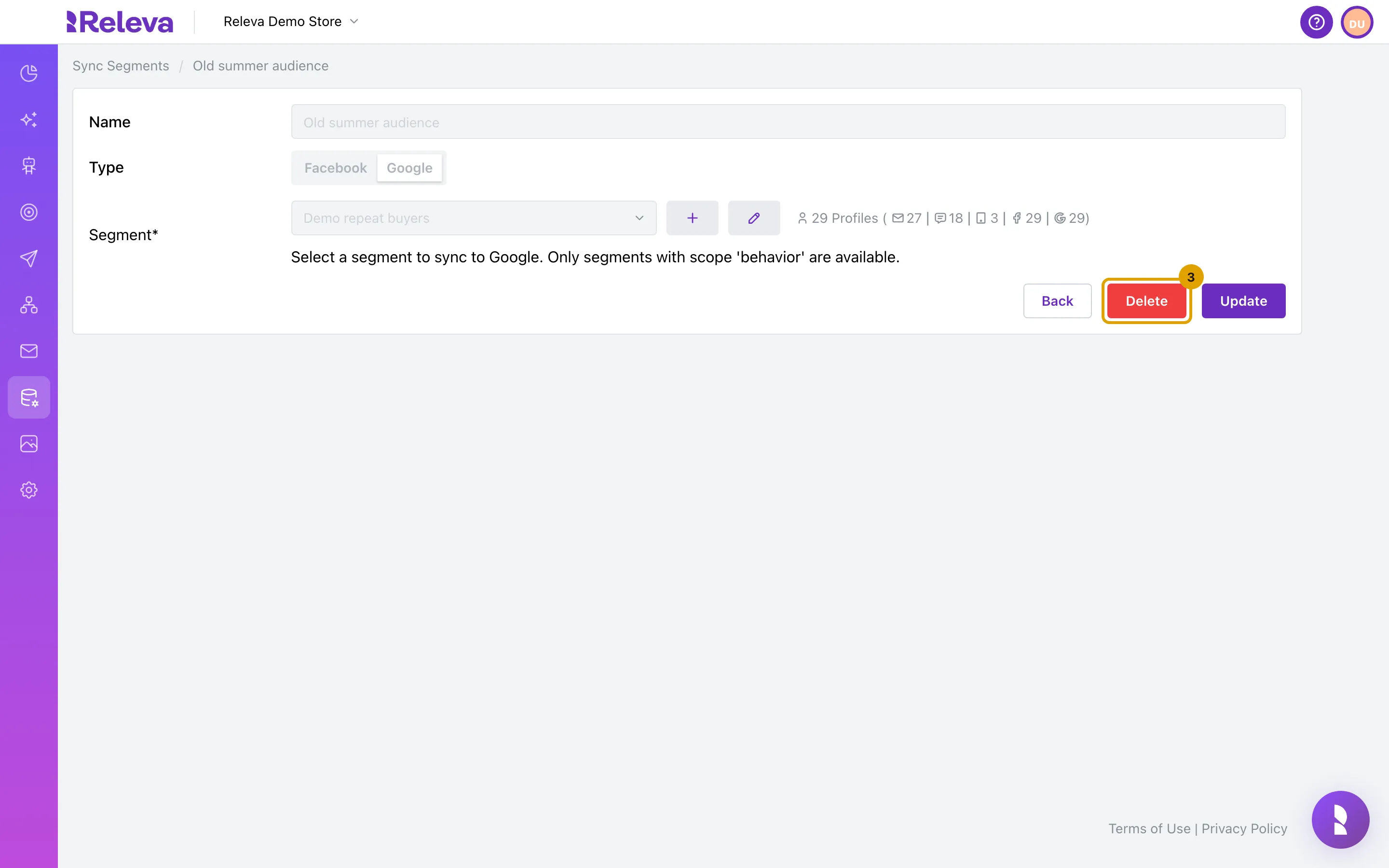
The details page opens. Name, type and segment are shown but cannot be changed. Next to the segment you see how many profiles it holds. To sync a different segment, delete this sync and create a new one.
-
Select Delete.
-
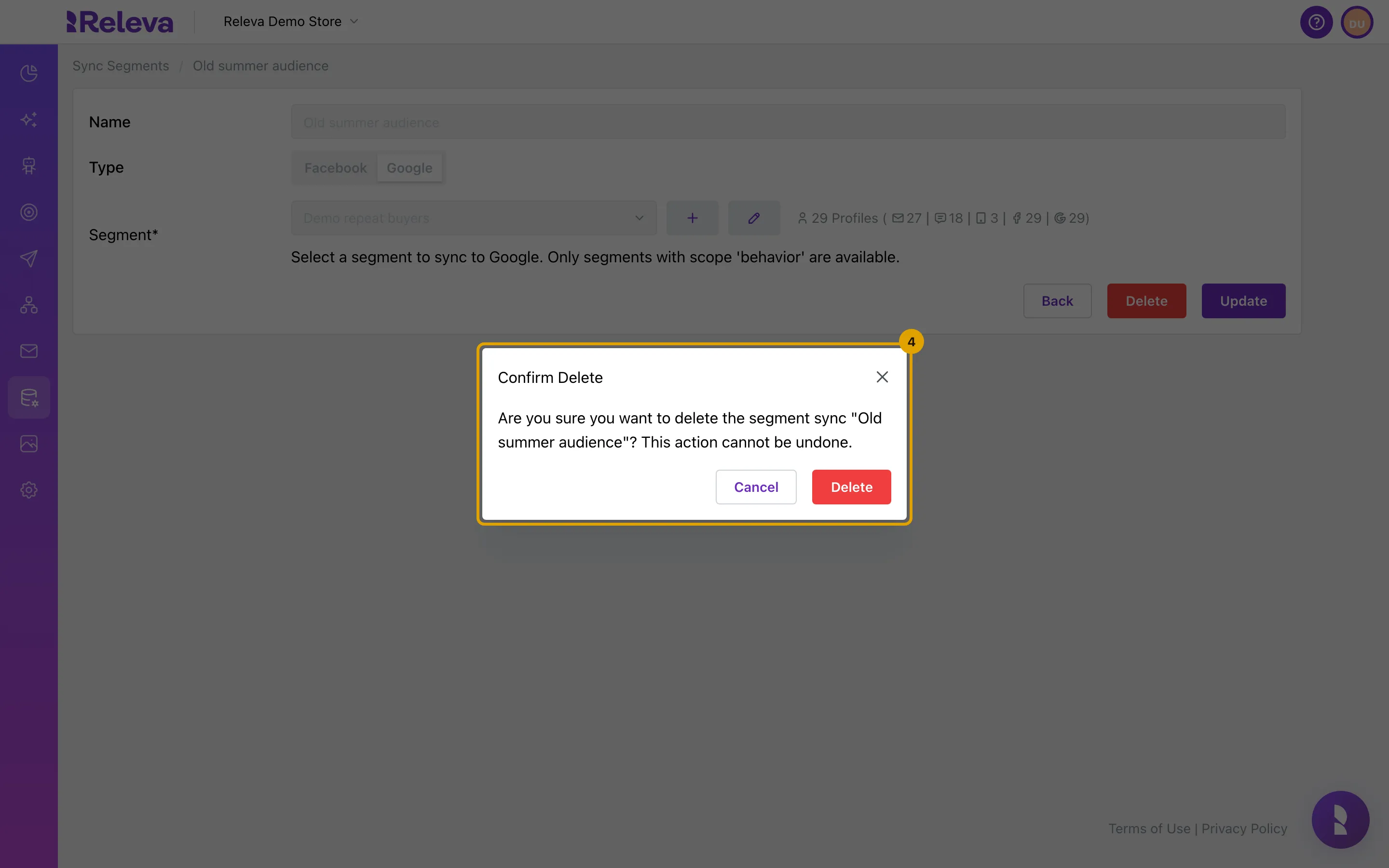
In Confirm Delete, select Delete. You can’t undo this.
The dialog names the sync you are deleting. Select Cancel to keep the sync.
-
The sync is no longer in the Sync Segments list.
Check it worked
Section titled “Check it worked”- The sync’s card is gone from the list, and searching for its name finds nothing.
- Opening the old details link shows Segment sync not found.
- For a Facebook sync: the custom audience is gone from your Meta ad account.
Troubleshooting
Section titled “Troubleshooting”The page shows “Failed to delete segment sync”. The delete request did not complete. Reload the page and try again. For a Facebook sync, Releva deletes the custom audience on Facebook first; if Facebook rejects that request, the sync stays.
I deleted a Google sync but the audience is still in Google Analytics. This is expected. Releva does not delete GA4 audiences. Archive the audience in Google Analytics.
I need the sync back. Create it again with the same name, type and segment. The new sync creates a new audience on the platform; the old audience id is not reused.